TRAFFIC (1/2)
Traffic display
The navigation system indicates traffic
incidents:
– by a colour (from green to red) on the
map depending on the traffic;
– by displaying traffic icons on the
map.
A traffic icon is displayed on the naviga-
tion screen to show you whether traffic
incidents are announced. When an inci-
dent occurs further along your route, an
icon indicates the type of incident.
Precautions regarding
navigation
Use of the navigation
system does not in any way
replace the responsibility or vigi-
lance of the driver when driving the
vehicle.
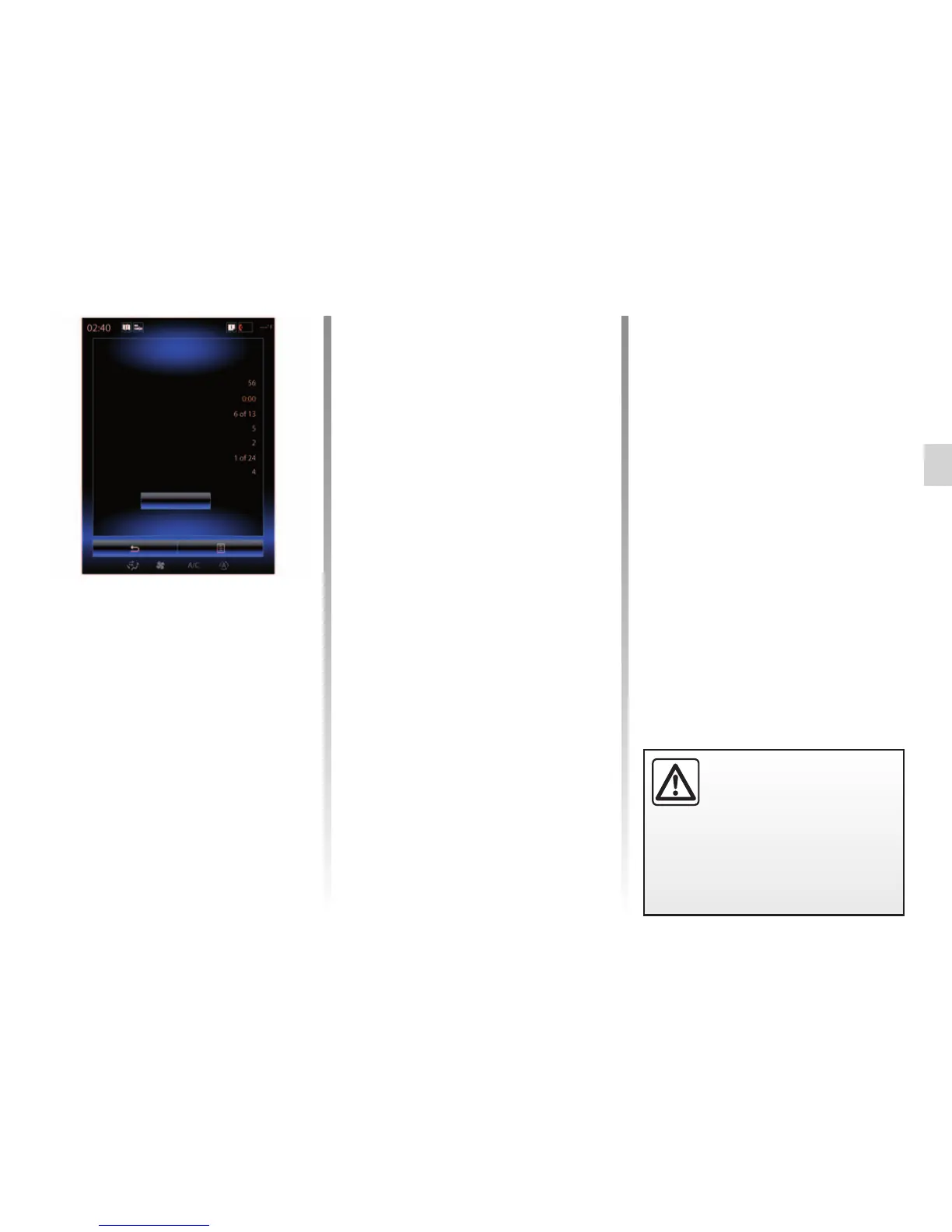
Traffic event summary
Press the “Traffic” icon to display a
summary of any incidents appearing
along your route.
Traffic event list
Press “List of incidents” on the incident
summary screen to see all incidents
which may affect your route. Tap the
traffic category you are interested in.
Traffic incident details
Press on one of the items in the list to
view details and to display the relevant
section of route on the map.
Select “More” to display current traffic
conditions on the map.
Traffic
There are no events on your route.
Significant events: :
Total delay :
Flow events :
Closed roads :
Accident :
Reserved lanes:
Others :
List of incidents



 To Next Page