USER SETTINGS
– “Rear wiper when reverse gear”: the
rear screen wiper is activated when
reverse gear is engaged.
Note: This option only operates if the
front windscreen wipers are activated.
– “Driving style indicator”.
User settings
Auto door lock while driving
Hands free key functions
Indicator sound volume
Internal welcome sound
Automatic cabin light
Rear wiper when reverse gear
On
On
On
On
On
On
OFF
OFF
OFF
OFF
OFF
OFF
1
“User settings”
menu
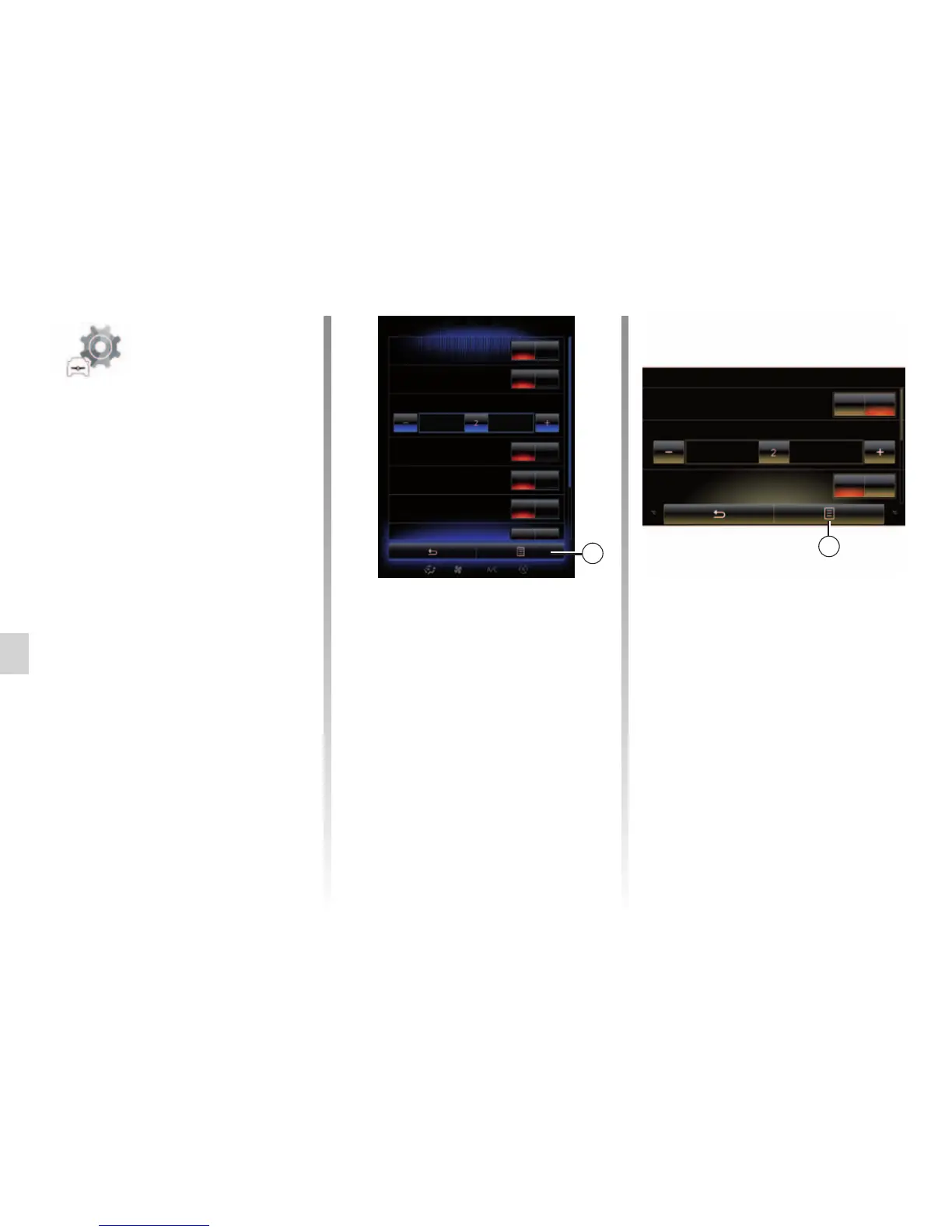
From the “Vehicle” menu, select “User
settings”.
This menu lets you activate/deactivate
the following options:
– “Auto door lock while driving”;
– “Hands free key functions”: enables
hands-free opening or closing of
the doors. For further information
on hands-free mode, please refer to
your driver’s handbook;
– “Indicator sound volume”: press “+"
or "–" to adjust;
– “Internal welcome sound”;
– “External welcome”;
– “Automatic cabin light”;
User settings
OFFOn
Auto door lock while driving
Indicator sound volume
OFFOn
Internal welcome sound
1
To reset all the pop-up menus, press 1,
then “Reset”.
External welcome



 To Next Page