Area in the passenger compartment
The selected colour and intensity can
be applied to the following areas:
– dashboard;
– front passenger compartment;
– rear passenger compartment.
Press “On” for the selected colour and
intensity to be applied.
Pop-up menu
To reset and return to the default set-
tings, press the pop-up menu button,
then “Reset”.
Note: to save the ambient lighting you
want on your user profile, make these
adjustments from the “Multi-Sense"
menu. For further information, please
refer to the section on “Multi-Sense”.
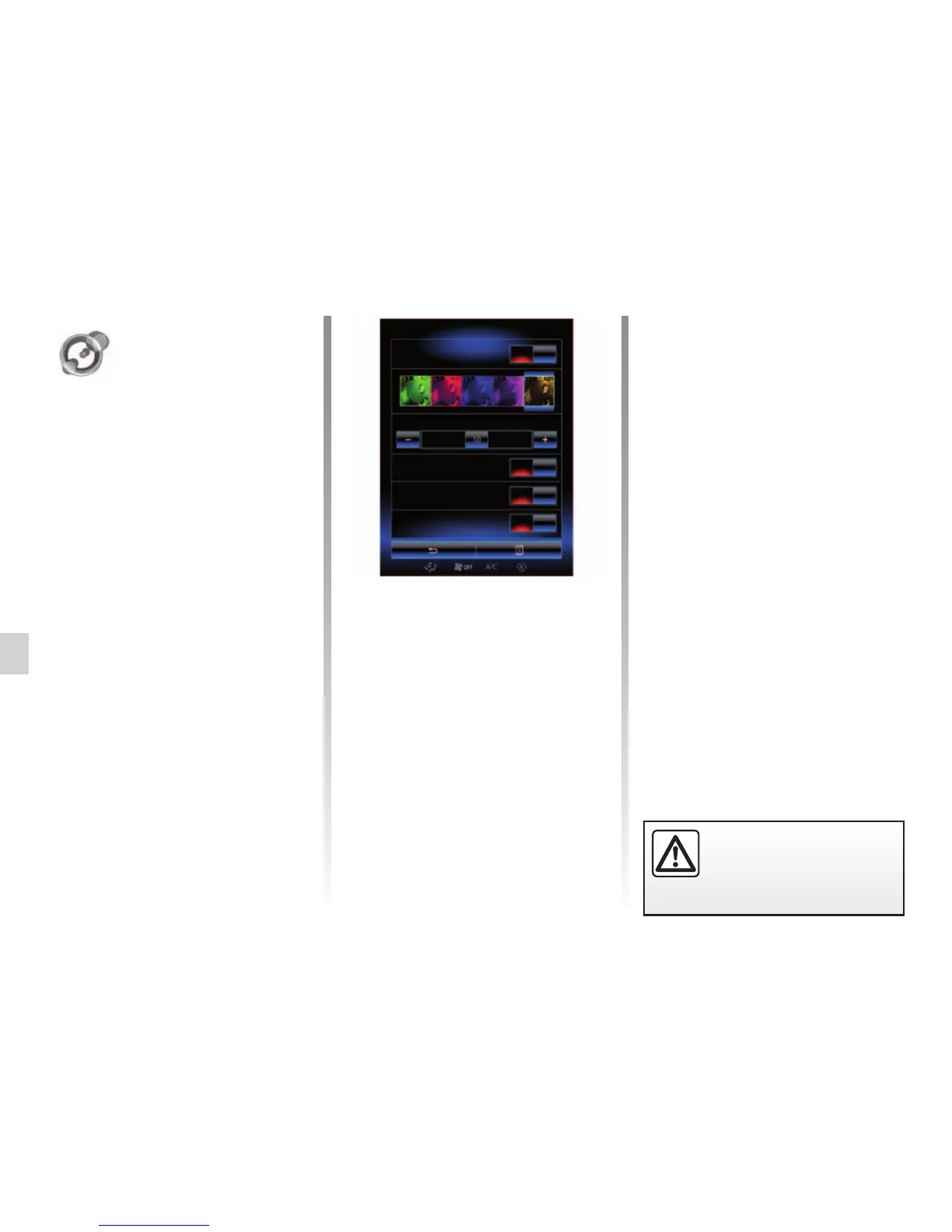
AMBIENT LIGHTING
Choice of colour
To change the ambience colour of your
vehicle, select one of those offered.
“Intensity”
You can control the intensity of the am-
bient lighting. To do this, press buttons
+ or –.
For safety reasons, carry
out these operations when
the vehicle is stationary.
Ambient lighting
Ambient lighting
Intensity
Dashboard
Front area
Rear area
On
On
On
On
“Ambient lighting”
From the home page, press “Menu”,
“Vehicle” then “Ambient lighting”.
This menu enables you to set the fol-
lowing settings:
– ambience lighting “On”/”OFF”;
– ambience colour;
– Intensity;
– Area.
“Ambient lighting”
This option can activate or deactivate
the ambient light.
Note: when the “Ambient lighting” func-
tion is deactivated, the settings are not
available.



 To Next Page