ENTERING A DESTINATION (6/7)
“Route Alternatives”
This option allows you to change the
route calculation methods from the fol-
lowing three proposals (to the right of
the screen):
– “Fast”;
– “Economical”;
– “Short”.
“Itinerary”
At the top of the screen there are
three tabs (“Manual”, “Road list” and
“Summary”) which can be used to pre-
view the route to your destination.
Overview
Go
Short.
7
Pop-up menu 7
Press the pop-up menu button 7 to
access the following menus:
– “Route Alternatives”;
– “Itinerary”;
– “Route”;
– “Add route to address book”.
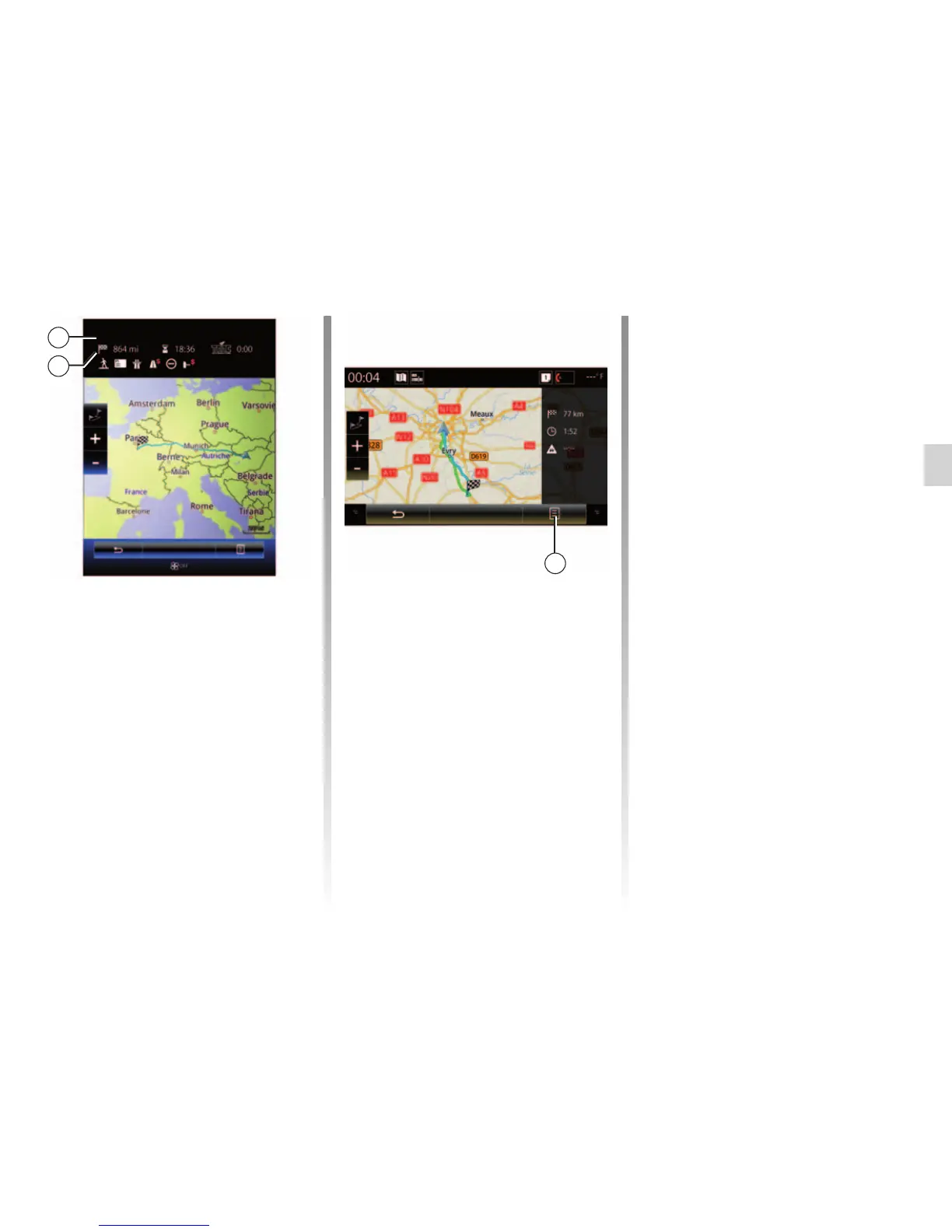
Route summary
The screen has two areas:
– Zone 5 shows the calculation method
used;
– the journey zone 6 shows a route
summary (distance, journey time,
traffic and restrictions affecting your
journey).
To start guidance to your destination,
press the “Go” button at the bottom of
the screen.
6
Overview
Go
Short.
5



 To Next Page