SEATS (3/3)
“Position”
It is possible to store the driving position
of the driver’s seat and of the door mir-
rors to your user profile. For further in-
formation, please refer to the “System”
section.
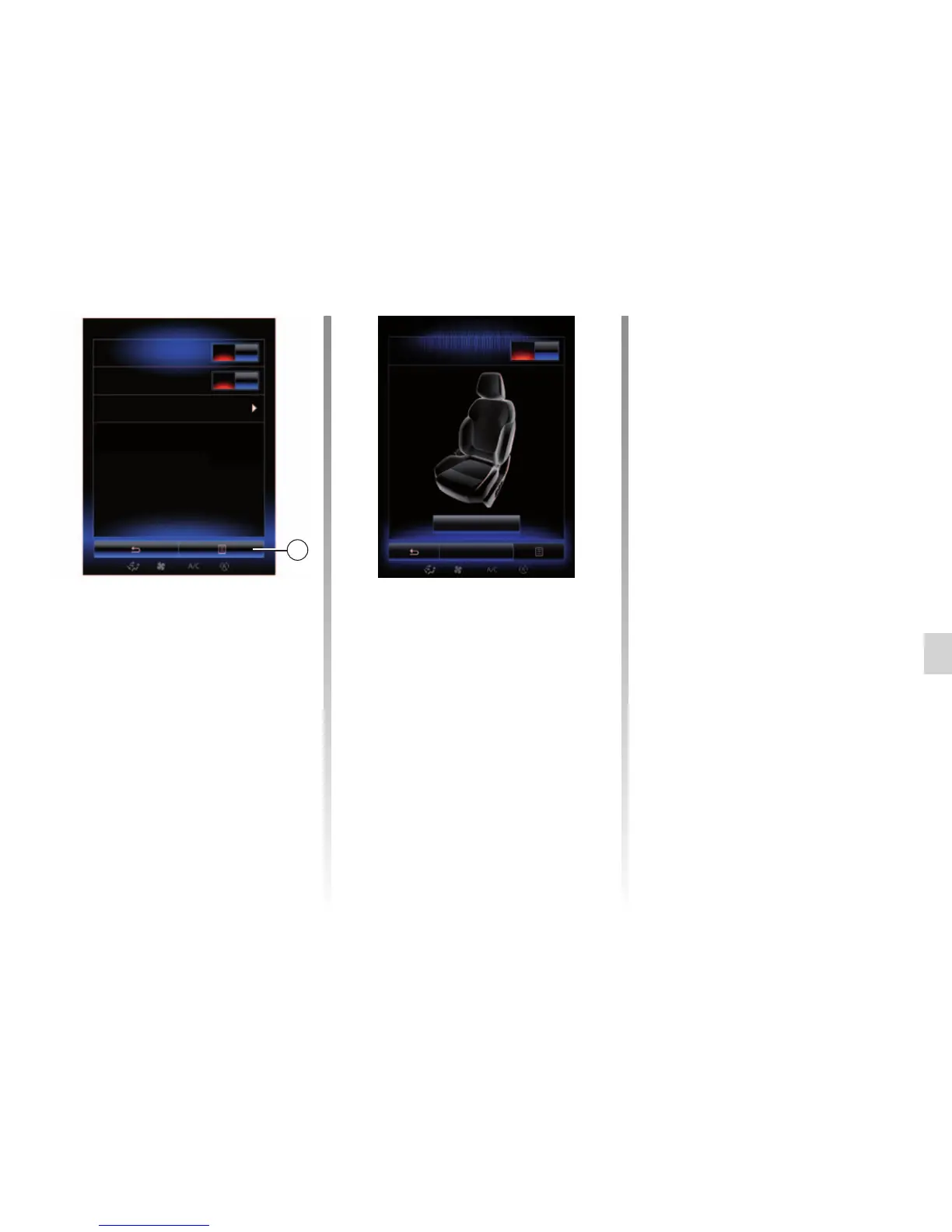
From the “Seats” menu, press
“Settings”, then “Position”.
“Visual feedback”
If this function is activated, a pop-up
settings window is displayed on the
screen when the driver or passenger
adjusts the position of their seat.
For further information on adjusting
the seat, please refer to your driver’s
handbook.
“Save”
This function saves the position of the
front seats:
– Adjust the seat position using the
switches on the seat;
– Press the seat switch to access the
“Seats” menu on the multifunction
screen;
– save the current position.
Please refer to the driver’s handbook
for further information.
Recalling a stored position
With the vehicle stationary, press “Call
back” to go to the saved position. A con-
firmation message is displayed on the
screen. Press “Yes” to go to the saved
position.
“Reset”
To reset your selection in the “Settings”
menu, press 2 then “Reset”.
“Courtesy for passenger seat”
Press “On” or “OFF” to activate or de-
activate this function. When it is ac-
tivated, driver can control passenger
seat from the switches by the driver’s
seat. Please refer to the driver’s
handbook for further information.
2
Visual feedback
On
Call back
Save
Settings
Courtesy for passenger seat
Position
On
On
Easy access for driver



 To Next Page