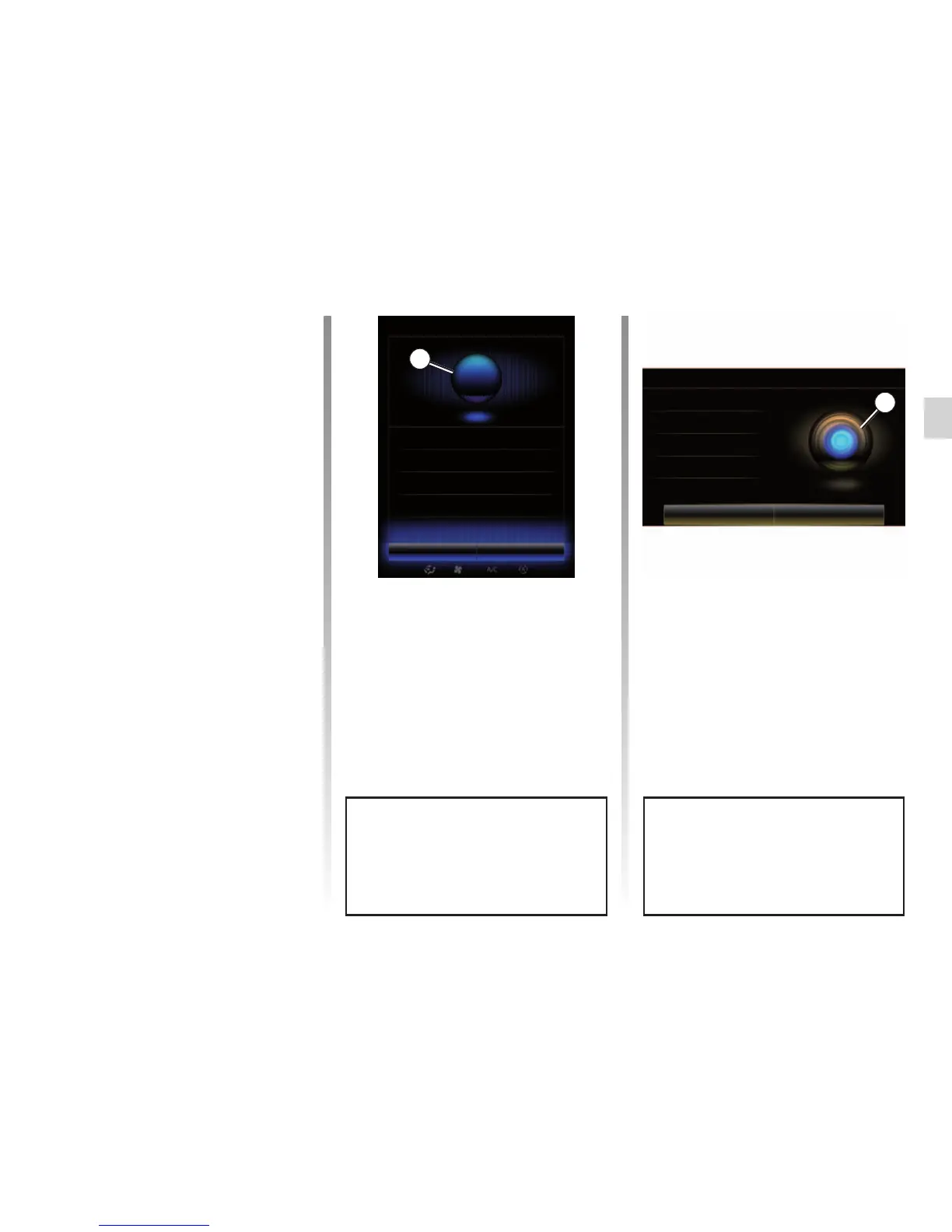
Voice recognition indicator A
The voice recognition indicator A is
made up of colour markers and an icon.
USING VOICE RECOGNITION (2/11)
Voice recognition menu
From the main voice control menu, you
can use the voice command to control
the following functions:
– “Destination”;
– “Radio”;
– “Media”;
– “Phone”;
– “My apps”.
A
Voice menu
Destination
Leave Help
Phone
My apps
Radio
The functions shown greyed out on
the screen are commands not un-
derstood by the multimedia system.
Voice menu
Destination
Radio
Phone
My apps
Media
Leave Help
A
The functions shown in blue on the
screen are valid commands under-
stood by the multimedia system.
Using the multimedia
system’s voice recognition
Main voice commands for your
multimedia system
The term “Main menu”: return to the
main voice recognition screen.
The term “Repeat”: replay the last
phrase spoken by the system.
Say “Leave” to exit the voice recogni-
tion menu.
Say “Help” to hear the details for each
system screen as well as the features
available.
The term “Next Page”/”Previous
Page”/”First page”/”Last page”: allows
you to navigate within the voice recog-
nition lists.



 To Next Page