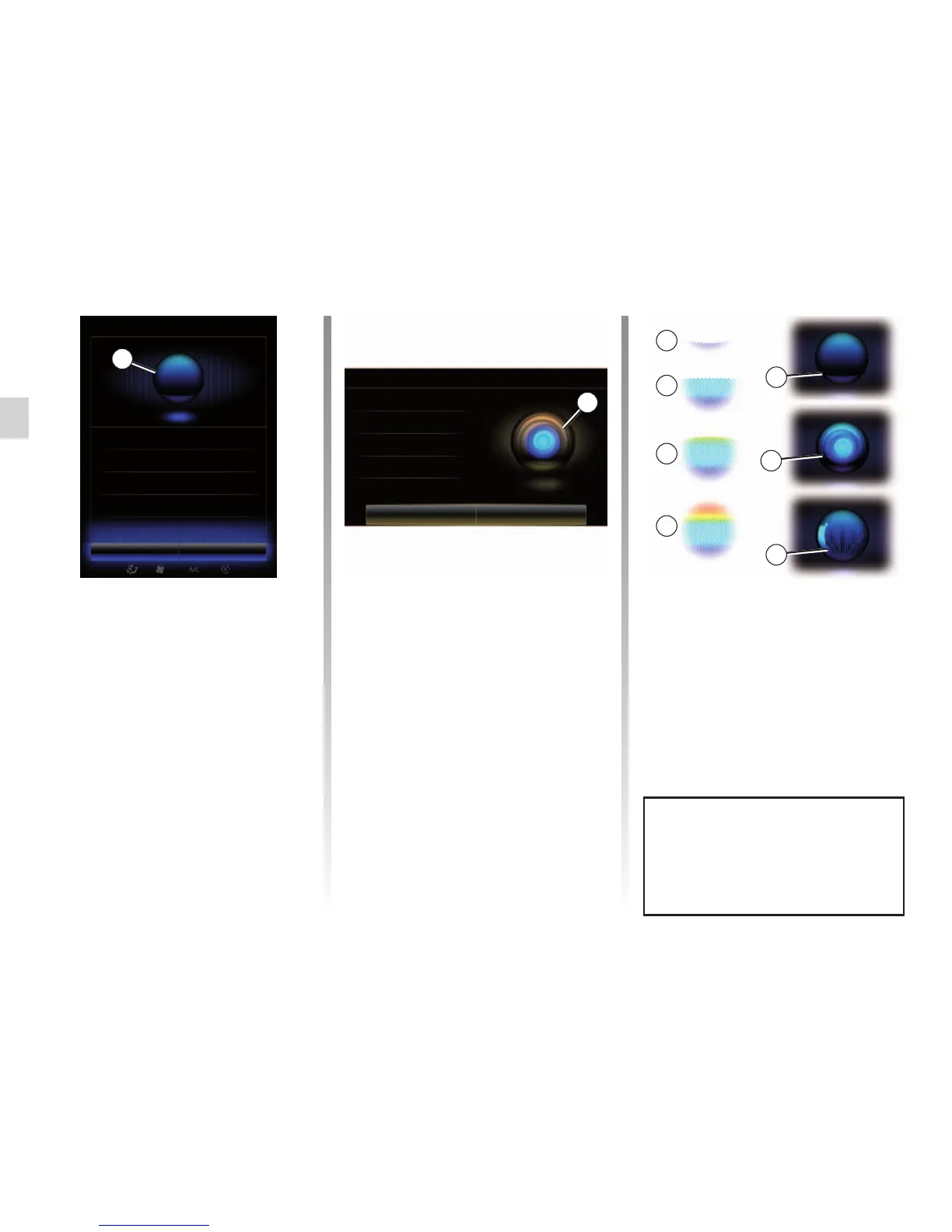
Central icon
Depending on the system status, dif-
ferent indicators A or a bar can be dis-
played:
– 7 icon: the system is ready to receive
your voice command;
– 8 icon: the system communicates in-
formation via a synthetic voice;
– 9 icon: the system is processing the
user’s request.
3
4
5
6
7
8
9
Colour markers
The colour of indicator A is used to op-
timise voice recognition:
– blue marker 3: average voice recog-
nition;
– marker with three shades of blue 4:
good voice recognition;
– Marker with green colour 5: optimal
voice recognition;
– marker with red at top 6: the user’s
voice is too loud and the system has
difficulty interpreting the command.
Users should preferably aim to be
between markers 4 and 5.
Speak loudly and so that you can be
understood. Use the voice recogni-
tion indicator to optimise voice rec-
ognition.
A
Voice menu
Leave Help
Voice menu
Destination
Radio
Phone
My apps
Media
Leave Help
A
USING VOICE RECOGNITION (3/11)
Destination
Phone
My apps
Radio



 To Next Page