CONNECTING, DISCONNECTING A TELEPHONE (2/2)
Disconnect a phone
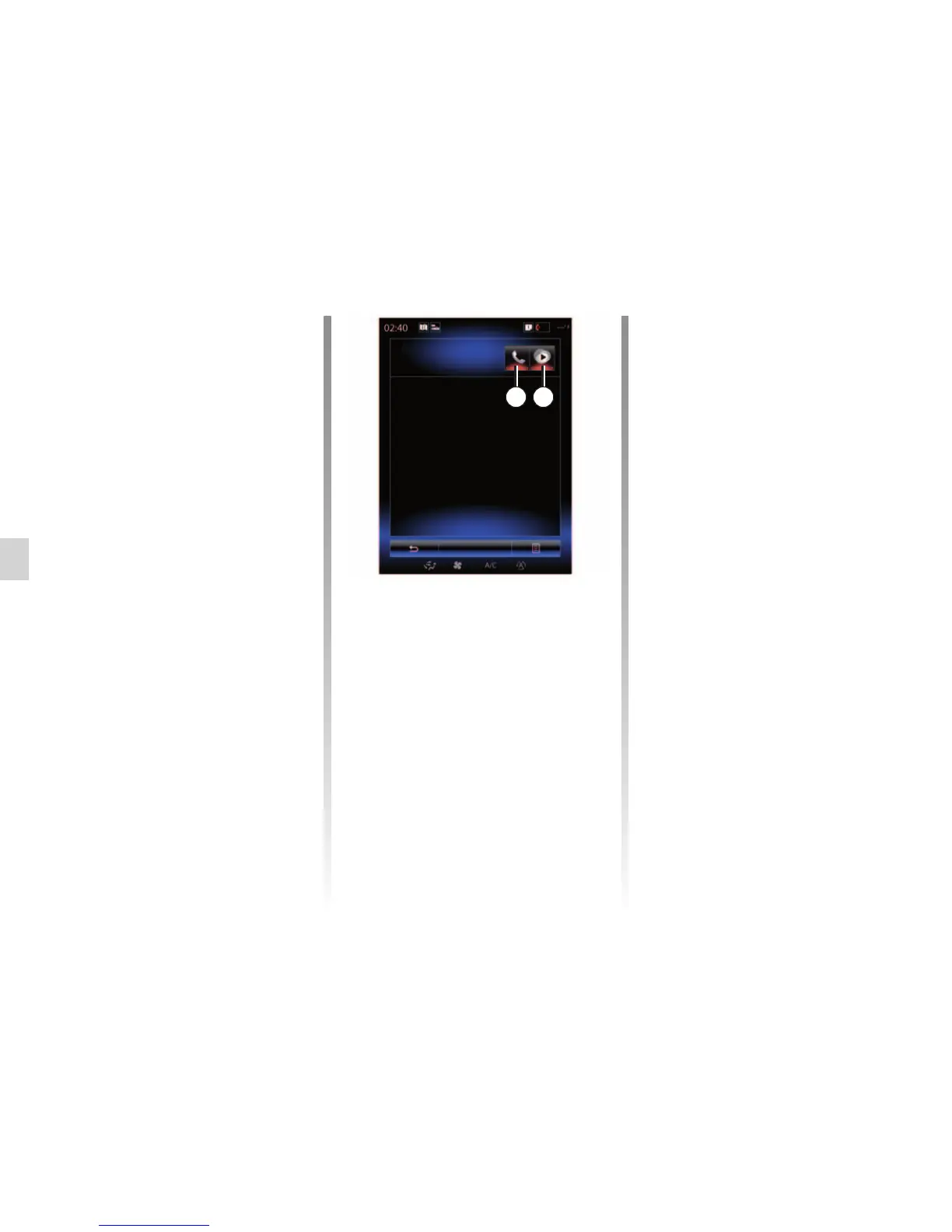
From the “Phone” menu, press
“Settings”, then “Paired devices list”.
Press buttons 2 and/or 3 to switch off
the warning lights and deactivate the
telephone and multimedia functions.
Your phone will be disconnected once
the warning lights have been switched
off.
Switching off the telephone will also
cause it to be disconnected from the
multimedia system.
Note: If a call is in progress when the
phone is disconnected, the call will be
automatically transferred to your phone
Note: some telephones do not activate
the media function unless they contain
at least one music file.
Allow data sharing
To access your phonebook and to
music stored on your phone directly
from the R-Link 2 multimedia system,
you will have to allow data sharing. To
do this:
– From the “Phone” menu, press
“Settings” then “Paired devices list”.
You will find the list of phones already
paired.
– Select the functions to be paired:
– Hands-free function 2: accessing
the phonebook, making and receiv-
ing a call, accessing the call log etc.
– Media function3: access to the
music.
Note: The warning light on the function
icon indicates that it is activated.
Note: Some phones may allow auto-
matic data transfer.
Paired devices list
Téléphone de Camille
Add device
2 3



 To Next Page