PARKING AIDS (2/4)
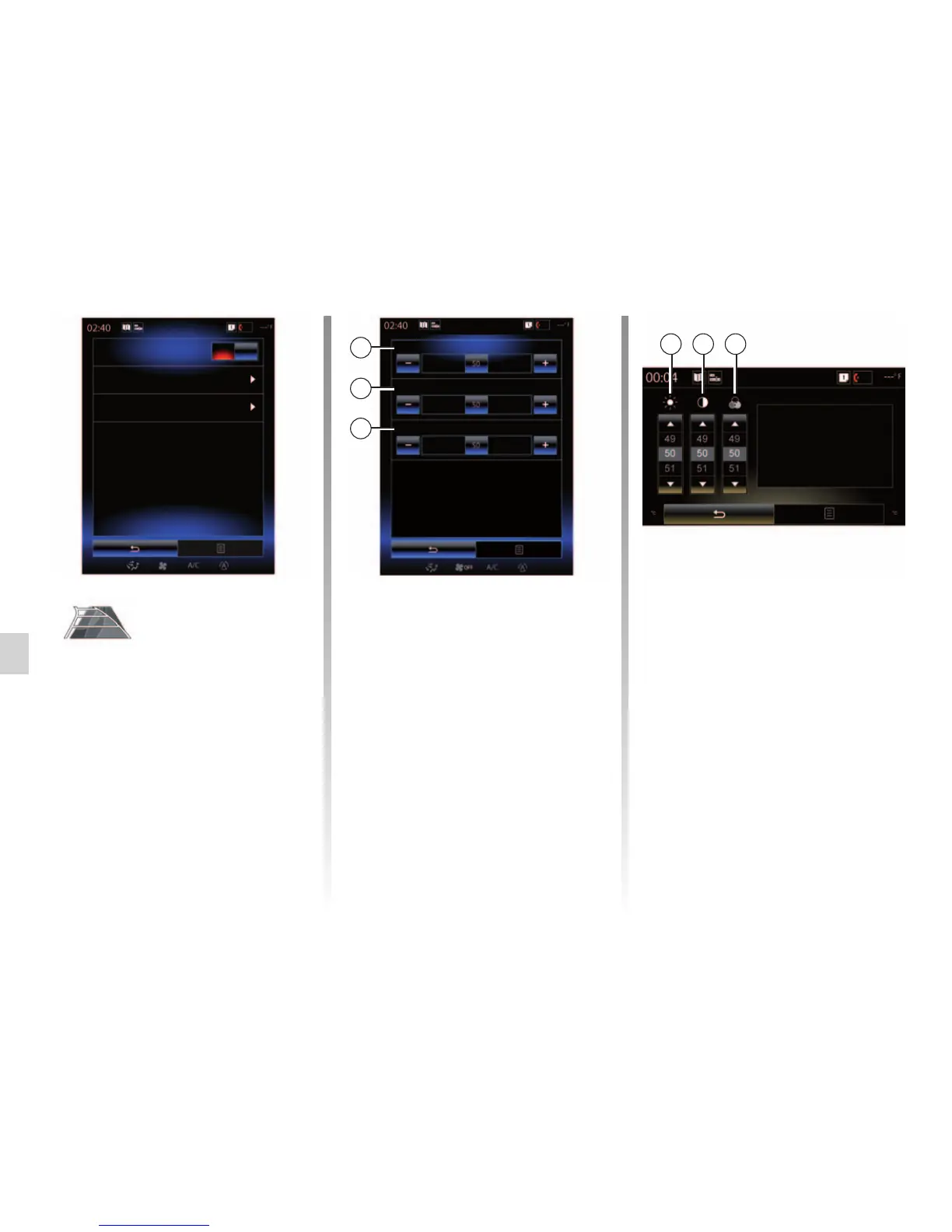
Rear view camera
Image setting
Rear view camera
Guideline
On
"Rear view camera"
Select “On” or “OFF” rear view
camera to activate or deactivate the
system.
"Guideline"
The guides are an additional aid for
parking.
From the Rear view camera menu,
press Guideline, then select On or
OFF to activate or deactivate the
guides.
"Image setting"
From “Rear view camera” menu,
press “Image setting”, then adjust the
following settings:
– "Contrast" 2;
– “Brightness” 3;
– "Colour" 4.
Adjust each setting by pressing “+”
or “–”.
Note: this setting is available when
the reversing camera is activated.
Image setting
3 2 4
Colour
Contrast
Brightness
Image setting
2
3
4



 To Next Page