“Previous destinations”
This menu enables you to select
a destination from the list of ad-
dresses last used. These are au-
tomatically stored.
From the “Navigation” menu:
– select “Destination” then
“Previous destinations”.
– From the list of stored destina-
tions, select an address to start
navigating.
ENTERING A DESTINATION (2/7)
For safety reasons, carry
out these operations when
the vehicle is stationary.
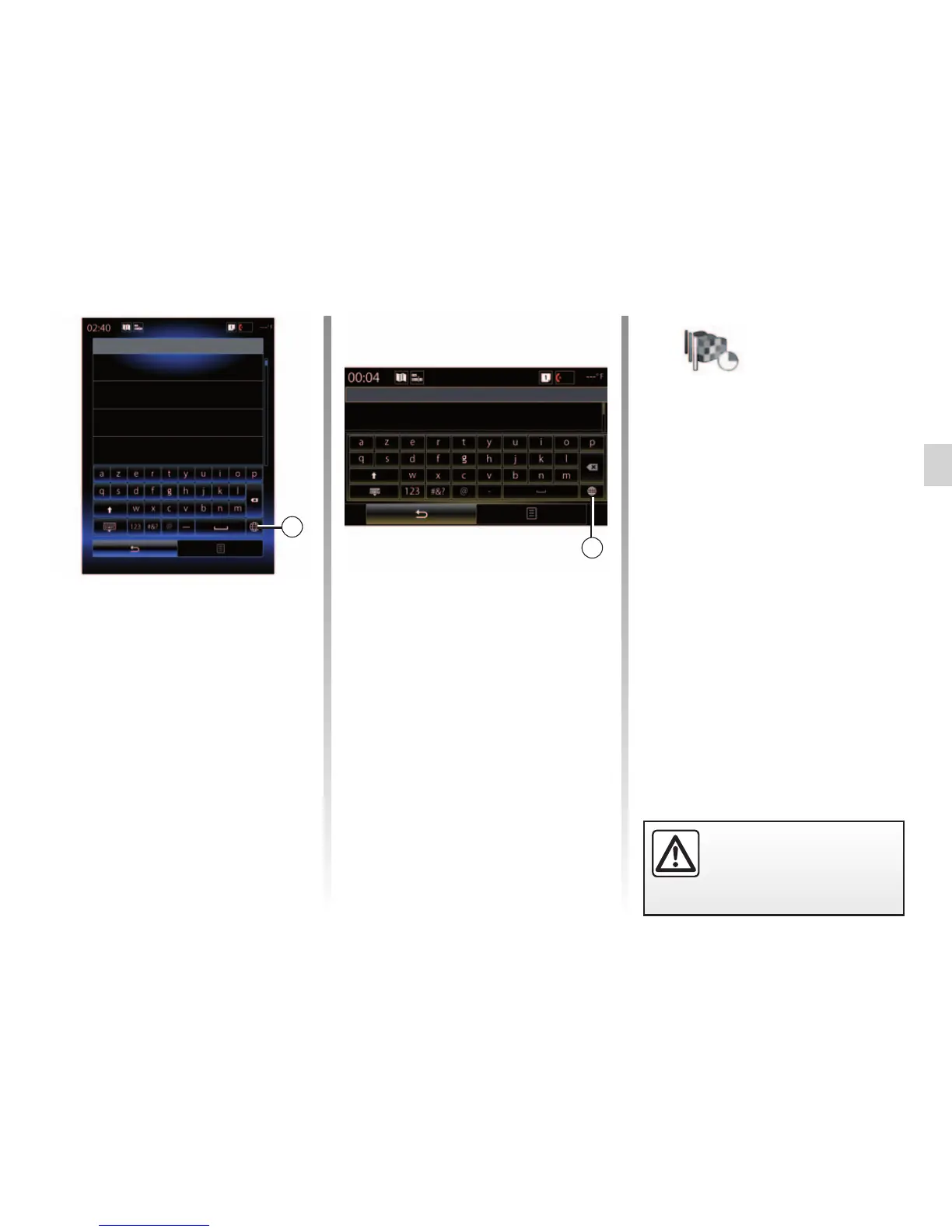
You can change the type of keypad
on the multimedia system by press-
ing the 2 button (“ABC”, “Qwerty”,
“Qwertz”, etc.).
Note: The system will store the last
towns/cities entered in its memory. You
can directly select one of these towns.
Note: Only addresses known to the
system through the digital map are au-
thorised.
City selection
Sens
Yonne, France
Montargis
Loiret, France
Paris
France
Note: The system displays the coun-
try and town/city corresponding to your
final destination by default. You can di-
rectly enter the street name if the re-
quested destination is in the same town/
city as the final destination entered.
Using voice recognition to enter an
address
From the Destination and Itinerary
screens, press the voice recognition
button, then state a town/city, street
name and/or number after the beep.
2
City selection
Sens
2



 To Next Page