Note: if the application is too large, the
“Purchase” button display is replaced by
“Internet purchase fault”. For further in-
formation, please refer to “Downloading
and installing applications from a com-
puter” in this section.
Pay using My Renault account
To make a payment using your My
Renault account:
– Enter the e-mail address and pass-
word for your account, then press
“OK”.
– Choose a credit or debit card from
those already linked to your account,
or add a new one.
– Enter the card details, then press
“Confirm”.
Your app download will begin immedi-
ately. Once the application has been
downloaded, its icon will be displayed
in the “My apps” menu.
Note: the download time for the appli-
cation can vary depending on the size
of the application and on the reception
quality on the mobile network.
R-LINK STORE (2/5)
Note: To use this type of payment,
you must first create a My Renault ac-
count. Please see the information on
“Creating an account in My Renault” in
the next section.
Paying by credit or debit card
Enter a valid e-mail address, then press
“OK”. Enter the card details, then press
“Finish”. Your app download will begin
immediately. Once the application has
been downloaded, its icon will be dis-
played in the “My apps” menu.
Note: the download time for the appli-
cation can vary depending on the size
of the application and on the reception
quality on the mobile network.
Note: the card details entered in the
system when making a purchase can
be saved to make future purchases
easier. To delete them from the system,
please see the information on “Deleting
card details” in this section.
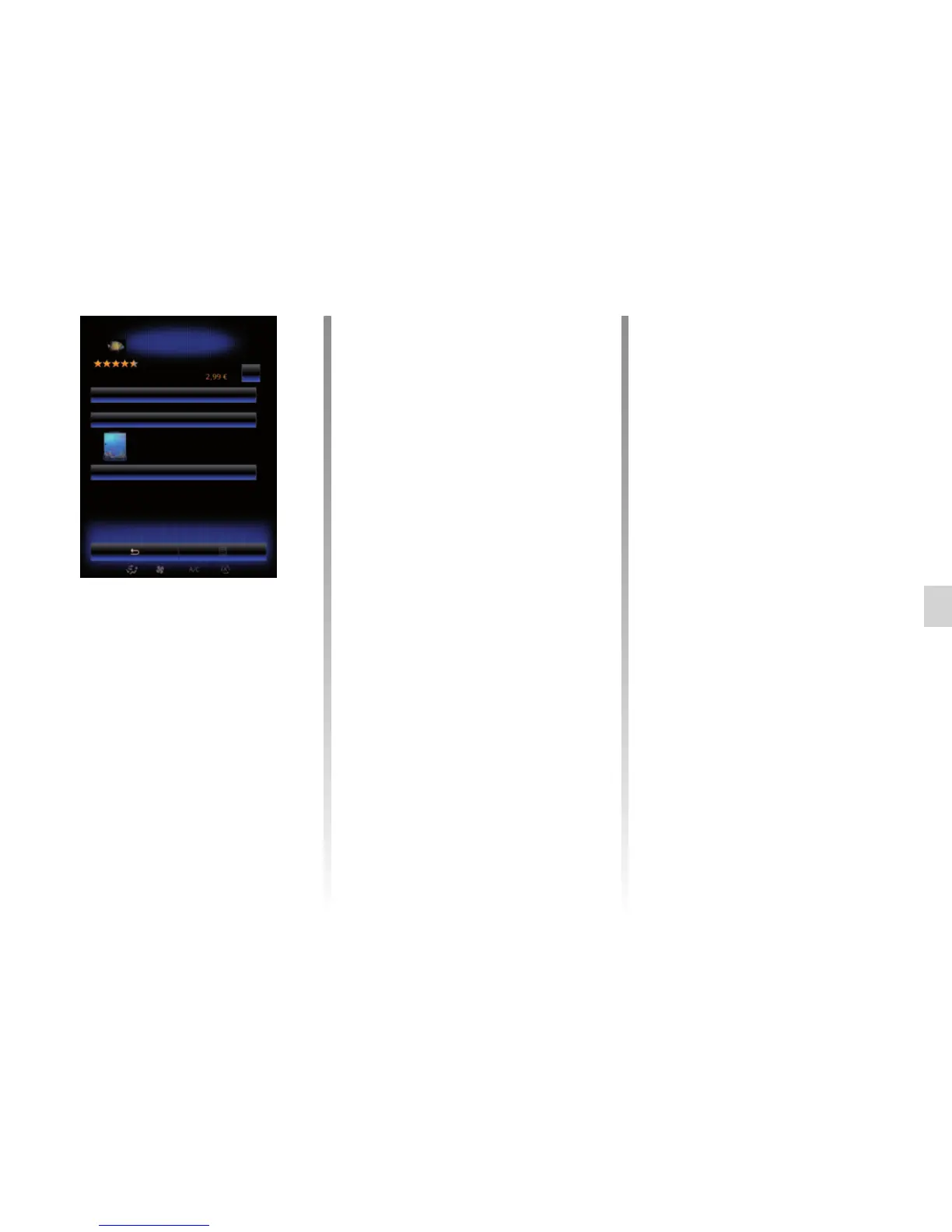
Press “Purchase” to choose a payment
option.
The multimedia system offers three
payment options: either from a My
Renault account, or by credit or debit
card.
Select one of the two options, tick the
box to accept the general conditions
of sale for R-Link Store, then make the
payment.
Note: it is mandatory to enter an e-mail
address. An invoice will be sent to this
address, along with the user and instal-
lation instructions, depending on the
application purchased.
Product sheet
Purchase
Create your own sea aquarium.
Description
Category: entertainment
Version : 2.0.20131106.0_494
Size:: 2.48 MB
Author: Renault SA
Aquarium
Renault
Preview:
Technical data:



 To Next Page