Note: The USB flash drive (or SD card)
used must be FAT32 formatted and
have a minimum capacity of 8GB and a
maximum capacity of 32GB.
Note: the USB key is not provided with
the system.
Note: some products can only be pur-
chased from a computer connected to
the Internet, from the www.myrenault.
com website.
Create an account on My Renault
web site
To buy and download applications from
a computer connected to the Internet
from www.myrenault.com, you must
first create an account My Renault:
– from a computer connected to the
Internet, open your browser, go to
www.myrenault.com and select your
country;
– Click on the “Registration” button
and follow the steps indicated on the
website.
Downloading and installing
applications from a computer
You can download applications from
a computer connected to the Internet
(particularly useful for large files). You
can also manage your products from
your computer and transfer them to
your multimedia system via USB flash
drive or SD card, depending on the ve-
hicle.
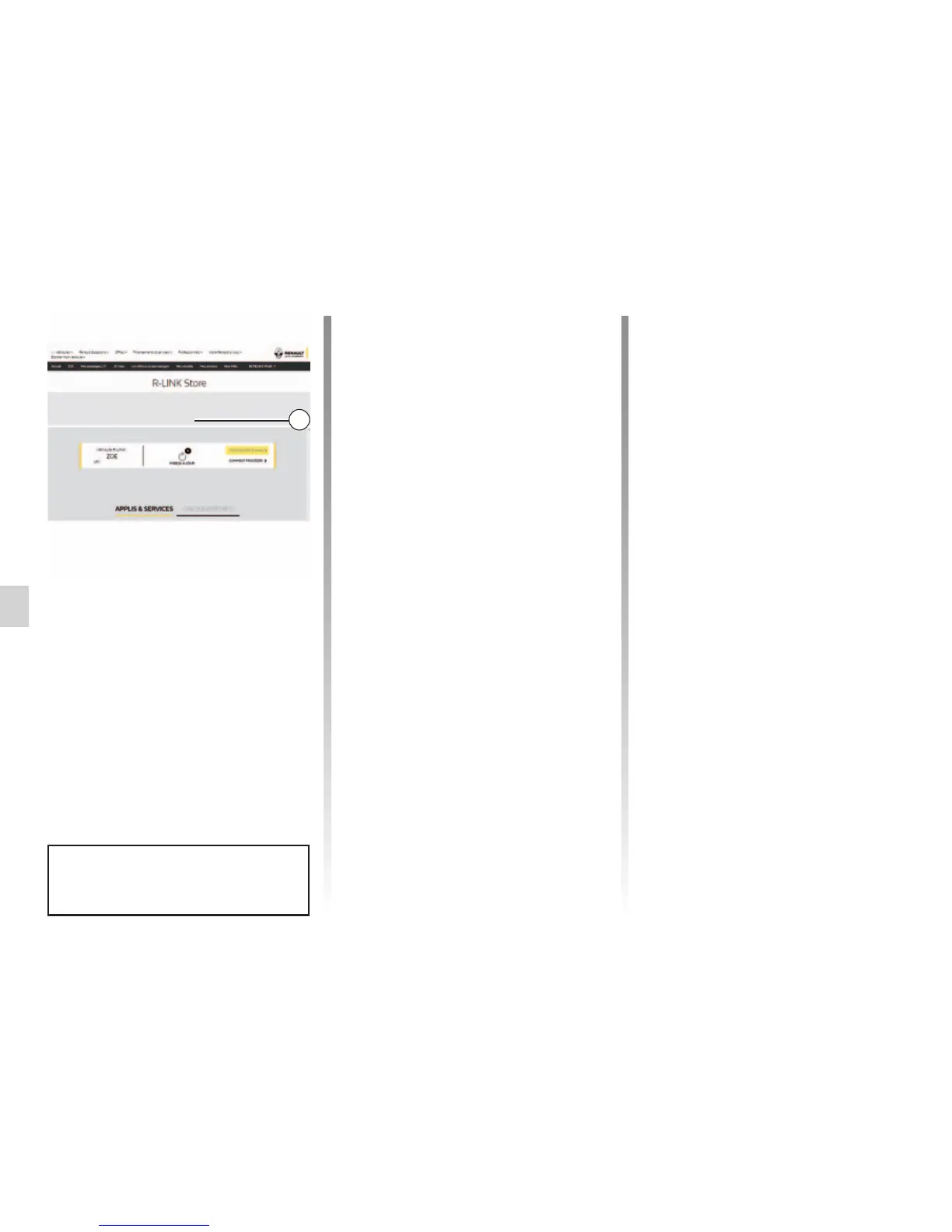
Once you have created an account and
registered your vehicle in My Renault,
you can explore the catalogue of appli-
cations and search for product updates.
Note: For more information, click on the
“Help” menu 3 or consult an Authorised
Dealer.
Installing applications using the
external storage devices (USB flash
drive or SD card)
Insert the external storage device (USB
flash drive or SD card) into the slot on
your vehicle. The multimedia system
saves an imprint of your navigation
system to the external storage device
that will enable R-Link Store to deter-
mine which updates are available for
your navigation system.
When the process of data recording is
finished, you may remove the USB key
from the multimedia system.
R-LINK STORE (3/5)
The screens shown in the user
manual are not contractual.
HOME/CATALOGUE
Help
MY APPLICATIONS AND SERVICES
3



 To Next Page