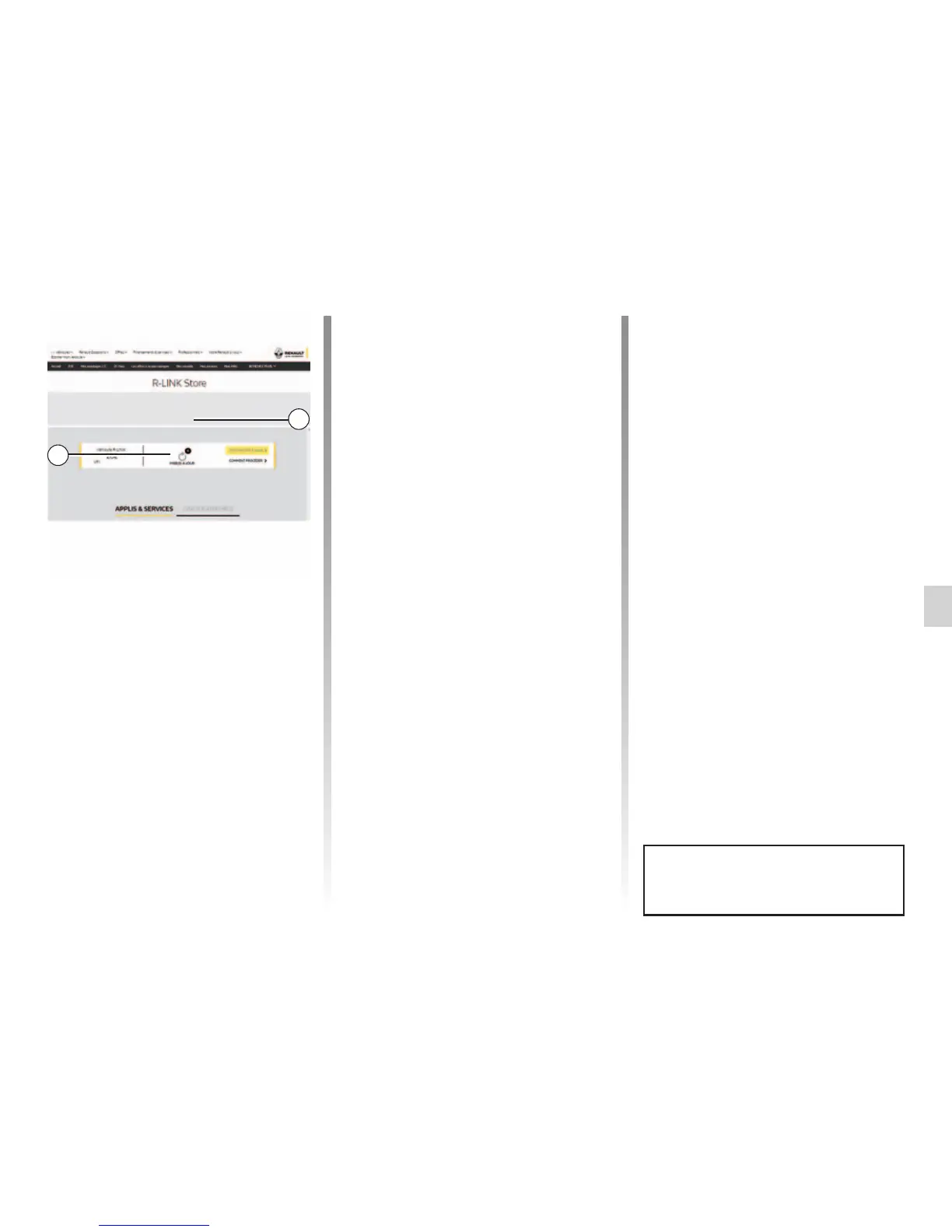
R-LINK STORE (4/5)
Note: during synchronisation, the in-
stallation of R-LINK Toolbox software is
proposed. You must install this software
in order to download products and up-
dates to the storage device.
Note: internal software updates for
the multimedia system are only avail-
able from a computer connected to the
Internet.
Note: For more information, click on the
“Help” menu 3 or consult an Authorised
Dealer.
The availability of the services de-
scribed may vary.
Managing personal data
Resetting the system
To reset all the system settings and/
or delete all personal data, select
“System” from the main menu, then
“Factory reset” press the pop-up menu
button and follow the on-screen instruc-
tions.
Data sharing
You can authorise or reject data sharing
from the moment the system is started.
Select “App settings” from the “My
apps” menu, then “Privacy”. You can
activate/deactivate data sharing from
this menu.
Searching for updates
Connect to your My Renault account,
select “Access all of my services”, then
“Manage my applications”, to access
your 4 updates on the R-Link Store.
Insert the external storage device (USB
flash drive or SD card) into the slot on
your computer. The multimedia system
detects new applications and installs
them automatically.
HOME/CATALOGUE
Help
MY APPLICATIONS AND SERVICES
4
3



 To Next Page