operation...............................................(up to the end of the DU)
screen
monitor ............................................(up to the end of the DU)
switching off ..........................................(up to the end of the DU)
ON, OFF (1/2)
Switching on
The multimedia system starts:
– when the vehicle is started;
– when the multimedia panel on/off
switch is pressed;
– when the screen is touched.
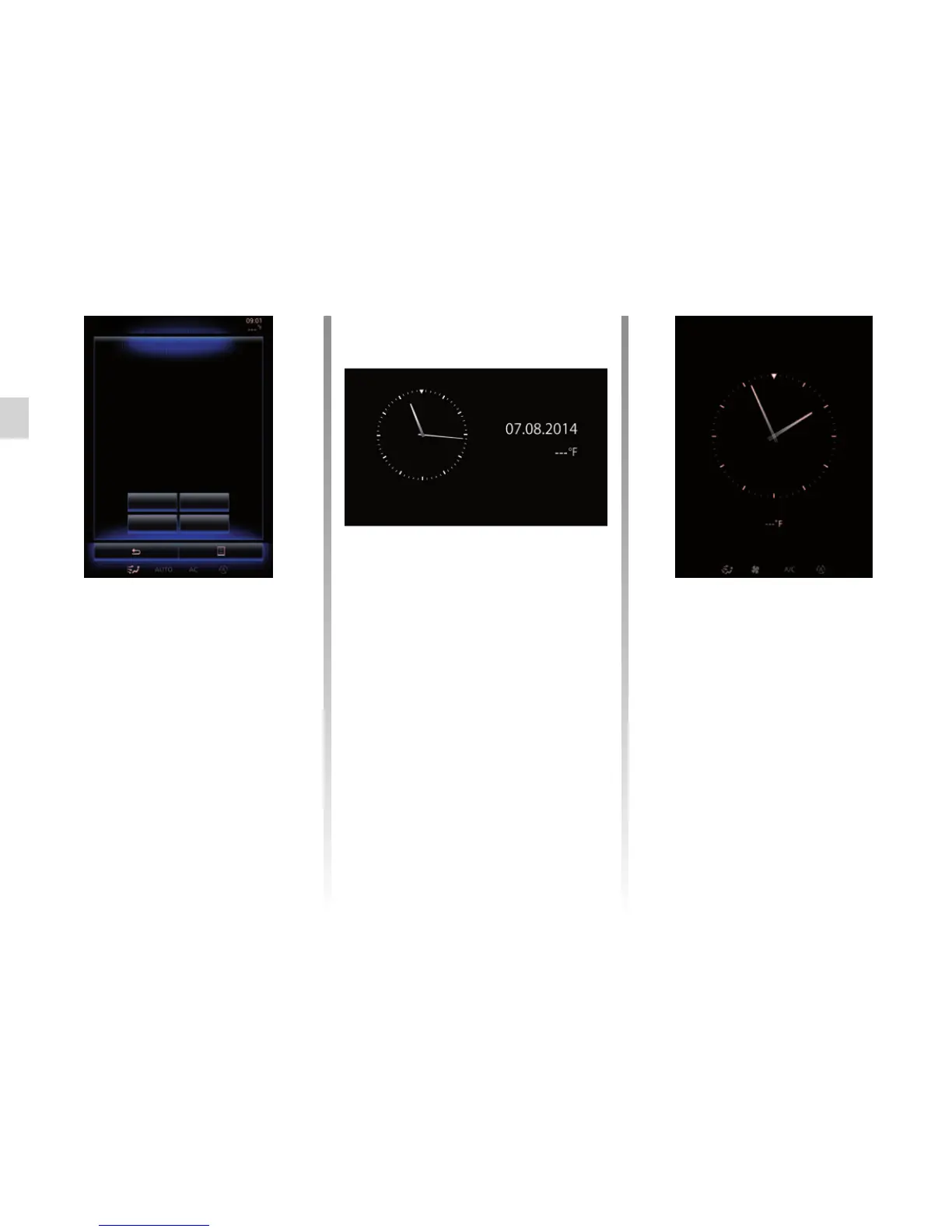
At start-up, the system enables you to
set certain functions:
– Press “Privacy” to allow or reject ap-
plications to share data related to
your journey.
– Press “OK” to allow data sharing.
– Press “Profile” to change the user
profile.
– Press “Language” to change the
system language.
Switching off
The multimedia system switches off:
– when the multimedia panel on/off
switch is pressed;
– when the opening elements of your
vehicle are locked.
Privacy
OK
LanguageProfile
Clock/temperature screen
This screen is displayed when the
driver’s door is opened, before the ig-
nition is switched on.
It can also be displayed when the
system is stopped: with the ignition on,
press the on/off button on your system.
The system then stops the guidance
and turns the sound off.
A screen showing the time is displayed.
Safety and Data sharing
Data sharing not authorized
Warning.
You have chosen to share information outside of the ve-
hicle. You can change this setting in the Apps menu.



 To Next Page