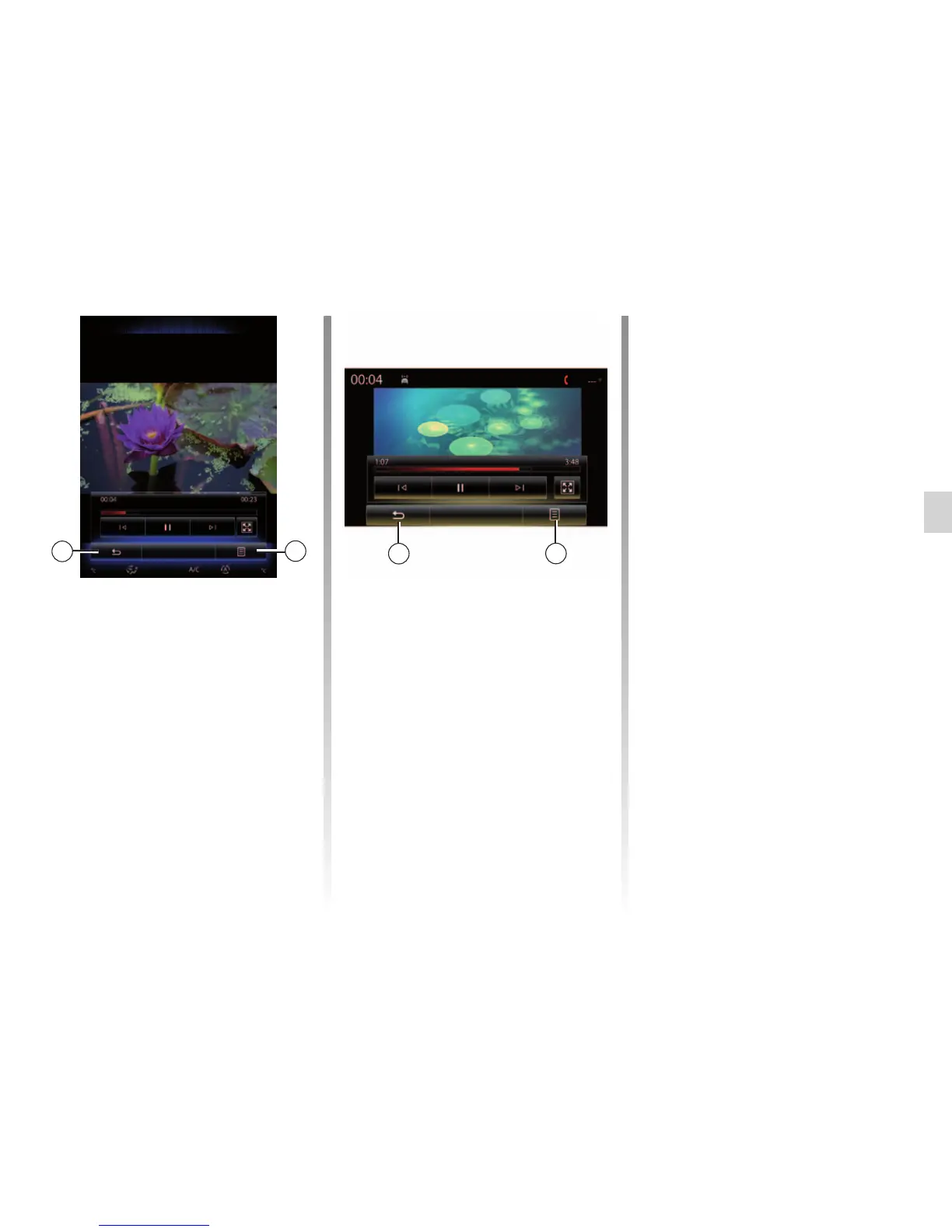
Pop-up menu 7
During video playback, press “7” to:
– get detail video information (title,
type, date, etc.);
– Accessing settings
Note: For further information about
compatible video formats, please con-
sult an authorised dealer.
VIDEO (2/2)
“Brightness”
During video playback, press
“Brightness” to adjust the screen bright-
ness. A control bar will appear for you
to perform the adjustment. Touch the
screen outside this bar to make it disap-
pear and return to the video playback.
“Settings”
From the “Settings” menu, you can
choose the type of display: normal (fit)
or full screen. Press 6 to confirm and go
to the previous screen.
Brightness
Brightness
7
7
6
6
Landscapes



 To Next Page