“Sound”
This menu allows you to configure
the different sound settings.
“Sound ambiance”
This function enables you to select a
musical environment from the follow-
ing presets:
– “Neutral”;
– “Live”;
– “Club”;
– “Lounge”.
Note: you can launch demonstration
mode to hear a sound sample without
Arkamys sound enhancement.
“Bass Boost”
This function increases the bass.
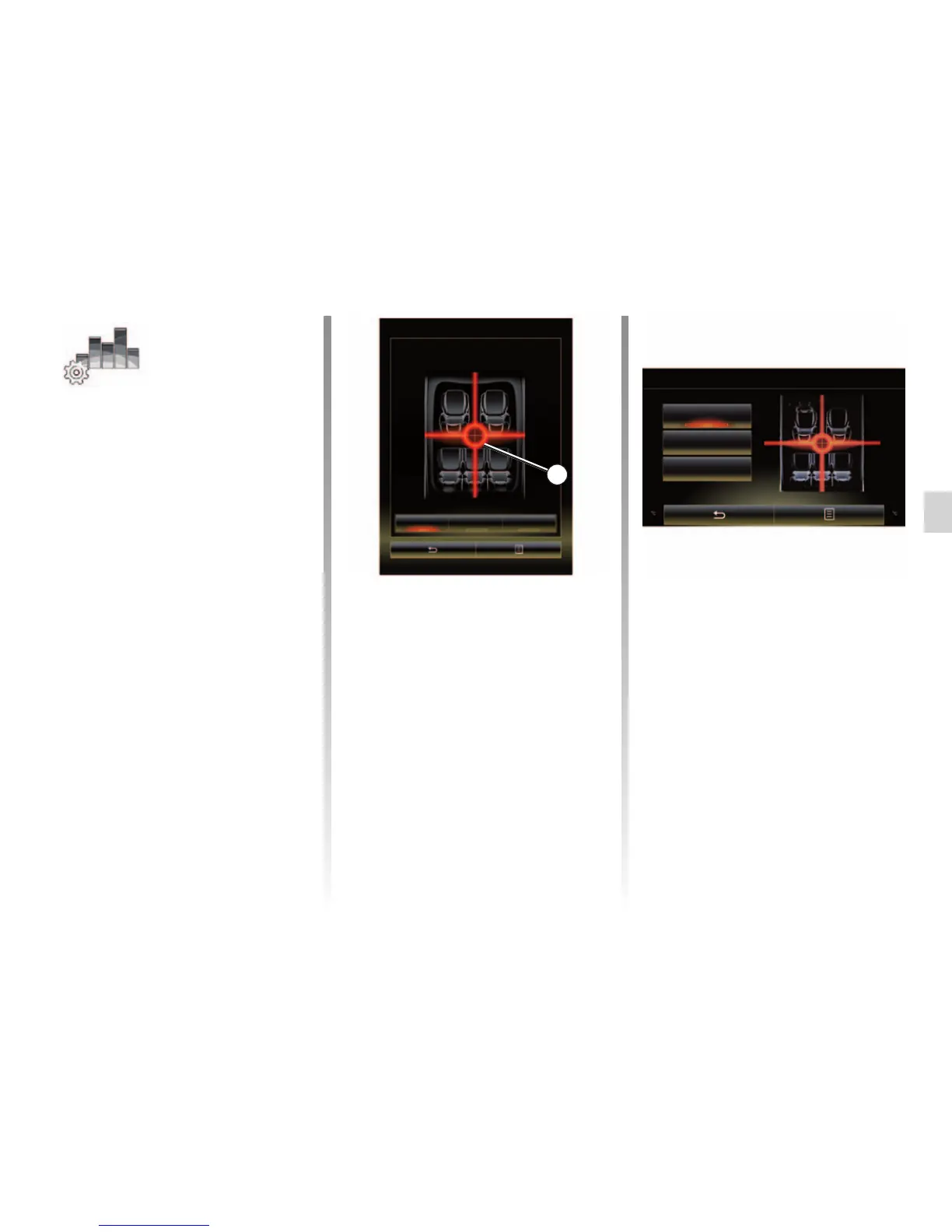
Balance / Fader
centered Front Manual
1
“Balance / Fader”
This function sets the sound distribution
balance. Press “centered” or “Front” in
order to optimise the sound distribu-
tion for all the vehicle occupants or for
the comfort of rear passengers (audio
muted in the rear and moderate volume
at the front of the vehicle).
Then you touch the screen or when
“Manual” mode is selected, you can
then change the settings by moving
point 1.
MULTIMEDIA SETTINGS (2/3)
“Bass / Medium / Treble”
This function increases or decreases
the bass, medium or treble sounds.
Balance / Fader
centered
Front
Manual



 To Next Page