20
eRev. 1.08/15/2023
The Beams Source is housed in a stainless-steel canister that attaches directly to the top of the FlowVPX Head. The monochromatic
LED is available in four wavelengths: 260 nm, 272 nm, 280 nm, or 310 nm.
The status indicator light changes color based on certain criteria.
Green, steady: Instrument is powered on
Green, blinking: Instrument is emitting light
5.11.2 Beams Controller
The Beams Controller acts as the central hub for communication between the light source, the FlowVPX head, the detector, and the
software. The controller also supplies power to the Beams Source and the FlowVPX instrument.
The status indicator light changes color based on certain criteria.
Green, blinking: Instrument is powered on and connected to the software
Green and blue, blinking: Instrument is on and waiting to connect to software
White: Instrument is preparing for initialization
5.11.3 FlowVPX Detector Cable (EC0328)
The FlowVPX Detector Cable connects to the Beams controller and to the FlowVPX Detector.
5.11.4 Beams Source 3 m Extender Cable (EC0337)
The Beams Source 3 m Extender Cable is 3 meters in length and may be used to connect the Beams controller to the built-in cable on
the Beams Source. It is not recommended to use more than one Extender Cable in series with the Beams Source cable.
5.11.5 Beams Detector 3 m Extender Cable (EC0338)
The Beams Detector 3 m Extender Cable is 3 meters in length and may be used to connect the Beams controller to the FlowVPX
Detector in lieu of the FlowVPX Detector Cable (EC0328). It is not recommended to use more than one Extender Cable in series with
the Detector cable.
5.12 Computer and Accessories
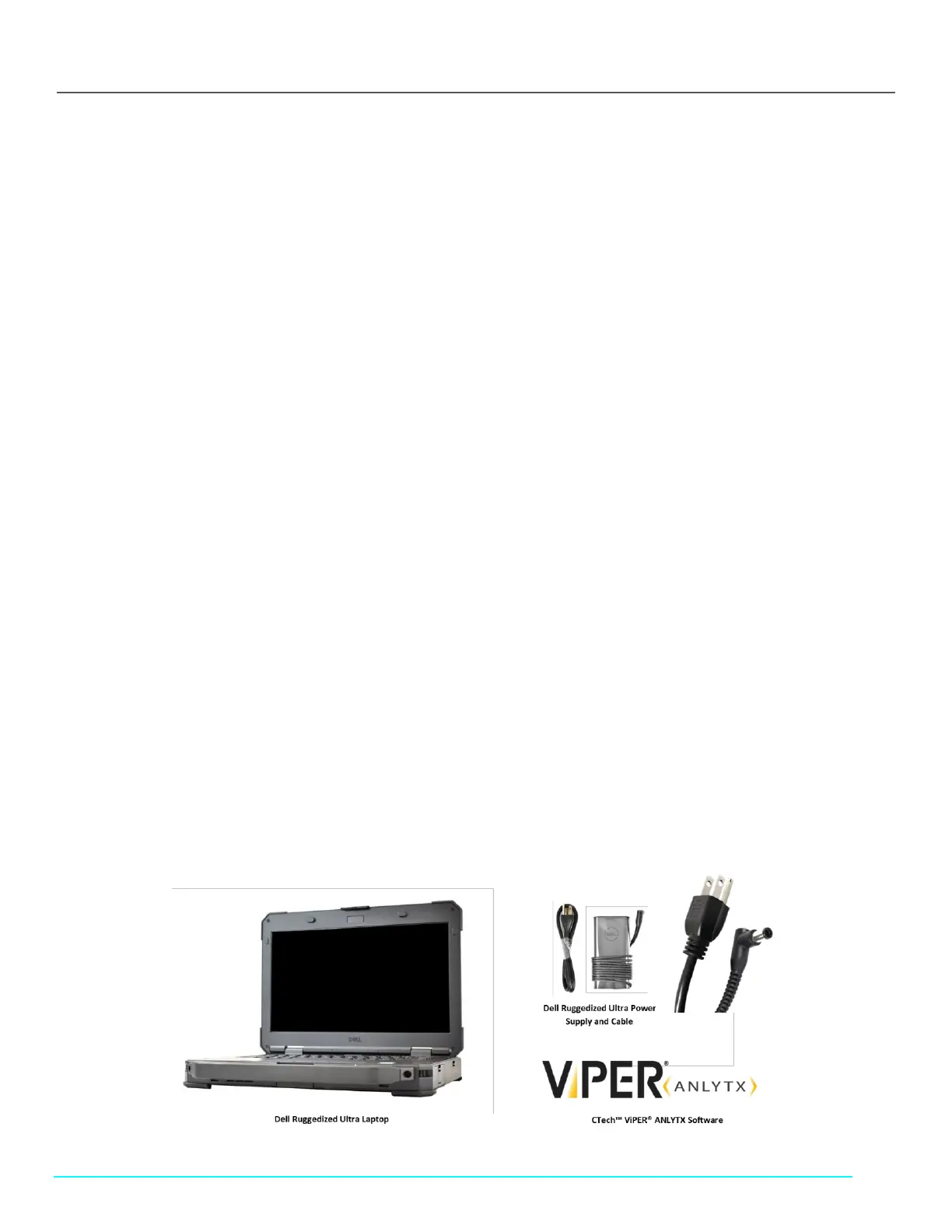
The FlowVPX instrument is controlled by CTech™ ViPER® ANLYTX Software applications. The supplied laptop has been selected for
compatibility with the ViPER software. See the CTech FlowVPX System Specification Sheet DOC0206 for computer specifications.
Note: Please reference documentation included with the computer supplied with the FlowVPX System for component-specific
requirements, instructions, and safety considerations.
Figure 13. Computer and Accessories



 To Next Page