23
eRev. 1.08/15/2023
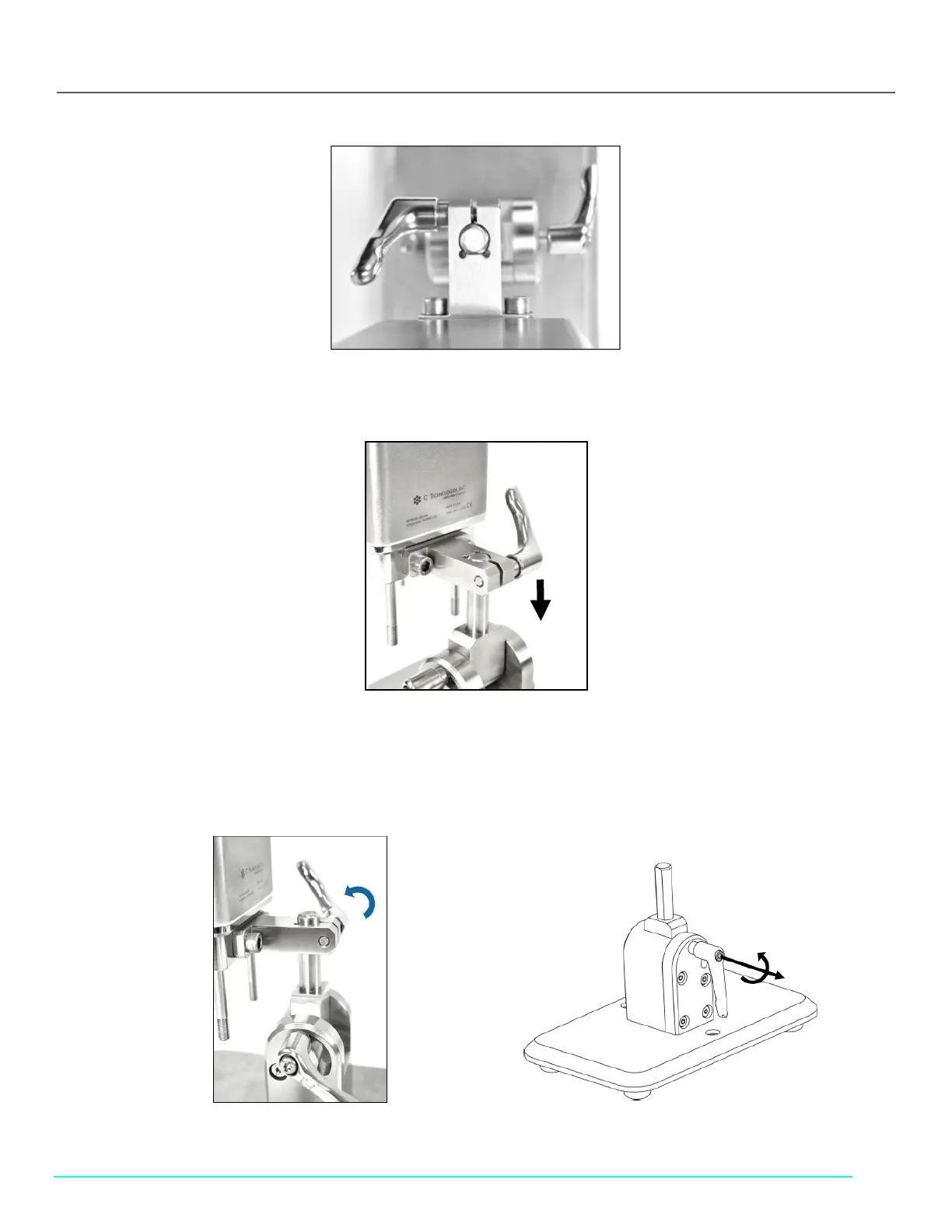
Figure 20. Install FlowVPX Head on Mounting Post
8. Carefully lower the FlowVPX® Head so that the clamp slides over the post on the mounting plate (Figure 21).
Figure 21. Lower FlowVPX Head on Mounting Post
9. Turn and tighten the Standard Mount Clamp Handle to secure the FlowVPX® Head onto the mounting post (Figure 22).
Note: The clamp handles can change orientation by pulling out and rotating. This allows them to be repositioned without
obstruction.
Figure 22. Tighten Standard Mount Clamp Handle (Left) and Repositioning the Clamp Handle (Right)



 To Next Page