27
eRev. 1.08/15/2023
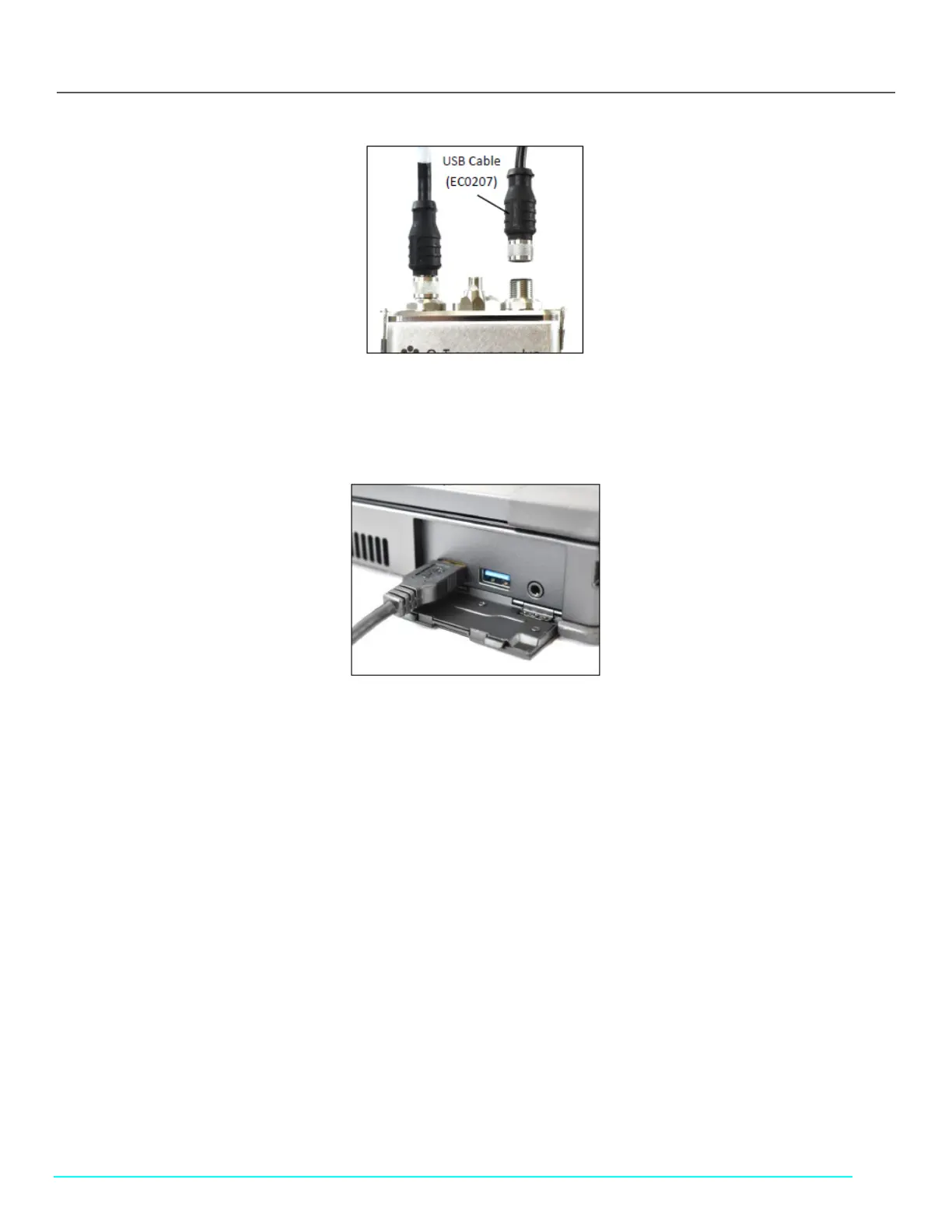
Figure 30. USB Cable (EC0207) to FlowVPX Head
9. Connect the USB cable (EC0207) to the USB communications connector on top of the FlowVPX Head.
10. Make sure the computer is turned on, and then connect the FlowVPX USB cable (EC0207) to a USB port on the computer
(Figure 31).
Figure 31. FlowVPX USB cable (EC0207) to Computer
11. Plug the FlowVPX location-specific power cable into an approved outlet.



 To Next Page