49
eRev. 1.08/15/2023
14. Troubleshooting, Maintenance, and Best Practices
14.1 Troubleshooting
Table 6. Troubleshooting issues and responses
Issue Troubleshooting
Flow Cell does not fit onto
Flow Head posts
Ensure proper alignment of Flow Cell holes to posts. The Head posts are positioned to allow the Flow Cell to be
installed in only one orientation.
No Flow Cell detected during
load process
Ensure the FX Nut is seated correctly on the Fibrette threads and torqued to 12 in-lbs using the provided
wrench.
Poor transmission
Ensure that the FlowVPX Detector has been installed with 40 in-lbs torque applies to each acorn nut.
Ensure all optical connections are made properly:
Cary 60
a. Fiber Optic Coupler to Delivery Fiber
b. Delivery Fiber to FC Adapter
c. FC Adapter to Fibrette Optical Component
Beams
a. Beams FX Connector Nut to Fibrette Optical Component
b. Beams Source to Beams FX Connector Nut
No transmission
In addition to checking the optical connections above, check the following electrical connections:
Cary 60
a. Detector Cable connections to FlowVPX Detector and Cary 60
Beams
a. Beams Source Cable to Beams Controller
b. Detector Cable connections to FlowVPX Detector and Beams Controller
If all connections are secure, re-initialize the light source from the Quick Kinetics app under Wavelength
Settings.
ViPER raises errors upon
startup
• Follow specific instructions accompanying the error message.
• Ensure USB connection between Cary 60/Beams Controller and the computer is secure.
• Ensure USB connection between FlowVPX and the computer is secure.
• Ensure FlowVPX is connected to power supply and power supply is plugged into an approved AC outlet.
• A load time of several minutes may occur during initial startup or while the Cary 60 spectrophotometer is
calibrating.
The Beams Source power
indicator is not lit
• Confirm the Beams Controller is powered on.
• Check the Beams Source cable connection to the Beams Controller.
• Inspect the Beams Source canister for physical damage.
• Inspect the cable connector pins for damage.
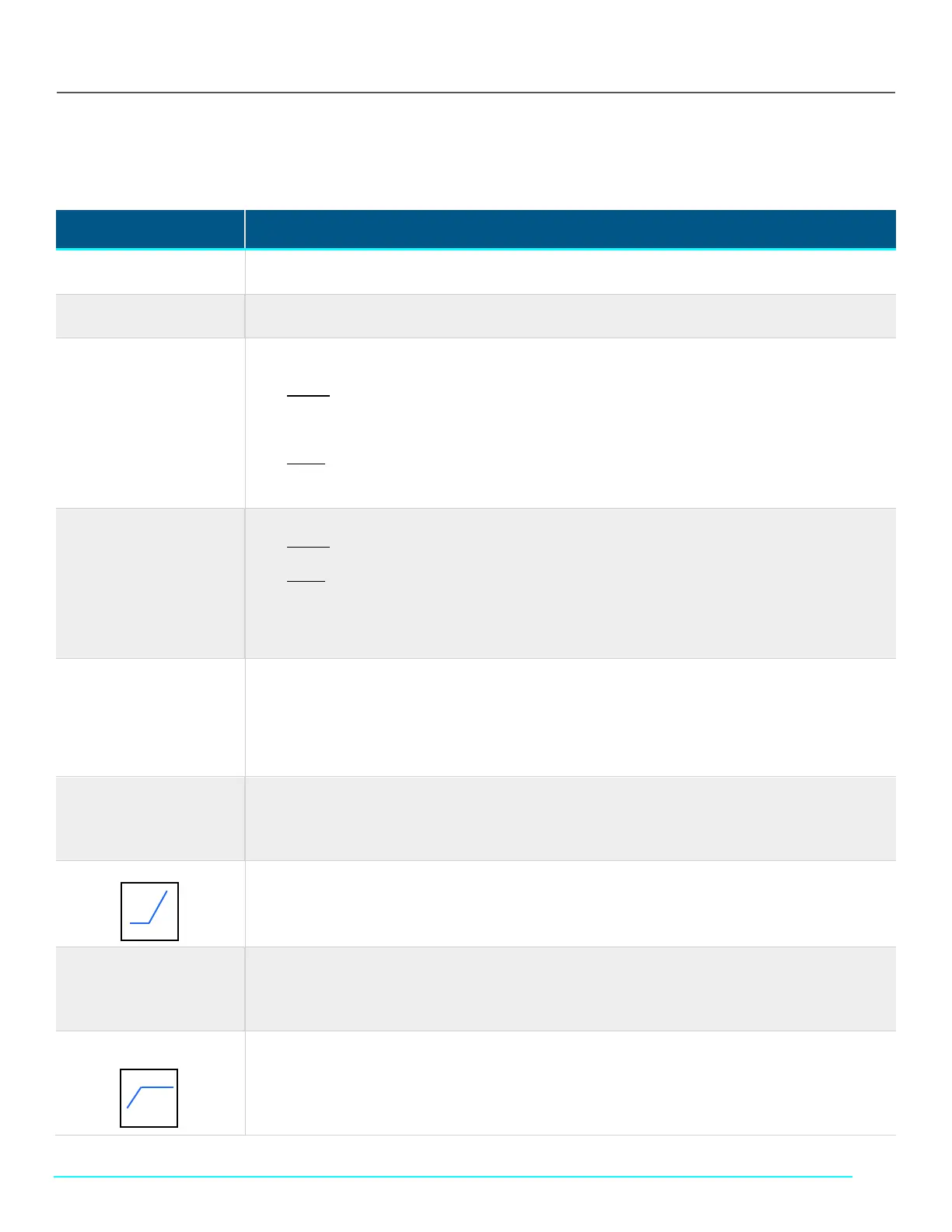
"Hockey stick" in data plot:
Restart ViPER/Core.
Inconsistent measurement
readings
1. Ensure all optical interfaces are free of dust and debris. Clean the following, using a lint-free wipe:
a. (Cary 60) Both ends of the Delivery Fiber
b. (Beams) Interface between Flow Fibrette and Beams Source
2. Re-initialize the light source from the Quick Kinetics app under Wavelength Settings.
section curve:
Add more sample volume and repeat the test.



 To Next Page