40
eRev. 1.08/15/2023
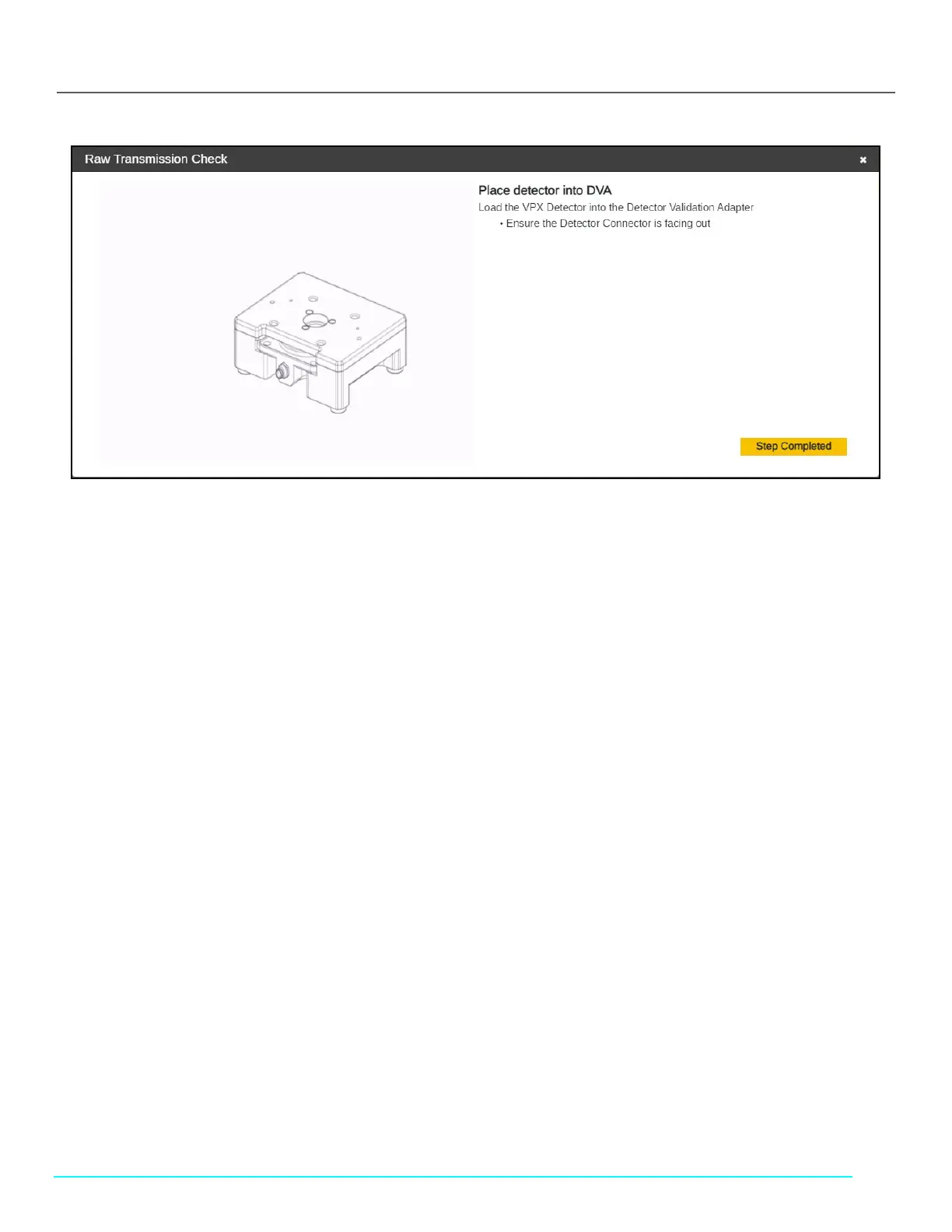
Figure 50. Transmission Check Instructions (Cary 60)
7. Load the Detector into the Detector Validation Adapter (DVA) unit.
• Load the FlowVPX Detector into the DVA unit.
• Ensure the Detector connector is facing out.
8. Connect the Delivery Fiber to the Transmission Tool.
• Ensure the key on the fiber connector lines up with the keyway from the Transmission Tool’s FC adapter.
9. Connect Transmission tool to DVA.
• Place the Transmission Tool onto the DVA with the assistance of the magnets.
• Enter the wavelength(s) in the fields provided, which will determine at which wavelength(s) the system will take a
reading.
10. Please wait while ViPER runs a transmission test for each wavelength entered.
11. Click Finished once the transmission test(s) are complete.
• ViPER will display the % Transmission as well as the Pass/Fail result of the test.
• User has the option to retry the check if the %T value is not within acceptable range.



 To Next Page