37
eRev. 1.08/15/2023
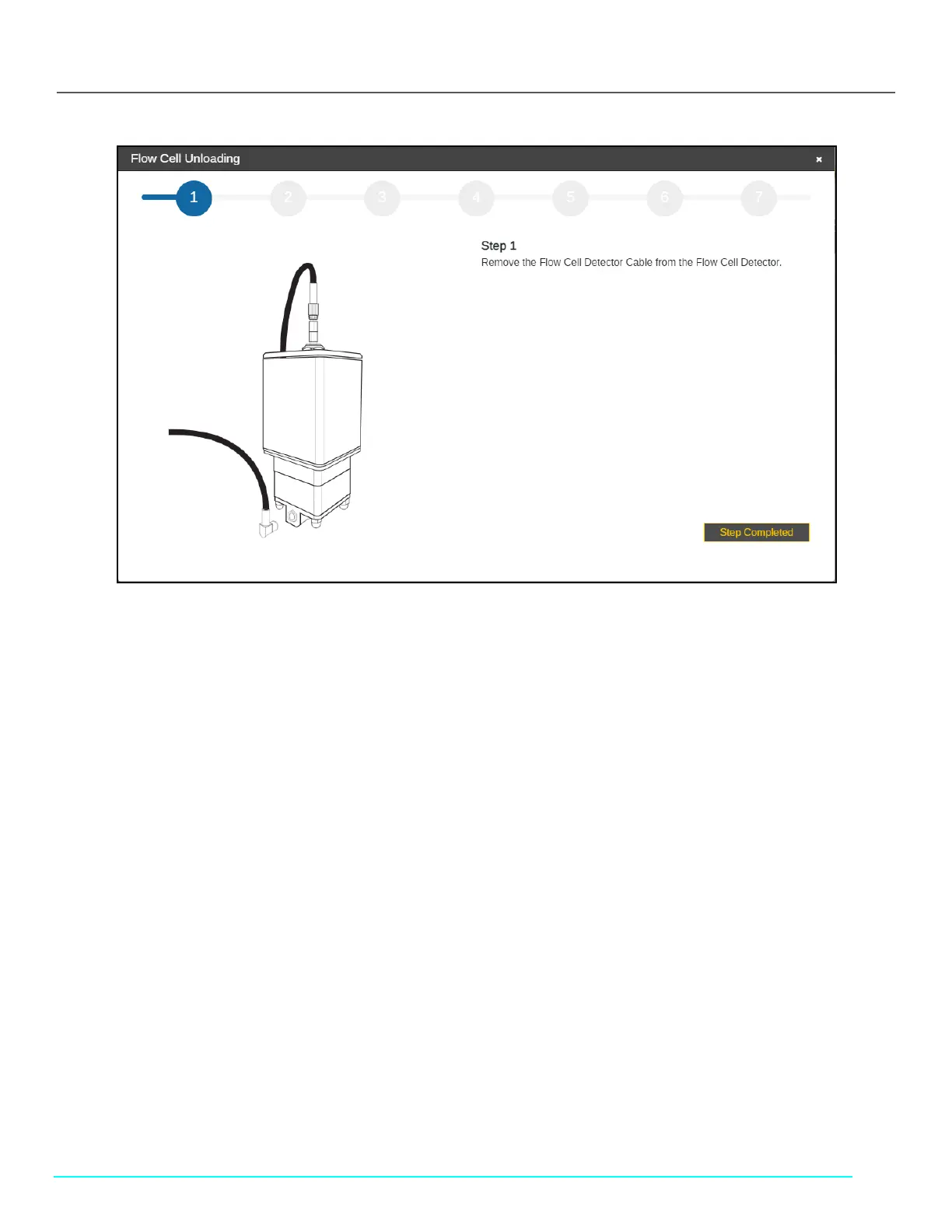
Figure 47. Flow Cell Unloading Using the Cary 60 Light Source
3. Remove the Detector Cable (EC0196) from the Detector.
4. Unscrew and disconnect the Delivery Fiber from the Fibrette.
5. Remove the FC connector nut from the Fibrette and set it aside.
6. Remove the FX connector nut from the Fibrette and set it aside.
7. Tilt the FlowVPX back on the Standard Mount so that the bottom of the Detector is facing towards you.
• Ensure the Mounting Post Clamp Handle is tightened.
8. Unscrew the acorn nuts from the bottom, being careful not to let the Flow Cell Detector tip forward or fall.
• Set the acorn nuts aside.
9. Slowly pull the Detector off the FlowVPX Head and place it aside, window up.
• Remove and discard the Detector gasket.
10. Remove the Flow Cell from the FlowVPX Head.
• Remove and discard the Flow Cell gasket.
11. The Flow Cell has been successfully unloaded.
12. Click OK.
10.2.2 Unloading the Flow Cell Using the Beams Light Source
If using the Beams light source, finish unloading the Flow Cell by completing the following steps. If using the Cary 60 light source,
please see section 10.2.1.
Follow the on-screen prompts. Click Step Completed to proceed.



 To Next Page