36
eRev. 1.08/15/2023
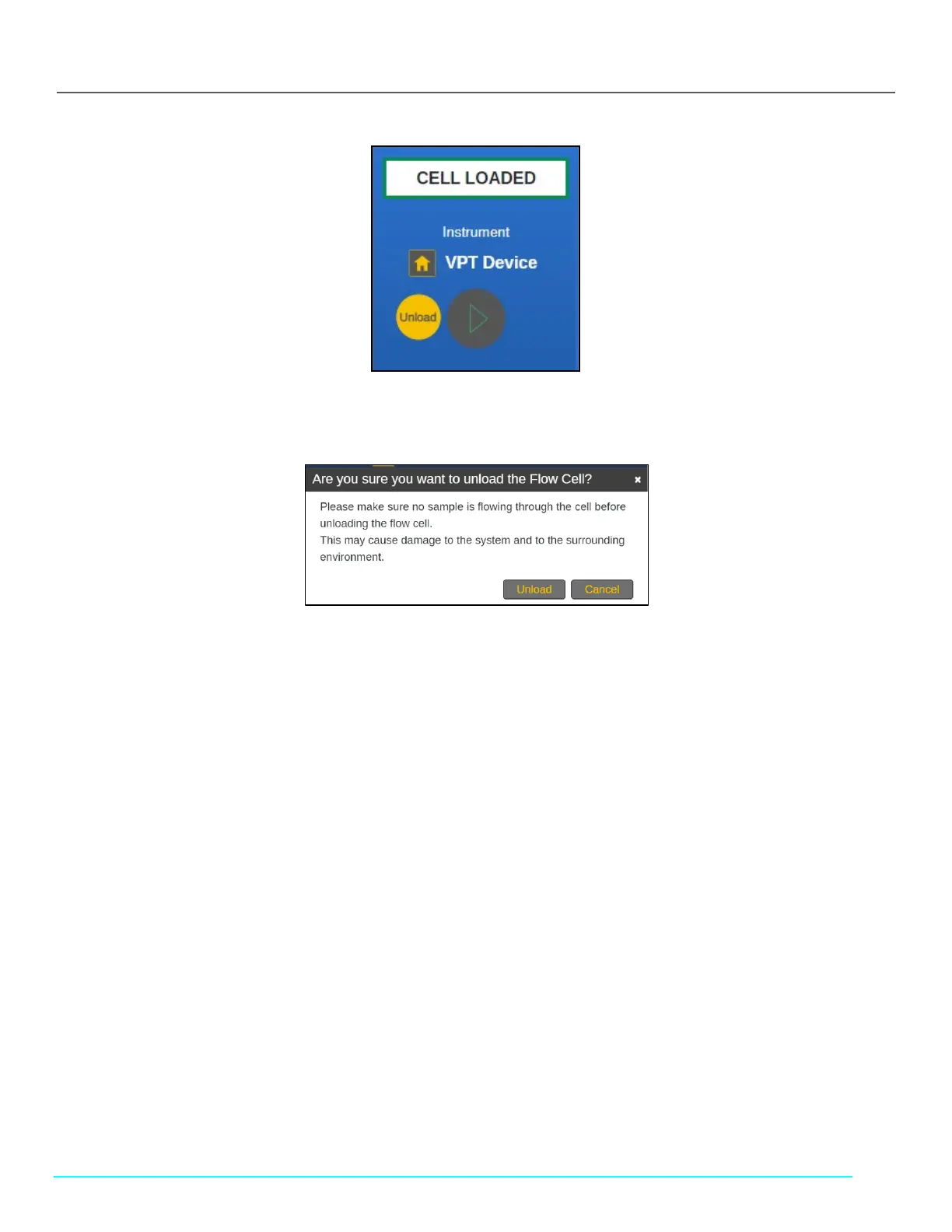
Figure 45. Unload Button in the Instrument Control Menu
2. Ensure that no sample is flowing through the Flow Cell. Then click Unload.
Figure 46. Unload Flow Cell Confirmation Prompt
10.2.1 Unloading the Flow Cell Using the Cary 60 Light Source
If using the Cary 60 light source, finish unloading the Flow Cell by completing the following steps. If using the Beams light source,
skip to section 10.2.2.
Follow the on-screen prompts. Click Step Completed to proceed.



 To Next Page