Chapter 5. Operation
8004708 Cellometer™ Ascend User Manual Rev A 24
VIEWING SOFTWARE VERSION
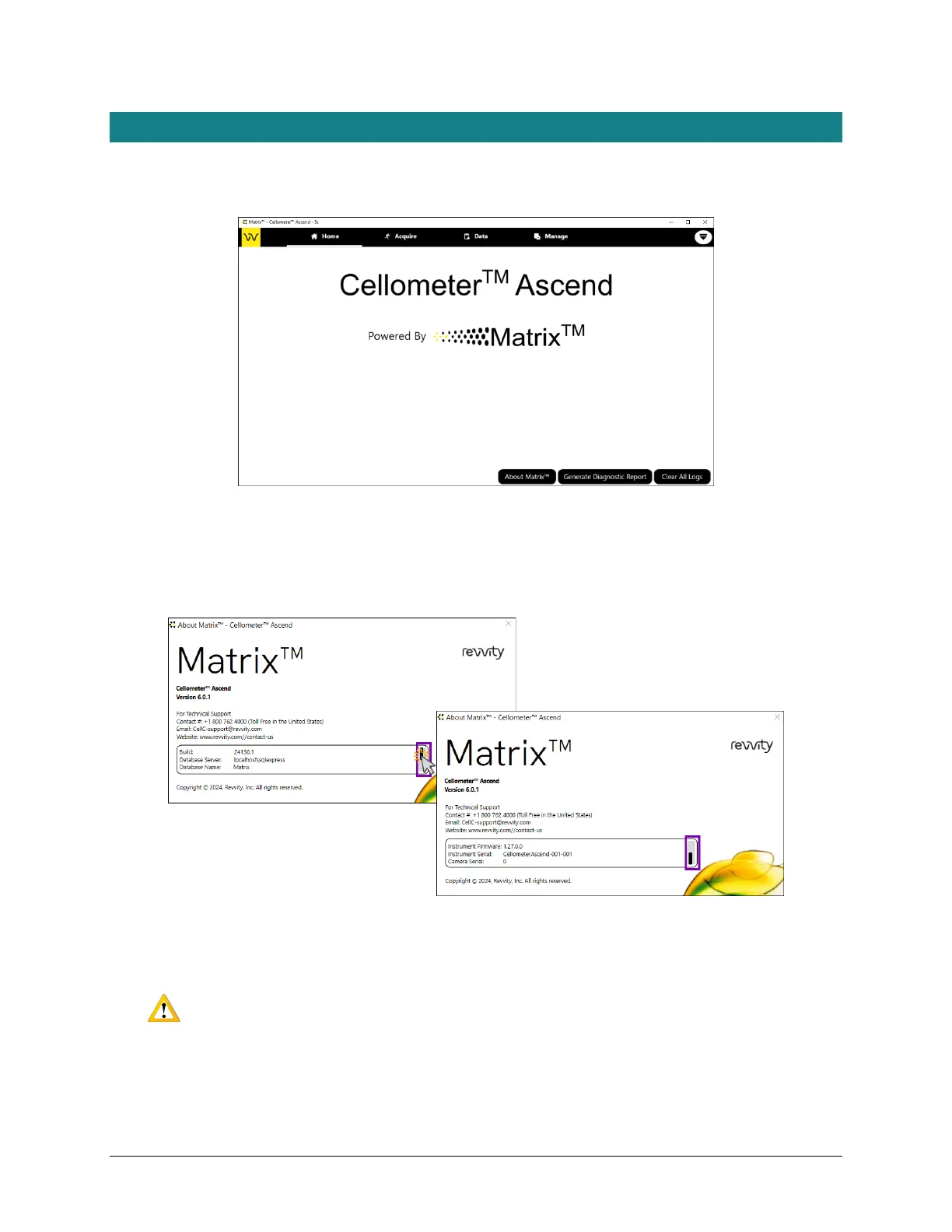
The Home tab displays the logo for the instrument to which you are connected and the Matrix software logo. It also
contains the About Matrix™, Generate Diagnostic Report, and Clear All Logs buttons.
Tap the About Matrix™ button to display product information (e.g., instrument type and software version),
Support contact information, software details (e.g., build number, database server/name), and instrument details
(e.g., instrument firmware version and instrument serial number/camera serial number). Users may need to tap
and drag the scroll bar to view all information.
For details on using the Generate Diagnostic Report and Clear All Logs buttons used to assist the Support team
with troubleshooting technical issues, see Generating Diagnostic Reports on page 50.
WARNING: Logs may be required to maintain a historical archive. As using the Clear All Logs
button will permanently remove accumulated logs for the installed Matrix software version, it
is recommended that you contact IT before clearing logs from your system.



 To Next Page