Chapter 8. Matrix Counting and Analysis Workflow
8004708 Cellometer™ Ascend User Manual Rev A 39
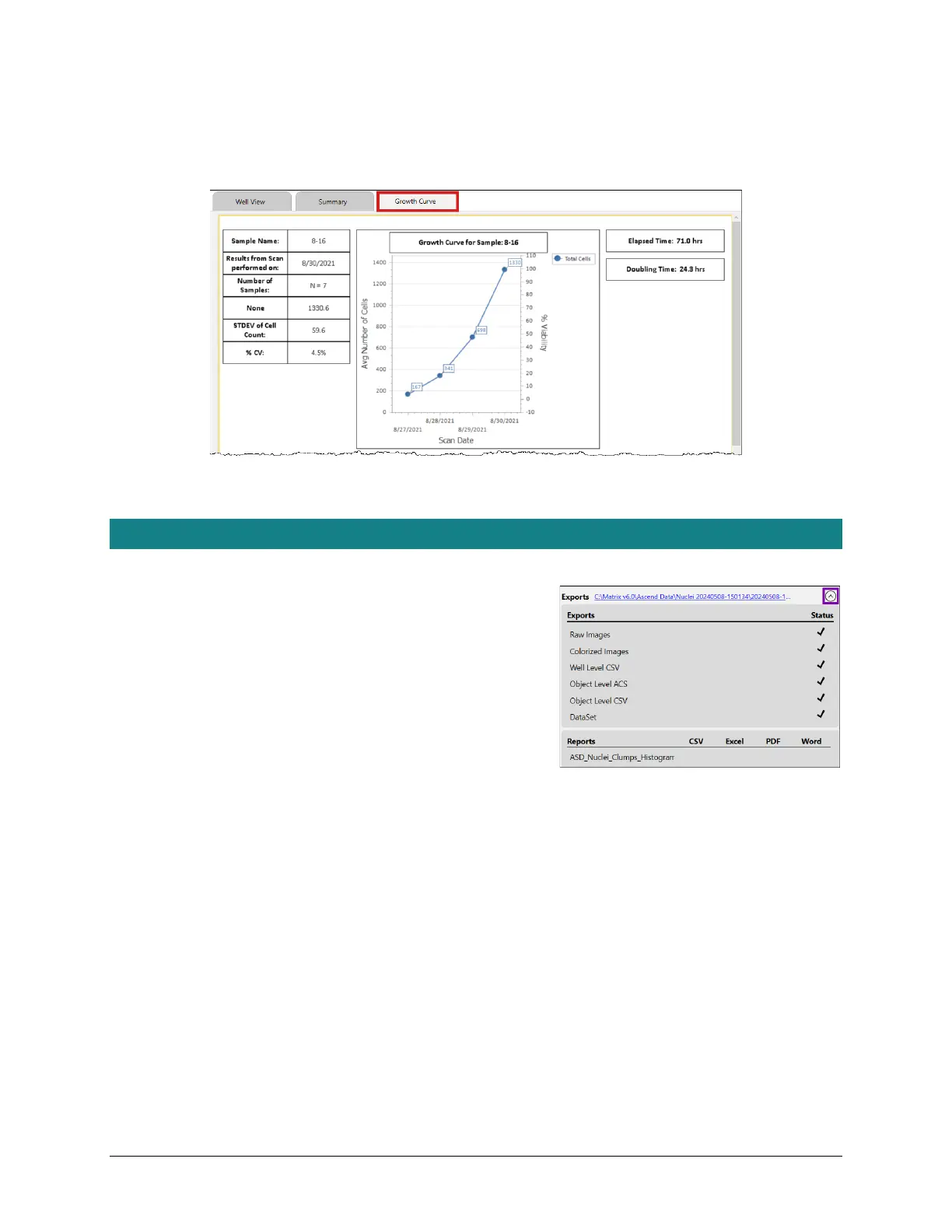
For example, a custom Growth Curve report tab has been enabled in the scan result shown below. Tapping this tab
displays data in the format defined by the associated report template (i.e., illustrating calculation of a growth curve
for a time course series of scan results).
See the Cellometer Matrix Software User Manual for custom reporting details.
EXPORTING/PRINTING SCAN RESULT DATA
Verifying Auto Export
Expand the Exports area in the Results screen to verify automatic
exports were completed as defined for a favorite or assay and tap
the Exports location link to open the folder where exported scan
result files are stored.
In addition, if you defined any output file types (e.g., CSV, Excel,
PDF and Word) to be generated for assay report templates, you
can verify that selected file type exports were also completed.



 To Next Page