Chapter 7. Sample Preparation
8004708 Cellometer™ Ascend User Manual Rev A 30
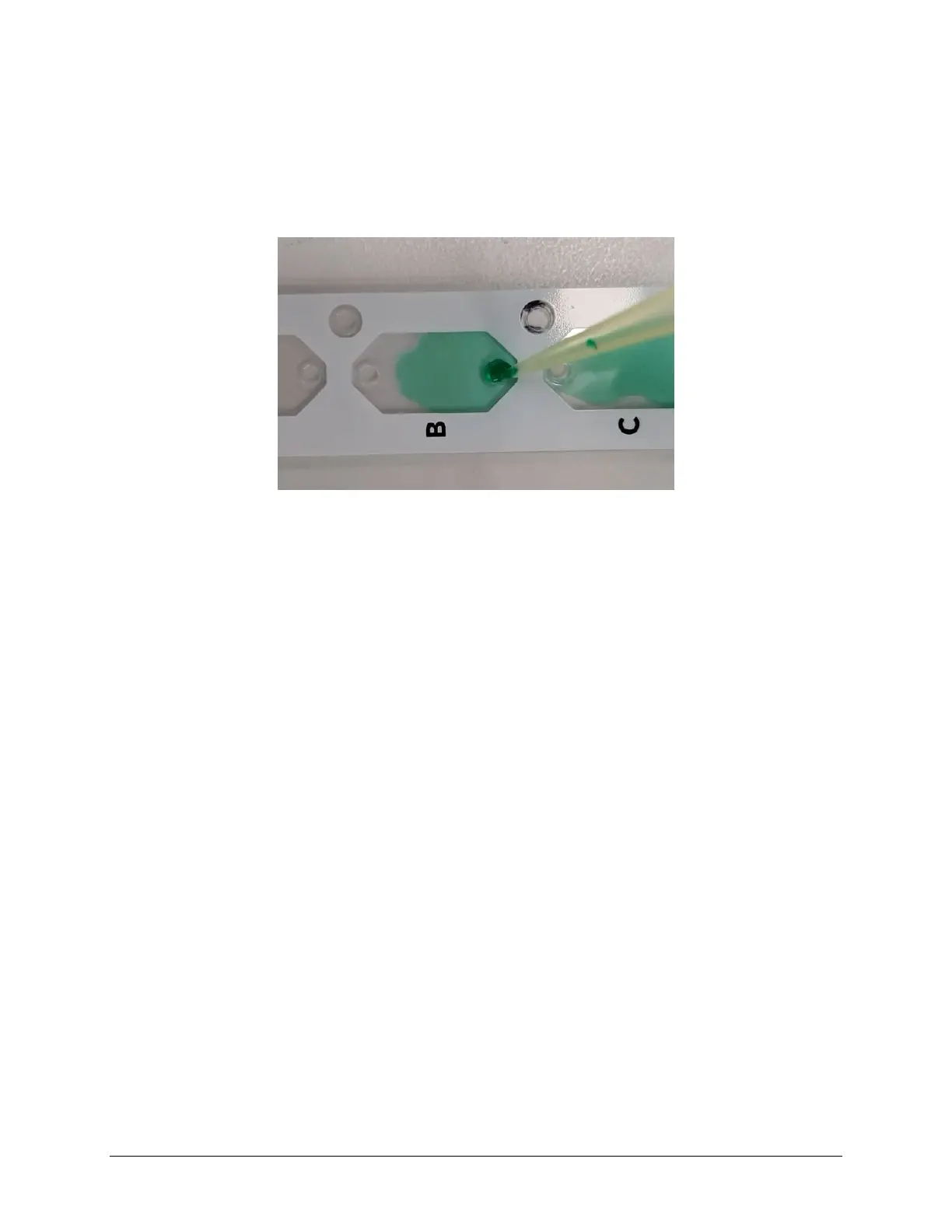
Load a counting chamber by touching the pipette tip to the chamber’s inlet port and slowly pipetting the entire
recommended sample volume per chamber all at once. Capillary force automatically spreads the sample within the
chamber. Each counting chamber can hold a separate sample as there is no mixing between the two individual
chambers on a slide.
Note: Ascend 8-Chamber slides are compatible for use with a standard multi-channel pipette.



 To Next Page