Chapter 8. Matrix Counting and Analysis Workflow
8004708 Cellometer™ Ascend User Manual Rev A 44
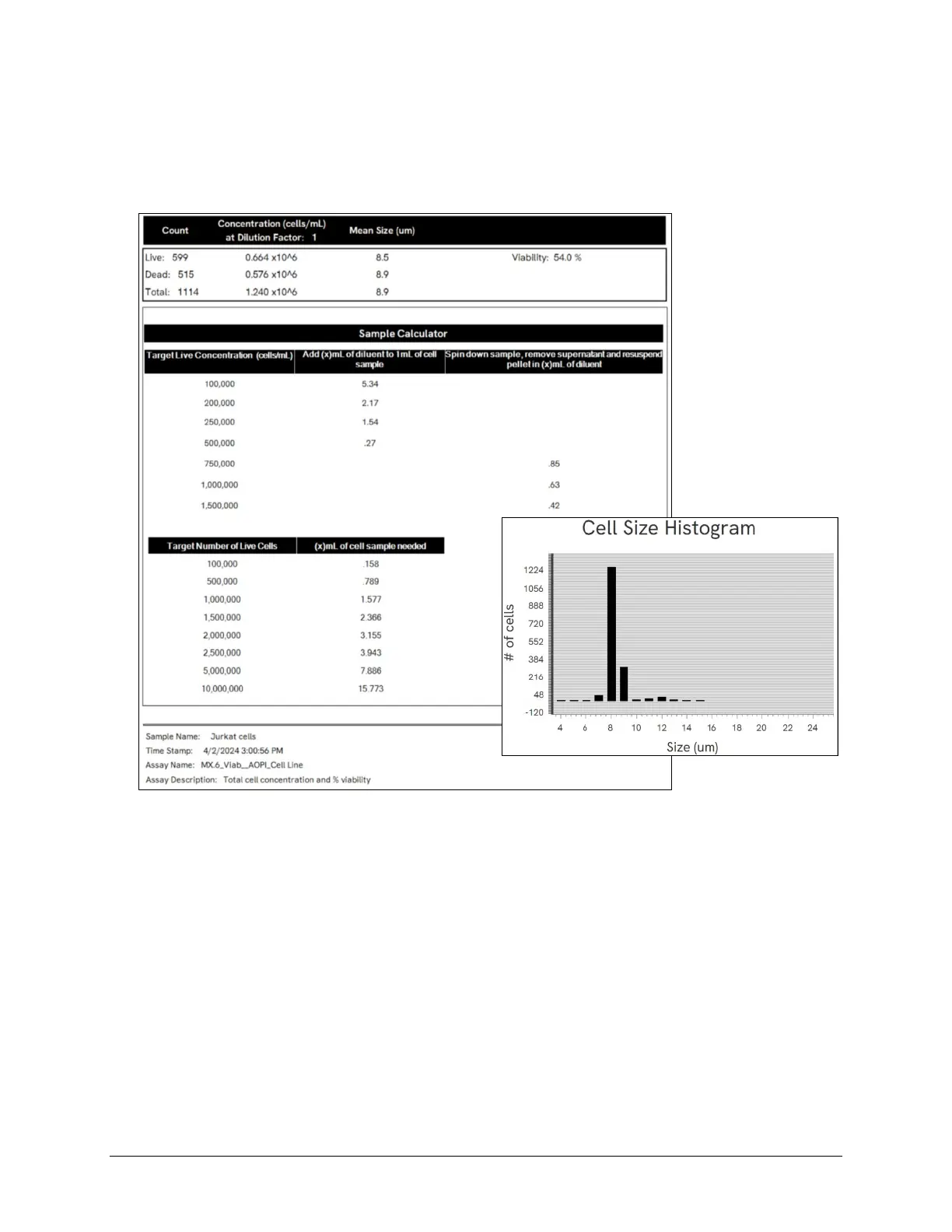
• Data analysis features such as a Cell Size Histogram and Sample Adjustment Calculator can easily be built into
report templates to facilitate and enhance results visualization and evaluation. See the Cellometer Matrix
Software User Manual for details on editing report templates and how to add them as tabs to customize assay
scan results.



 To Next Page