4.4 Device Profile
The Rexroth device profile described below is used as common profile for the
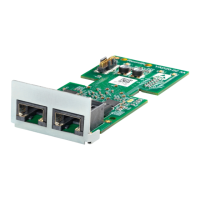
MEP extension card.
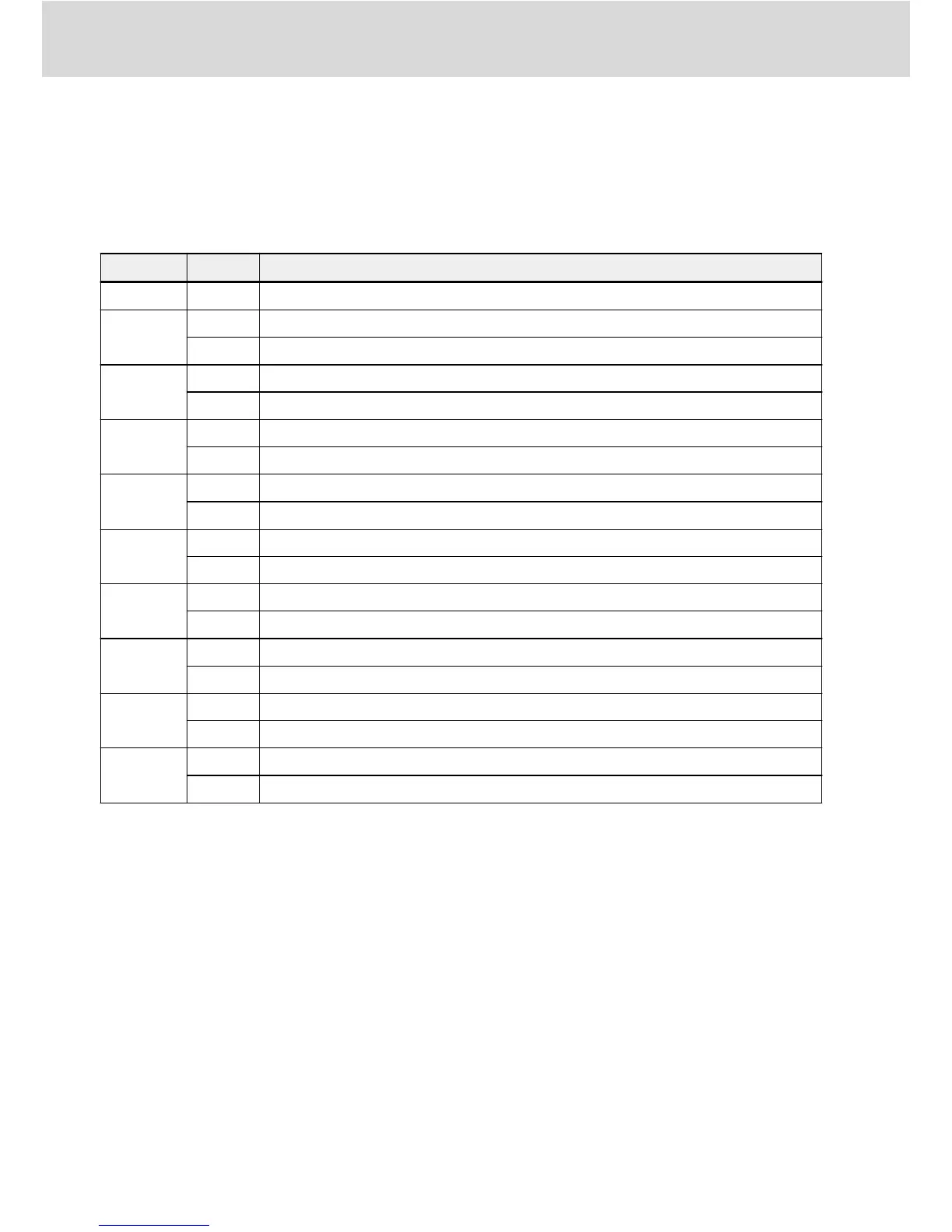
The following table is a general description of the H0.00 control words which
are used to send commands from master to slave.
Bit Value Meaning
15…9 - Reserved
8
1 Freewheeling stop
0 Inactive
7
1 Control word active
0 Inactive
6
1 Stop Acc. / Dec. active (stop the internal Acc. / Dec. ramp generator)
0 Inactive
5
1 Fault reset active
0 Inactive
4
1 E-stop active
0 Inactive
3
1 Stop according to parameter setting
0 Inactive
2
1 Reverse
0 Forward
1
1 Jog active (jogging direction determined by bit 2)
0 Inactive
0
1 Run command active
0 Inactive
Tab. 4-7: Control word definition
● Bit 8 Freewheeling stop
Freewheeling stops that ignore the frequency converter stop mode setting. Only
active start from frequency converter firmware version 03V12.
● Bit 6 Stop acceleration/deceleration active
The current acceleration/deceleration process will be paused when bit 6 = 1,
and it will be recovered when bit 6 = 0.
● Bit 4 E-stop active
Freewheel stop will be triggered in conjunction with panel display error ‘E-St’
when bit 4 = 1.
● Bit 3 Stop according to parameter setting
The parameter E0.50 Stop Mode is referenced when bit 3 = 1.
Bosch Rexroth AG
General Configuration
Multi-Ethernet Card
12/61
DOK-RCON0*-XFCX610*MUL-IT02-EN-P


 To Next Page