11 Diagnosis
11.1 LED Indications
The Network Status LED (Hx1) expresses the status of the MEP and the field-
bus:
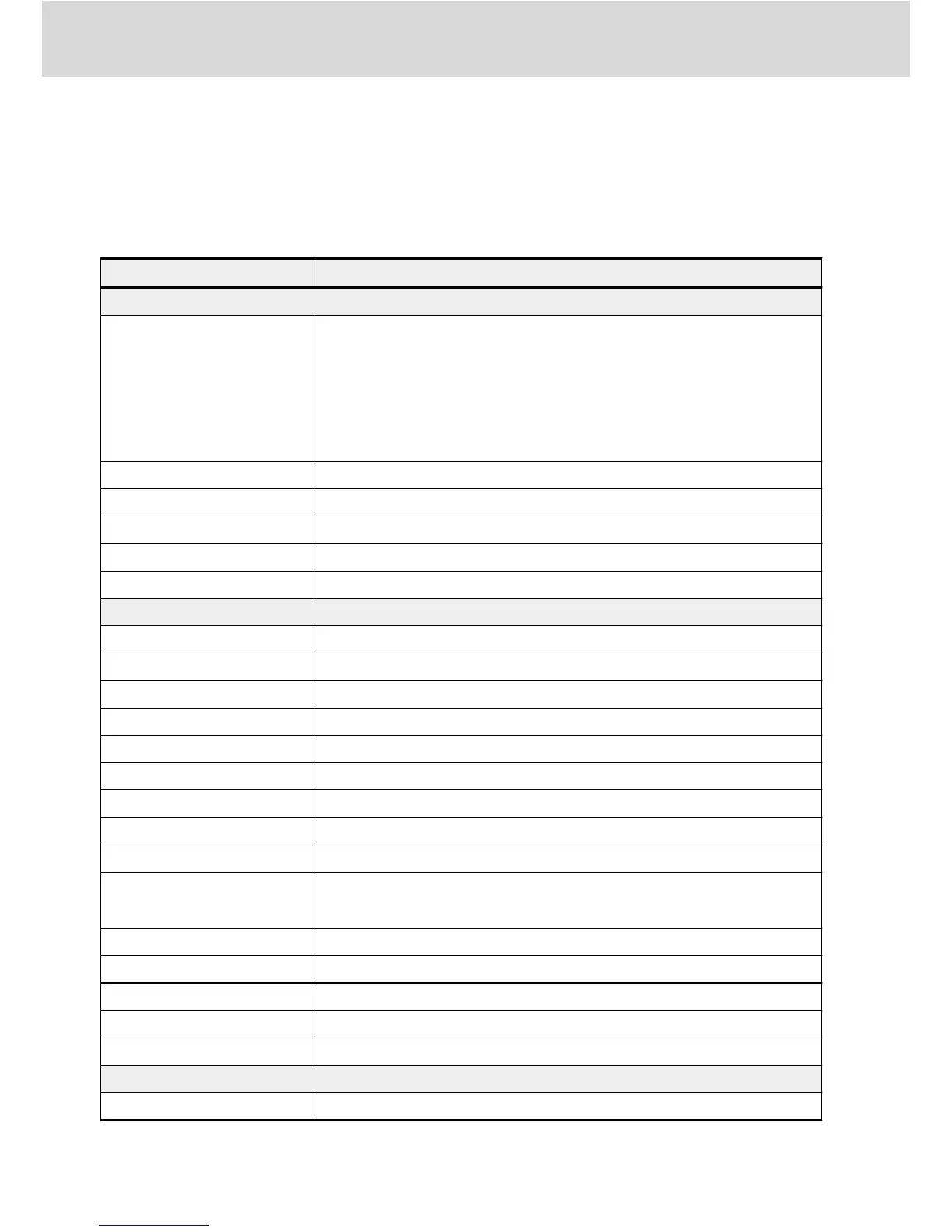
Network status LED Meaning
PROFINET IO, EtherNet/IP and Modbus/TCP
Continuous off
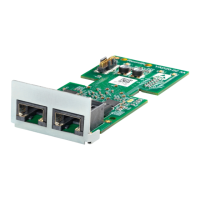
Multi-Ethernet card
● does not have a valid IP address
● has not seen an Ethernet link
● powered off
● an MEP firmware update process was running
Blinking green Does have a valid IP address, but no cyclic connection was established
Continuous green Cyclic connection is established and it is free of errors
Blinking red Cyclic connection was terminated unexpectedly
Continuous red Duplicate IP address in network detected
Blinking green/red Multi-Ethernet card is in power up mode and is conducting a self-test
SERCOS III
Continuous off NRT state (no SERCOS III communication)
Continuous orange Communication phase 0
Orange with 1 green pulse Communication phase 1
Orange with 2 green pulses Communication phase 2
Orange with 3 green pulses Communication phase 3
Continuous green Communication phase 4
Blinking green/orange Hotplug phase 0
Green with 1 orange pulse Hotplug phase 1
Green with 2 orange pulses Hotplug phase 2
Blinking green
Switched from Fast-Forward to Loopback
(e.g. due to link loss at one port)
Blinking red/orange Application error
Blinking green/red Warning for MST losses exceeded half of tolerable losses
Continuous red Communication error
Blinking orange Identification
Blinking red Firmware watchdog error
EtherCAT
Off Status Init
Bosch Rexroth AG
Diagnosis
Multi-Ethernet Card
54/61
DOK-RCON0*-XFCX610*MUL-IT02-EN-P


 To Next Page