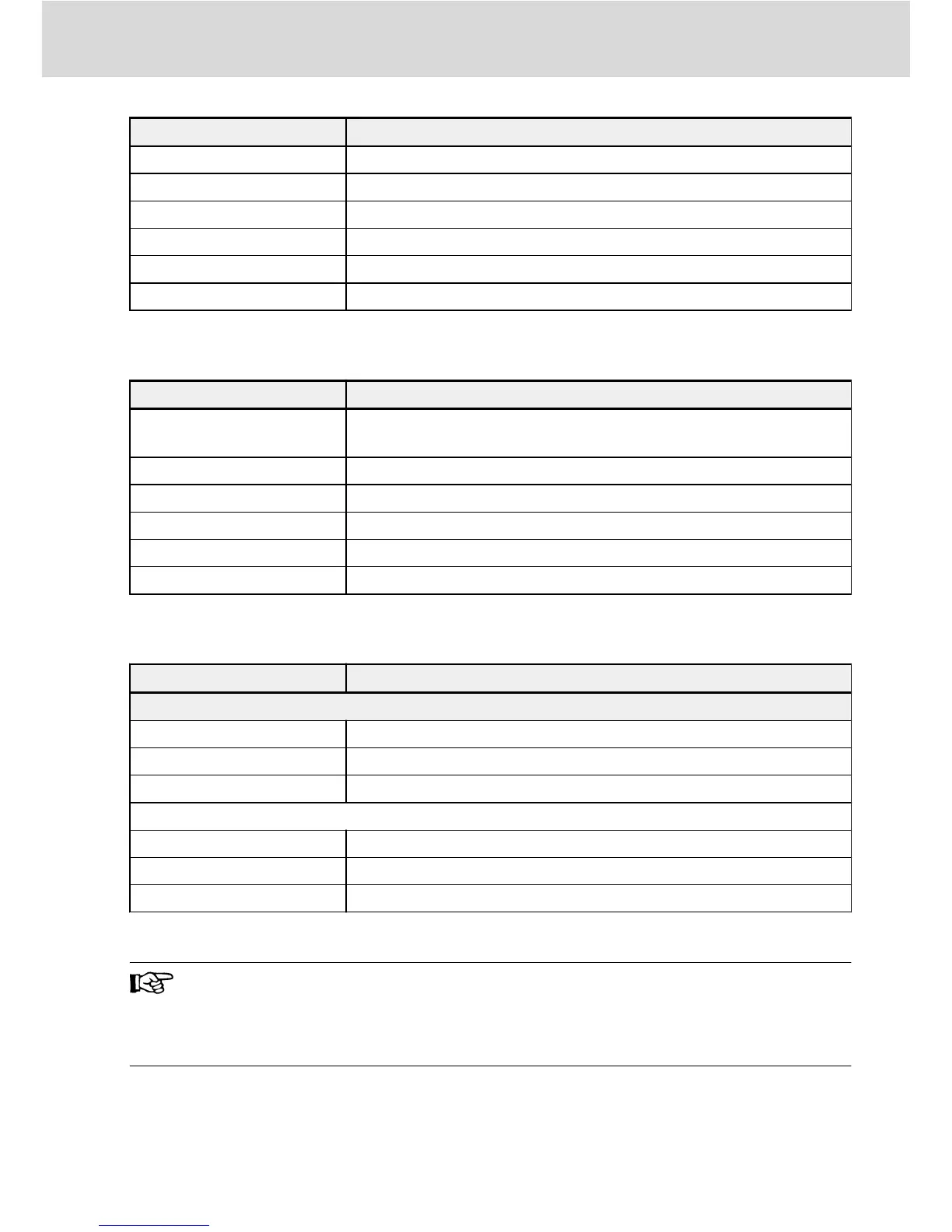
Network status LED Meaning
Blinking green Status Pre-Operational
Green light blinking once Status Safe-Operational
Green light steady on Status Operational
Blinking red Configuration error
Red light blinking once Synchronization error
Red light blinking twice Timeout – watchdog
Tab. 11-1: LED (Hx1) status
The Module Status LED (Hx2) expresses the status of drive application:
Module status LED Meaning
Continuous off
Frequency converter is powered off or no communication between
fieldbus platform and base drive system
Blinking green Frequency converter is in STOP state, no errors pending
Continuous green Frequency converter is in RUN state, no errors pending
Blinking red Frequency converter is in RUN state, a warning is pending
Continuous red Frequency converter is in STOP state, an error is pending
Blinking green/red N/A
Tab. 11-2: LED (Hx2) status
The PHY status LEDS (Hx3/Hx4) are expressing the Ethernet line status:
PHY status LED Meaning
PROFINET IO, EtherNet/IP, SERCOS III and Modbus/TCP
Continuous off No Ethernet link established at the appropriate Ethernet port.
Green Ethernet link was established.
Flickering yellow Activity on Ethernet line (telegram transmission).
EtherCAT
Continuous off No Ethernet link established at the appropriate Ethernet port
Green Ethernet link was established
Flickering green Activity on Ethernet line (telegram transmission)
Tab. 11-3: LED (Hx2) status
● H11, H12 and H13/H14 are available when the Multi-Ethernet card
is installed on the left card slot
● H21, H22 and H23/H24 are available when the Multi-Ethernet card
is installed on the right card slot
Multi-Ethernet Card Bosch Rexroth AG
Diagnosis
DOK-RCON0*-XFCX610*MUL-IT02-EN-P
55/61


 To Next Page