User Manual Bearing System RT-300
Issue: 2017/06/27 [Rev 1.04.c] Page 21 of 79 12-9-1-0013-9-2-0001-3-1-60
5.1.10 SCAN-Display
As soon as the scanning mode is activated, on the right hand side of the frequency display
„SCAN“ will appear (see Fig. 7). In the scanning mode, the receiver will be switched to the
distress frequency 121.500 MHz every 40 sec for a duration of 10 sec, in order to receive
transmitted distress signals. During this time the message SCAN is displayed inverted, the
frequency display is showing 121.500 MHz.
5.1.11 Selective Squelch (only ELT)
The activated function “Selective Squelch (only ELT)” is indicated as „O-ELT“ beneath the
frequency display (see also 5.2.6). If this function is activated, only transmitters in the airband
sending the normed ELT-sweep-tone will be received.
5.1.12 Status Alarm Contact
If the function „ELT-PULS (MOB)“ in the submenu SETUP - OTHER - RELAY - MODE is
selected, the anchor symbol is indicating the recognized alarm and that the relay has made
contact one time. In order to release this function again, the bearing system has to be switched
off and on again (see 6.2.1.5.5.1).
5.2 Operating the Bearing System RT-300
The bearing system can be controlled by using the 13 keys on the front of the DCU. Functions
needed for normal bearing operation can be called up directly by function keys. Functions rarely
to be changed or functions to be adjusted once during installation are selected in the menu
structure.
5.2.1 Switching On and Off: Key 1: On/Off
Using key 1 < On/Off > (see
Fig. 1: Front View DCU), you can switch on and off the device.
5.2.1.1 Switching On
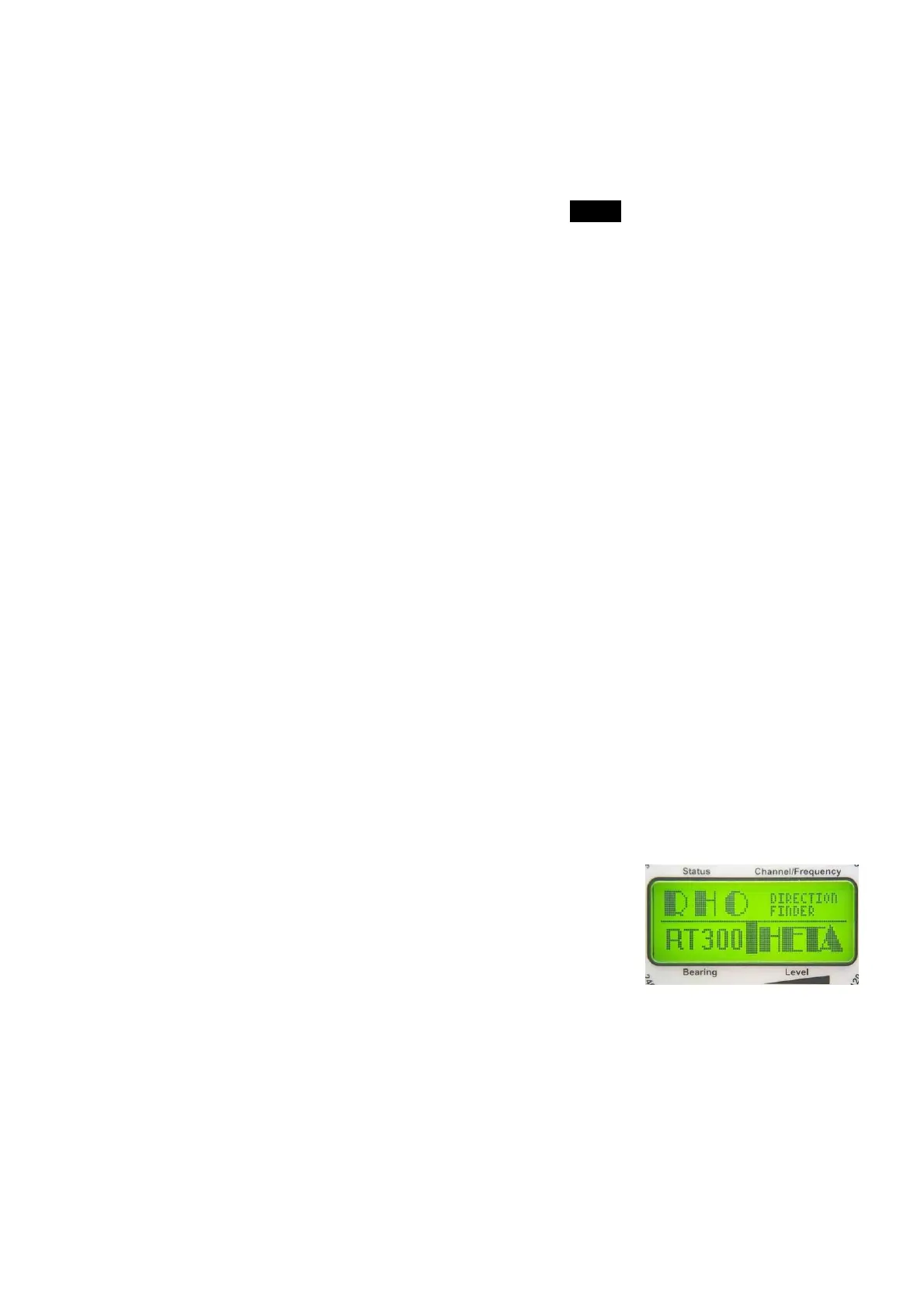
Pressing key 1 < On/Off > for at least 1 sec this is activating the
device. For about 1,5 sec the display as shown in Fig. 14 will
appear. Now the system is ready to work. Depending on previous
menu adjustments the manufacturer´s defaults or the last
selected adjustments (setups) will be active.
5.2.1.2 Switching Off
Pressing key 1 < On/Off > is closing the system. This procedure will last 3 sec. The LC-display
will show “shutting down”.
5.2.1.3 External Switching On/Off
Separating the system from the power supply will close down the system automatically, saving
all adjustments automatically. The operating voltage applied again, the system is returning to
Fig. 14



 To Next Page