User Manual Bearing System RT-300
Issue: 2017/06/27 [Rev 1.04.c] Page 50 of 79 12-9-1-0013-9-2-0001-3-1-60
- With keys 5 < > respectively 10 < > and 3 < > respectively 8 < > select
corresponding data source.
- The active selection is shown inverted.
- Key 6 < Ok > will confirm the adjustment.
- Key 9 < Clr > will reject the selection. The device will return to the next higher level of the
menu, working with the previous adjustment.
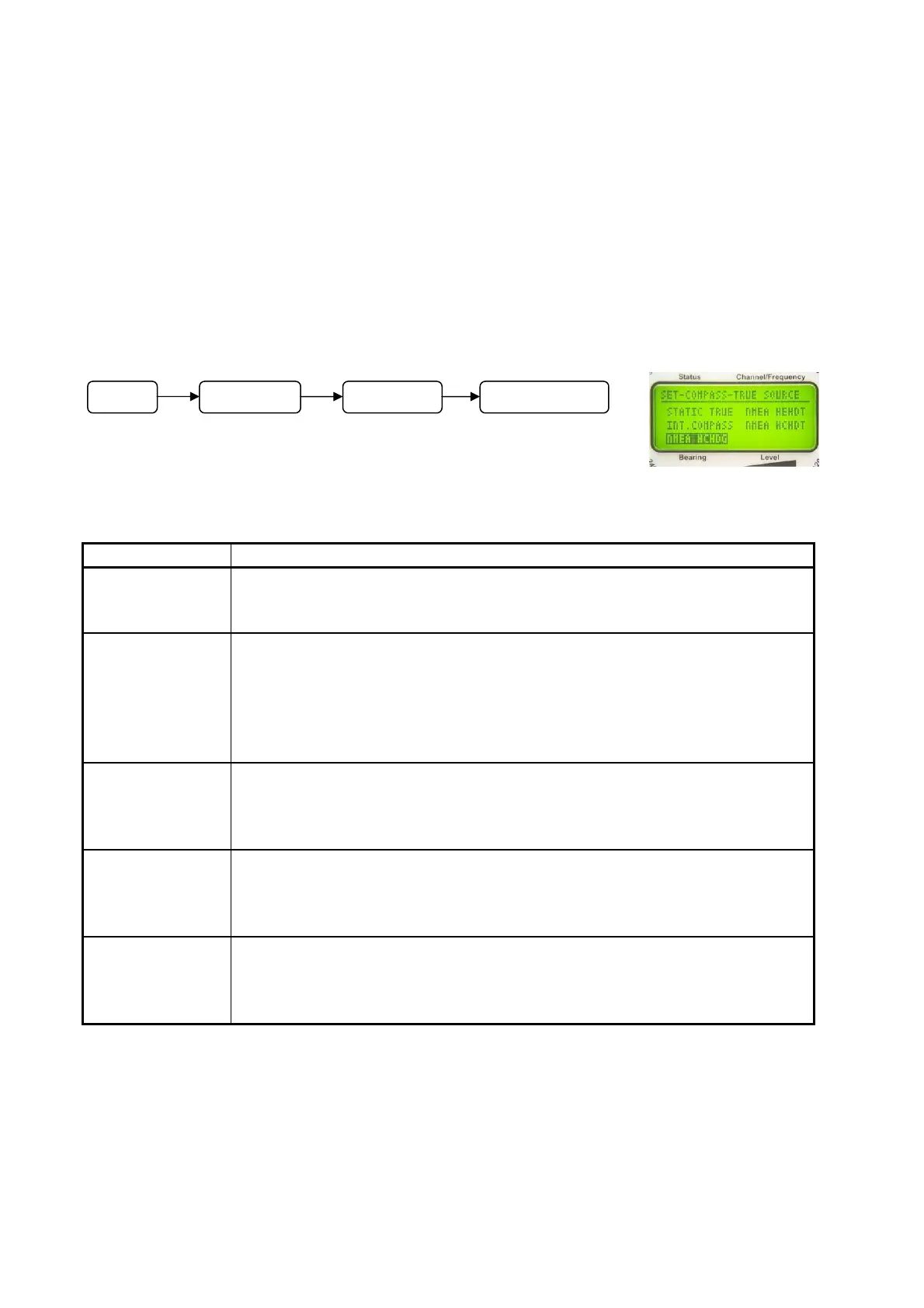
6.2.1.5.4.1 Selecting Data Source Referring to Geographic (True) North: SET COMPASS
TRUE SOURCE
In submenu SETUP – COMPASS - TRUE SOURCE a data
source is assigned to true north.
Following adjustments are possible:
Designation Meaning
STATIC TRUE A constant value is used as source. This value can be adjusted as
mentioned also in 6.2.1.5.4.3.
This adjustment is required for stationary use.
INT.COMPASS The source is the (optional) internal compass.
NOTE
The internal compass module is delivering data referring to magnetic
north. Therefore, the local variation has to be compensated (see
6.2.1.5.4.5.3).
NMEA HCHDG The data source is data of an external compass, connected via
NMEA-interface. Data format is HCHDG (see documentation “RT-
300 NMEA Serial Communication & Remote Control“, describing
exactly all these functions).
NMEA XXHDT The data source is data of an external compass, connected via a
NMEA interface. Data format is XXHDT (see documentation ” RT-
300 NMEA Serial Communication & Remote Control“, describing
exactly all these functions).
NMEA XXHDM The data source is data of an external compass, connected via a
NMEA interface. Data format is XXHDM (see documentation “RT-300
NMEA Serial Communication & Remote Control“, describing exactly
all these functions).
Operating:
- In submenu COMPASS select function TRUE SOURCE.
- The display appears as shown in Fig. 72.
Fig. 72
M
n
SETUP COMPASS TRUE SOURCE



 To Next Page