Printing Functions
91
3
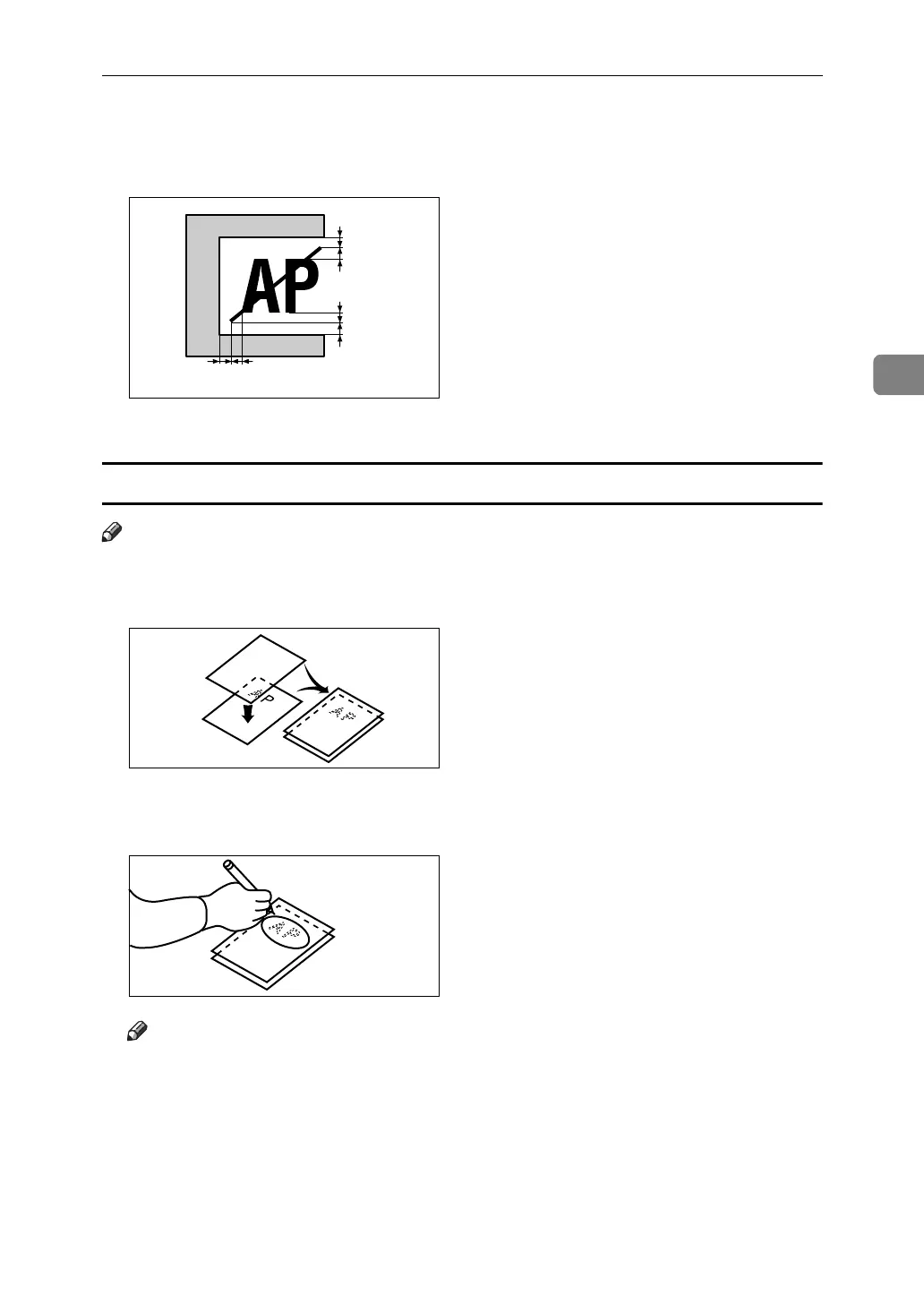
❒ The line marking the designated area should be more than 2mm, 0.08",
from any neighboring image.
a, b, c = 2mm, 0.08"
Closed area method
Note
❒ The line designating the area must be a closed loop.
A Put the command sheet on top of the original.
B Using a black, red, or blue felt tip pen, draw a line around the area to des-
ignate. The line should have a thickness of at least 1mm.
Note
❒ Make sure there is no break in the line.
❒ Draw the line at least 2mm, 0.08", away from the image so that the whole
image can be recognized.
c
a
b
GRCOMM2E
ZM-20
ZM-26





 To Next Page