Printing Functions
100
3
Security
When printing confidential docu-
ments such as examination papers,
use this function to prevent others
from using the master.
If you select Higher Security in the Se-
curity Option setting, the master eject
unit will be locked and cannot be tak-
en out.
Preparation
This function has two security op-
tions. Select which option to use in
User Tools before using this func-
tion. See p.159 “Security Option”.
• Normal: No additional prints
can be made and the drum unit
cannot be pulled out.
• Higher Security: No additional
prints can be made. The drum
unit and the master eject unit
cannot be pulled out.
Note
❒ The selected security mode cannot
be cleared by turning off the main
switch.
Setting “Normal” Security
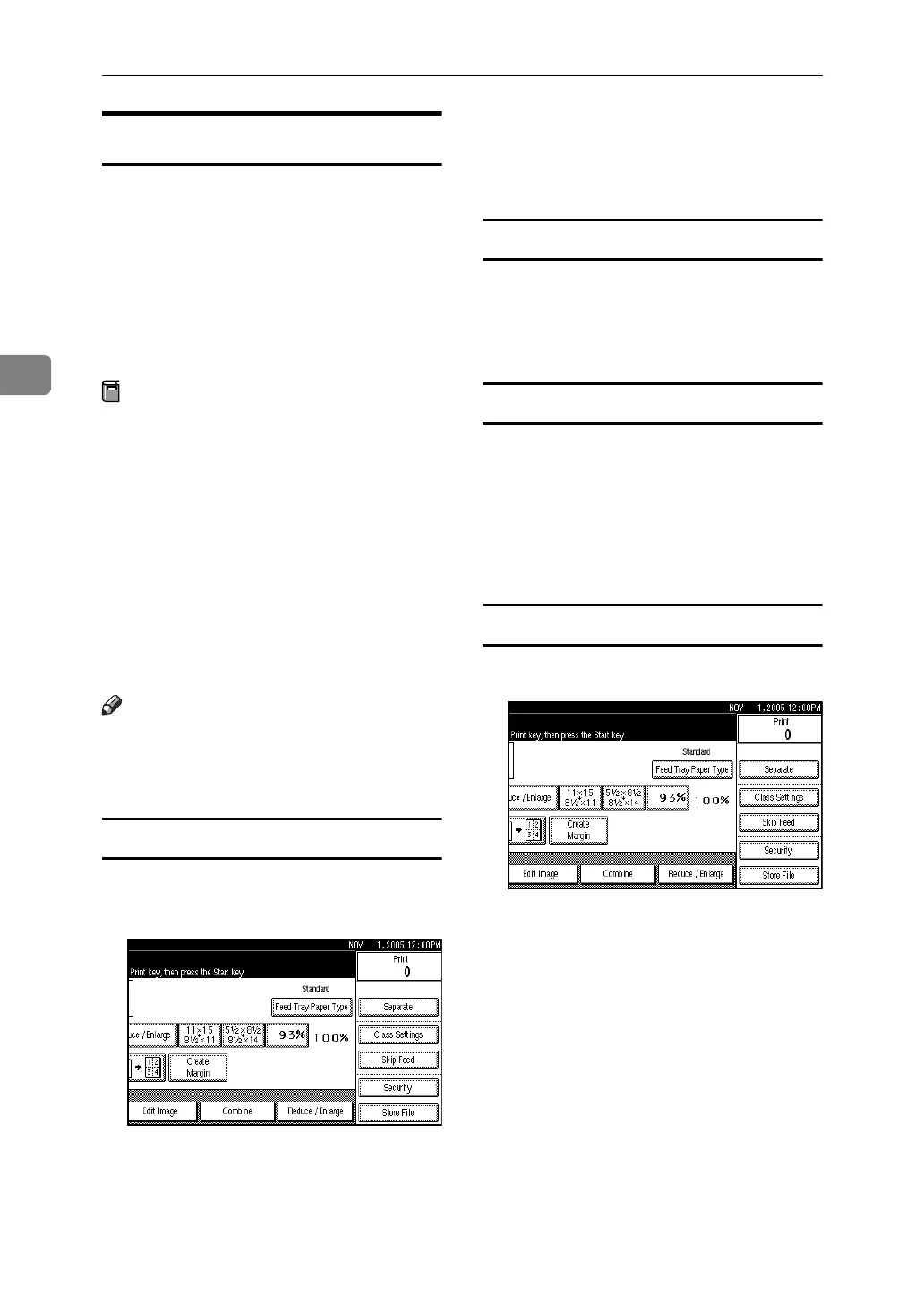
A After making prints, press [Securi-
ty].
A confirmation dialog box will ap-
pear.
B Press [OK].
The master is protected by the se-
curity function.
Disabling “Normal” Security
A Place a new original, and then
press the {Start} key.
The security function is canceled.
Setting “Higher” Security
A Select “Higher Security” in “Se-
curity Option” with the User
Tools. See p.159 “Security Op-
tion”.
B Register a security code.
Disabling “Higher” Security
A Press [Security].












 To Next Page