23
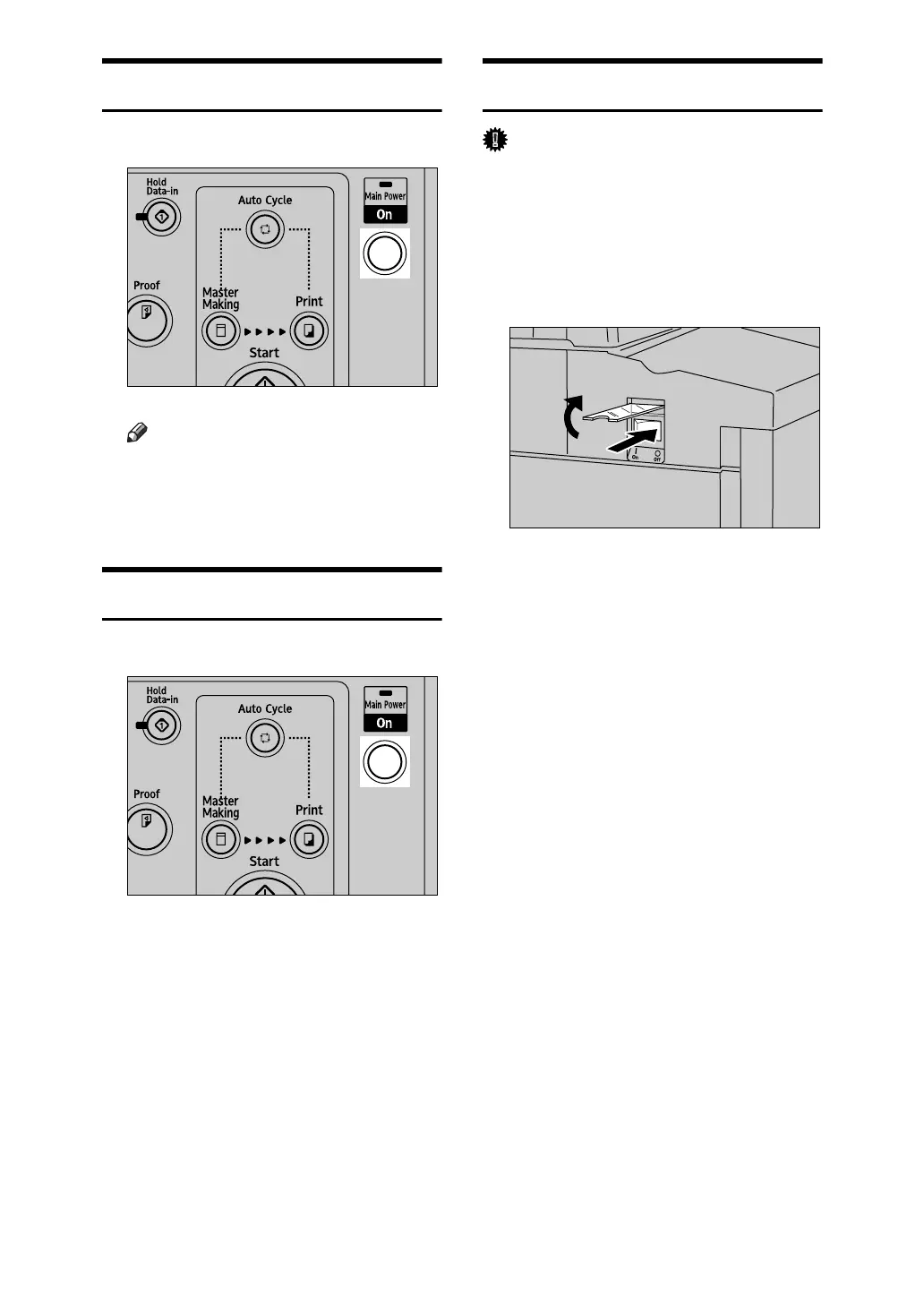
Turning On the Power
A Press the operation switch.
Note
❒ If the power is not turned on
when the operation switch is
pressed, check if the main pow-
er switch is on. If not, turn it on.
Turning Off the Power
A Press the operation switch.
Turning Off the Main Power
Important
❒ Be sure to turn off the main switch
before pulling out the power plug.
Not doing this may result in dam-
age to the hard disk or memory.
A Open the switch cover, and turn
off the main switch.
The main power indicator goes off.
AJK806S
AJK806S
AJK445S












 To Next Page