User Tools
154
5
Accessing User Tools (System
Settings/Master Making/Print Settings)
User Tools allow you to change or set
defaults.
Note
❒ Operations for system settings are
different from normal operations.
Always quit User Tools when you
have finished.
❒ Any changes you make with User
Tools remain in effect even if the
main switch or operation switch is
turned off, or the {Clear Modes} key
is pressed.
Changing Default Settings
Note
❒ If a key operator code is already
set, the operator code entry display
appears. Enter the key operator
code, and then press [OK]. See
p.158 “Key Operator Code”.
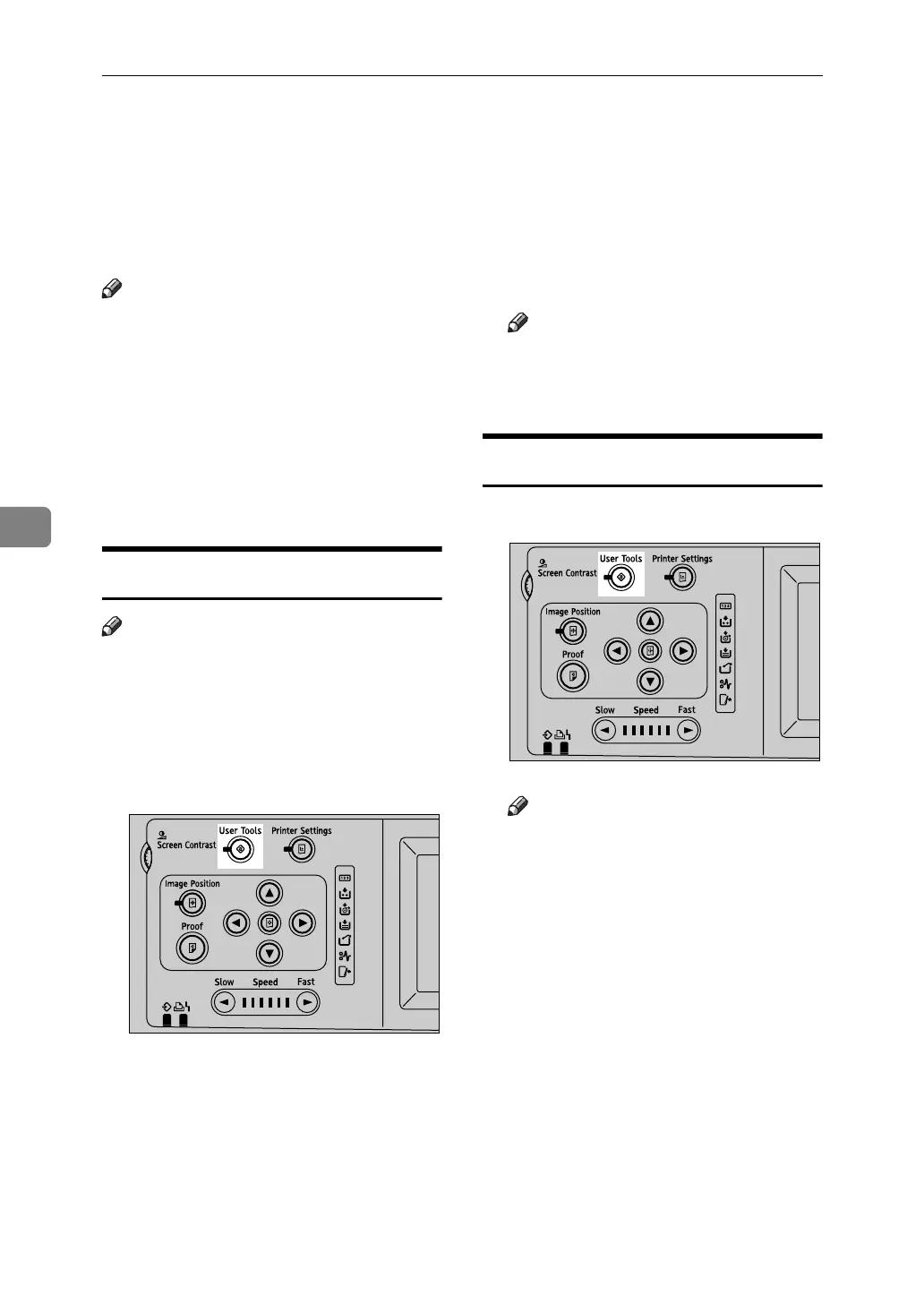
A Press the {User Tools} key.
B Press [System Settings] or [Master
Making / Print Settings].
C Select the desired menu, and then
press the appropriate key.
D Change settings by following in-
structions on the display panel,
and then press [OK].
Note
❒ To cancel changing settings and
return to the initial display,
press the {User Tools} key.
Quitting User Tools
A Press the {User Tools} key.
Note
❒ You can also exit from User
Tools by pressing [Exit].
AJK435S
AJK435S












 To Next Page