Basics
56
2
Sample Print and Adjustment
Once the master making has been
completed, it is possible to confirm
the print finish before pressing the
{Print} mode select key to start the
printing process.
Note
❒ After completing the master mak-
ing, it is only possible to adjust the
print position and speed
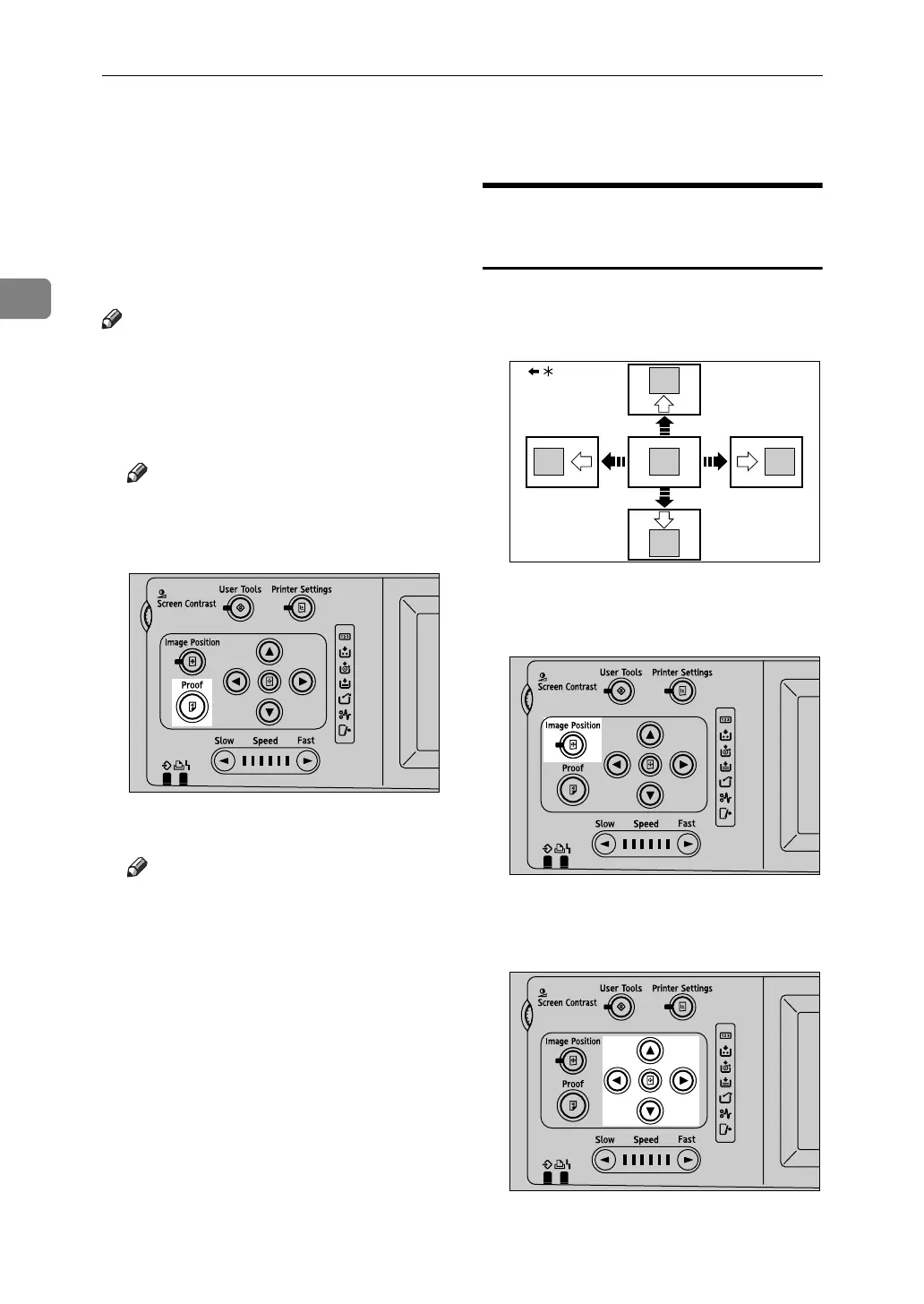
A Press the {Proof} key.
Note
❒ You can also use the {Proof} key
arranged in the right part of the
control panel.
A single printed page is ejected.
Note
❒ Press the key continuously to
eject printed pages in succes-
sion.
Adjusting the Position of
Printed Images
Use the following procedure to adjust
the position of print images as re-
quired.
* Paper feed direction
A Press {Image position}.
B Adjust image position using the
{T}, {U}, {V}, and {W} keys.
AJK438S
GRPOSI0E
AJK437S
AJK439S












 To Next Page