Printing Functions
62
3
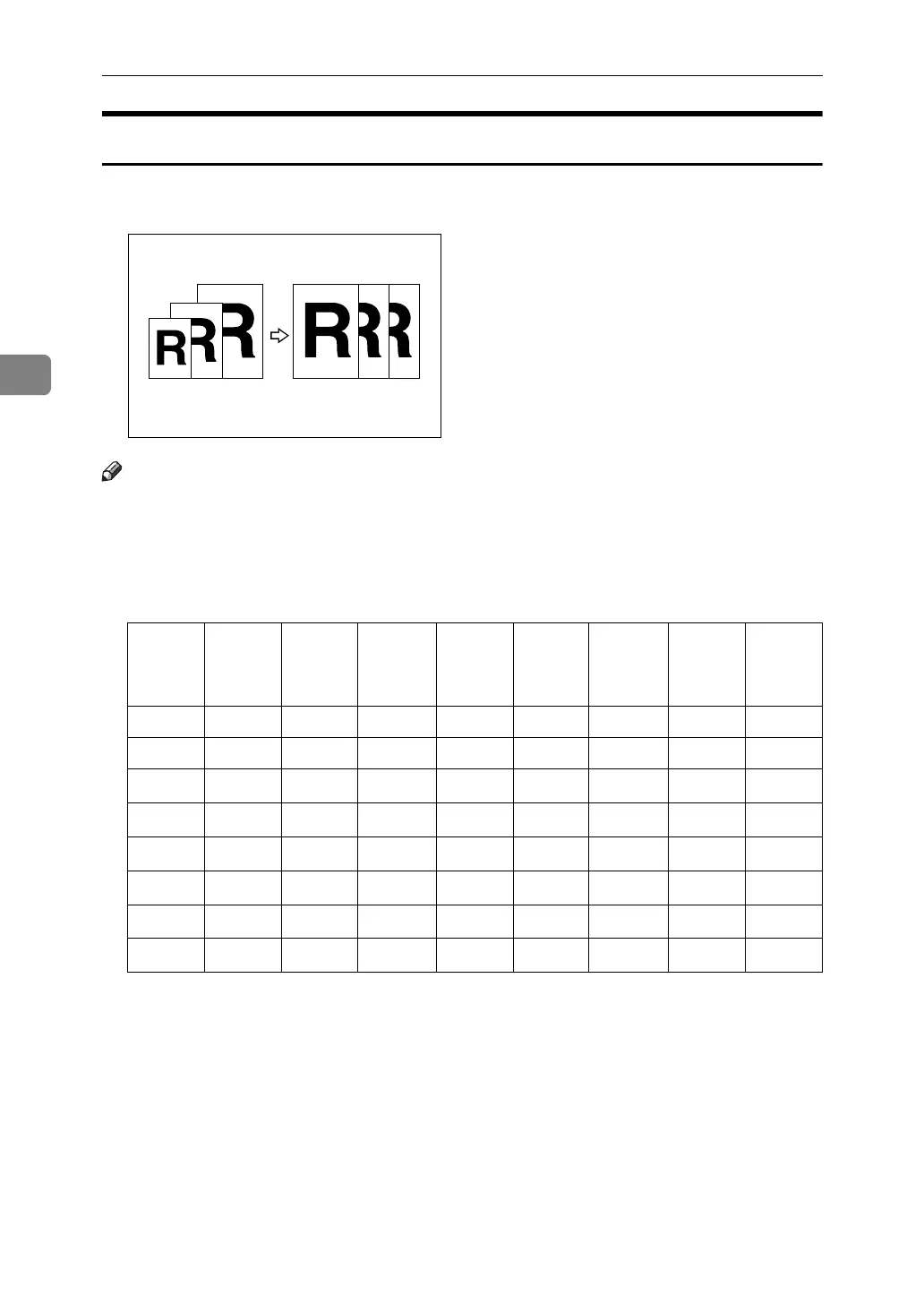
Auto Reduce/Enlarge
The machine can choose an appropriate reproduction ratio based on the paper
and original sizes you select.
Note
❒ The range of ratios you can select are 50 – 200%.
❒ The table below shows the reproduction ratios that can be selected for various
combinations of original and paper size.
❖ Metric version
*1
The machine automatically rotates the original image by 90° to match the paper
direction and selects an appropriate reproduction ratio. See p.53 “Image Rota-
tion”.
*2
Place these originals in the optional ADF.
Origi-
nal
A3L B4
JISL
A4L A4K B5
JISL
B5
JISK
A5L
*2
A5K
*2
Paper
A3L 100% 115% 141% -- 163% -- 200% --
B4 JISL 87% 100% 122% -- 141% -- 173% --
A4L 71% 82% 100%
100%
*1
115%
115%
*1
141%
141%
*1
A4K
71%
*1
82%
*1
100%
*1
100%
115%
*1
115%
141%
*1
141%
B5 JISL 61% 71% 87%
87%
*1
100%
100%
*1
122%
122%
*1
B5 JISK
61%
*1
71%
*1
87%
*1
87%
100%
*1
100%
122%
*1
122%
A5L 50% 50% 71%
71%
*1
82%
82%
*1
100%
100%
*1
B6 JISL -- 50% 61%
61%
*1
71%
71%
*1
87%
87%
*1












 To Next Page