EasyManua.ls Logo

Ricoh 3590DNP - Page 75

Ricoh 3590DNP
204 pages
Print Icon
To Next Page IconTo Next Page
To Previous Page IconTo Previous Page
Loading...
Printing Functions
63
3
Inch version
*1
The machine automatically rotates the original image by 90° to match the paper
direction and selects an appropriate reproduction ratio. See p.53 “Image Rota-
tion”.
*2
Place these originals in the optional ADF.
A Place the originals.
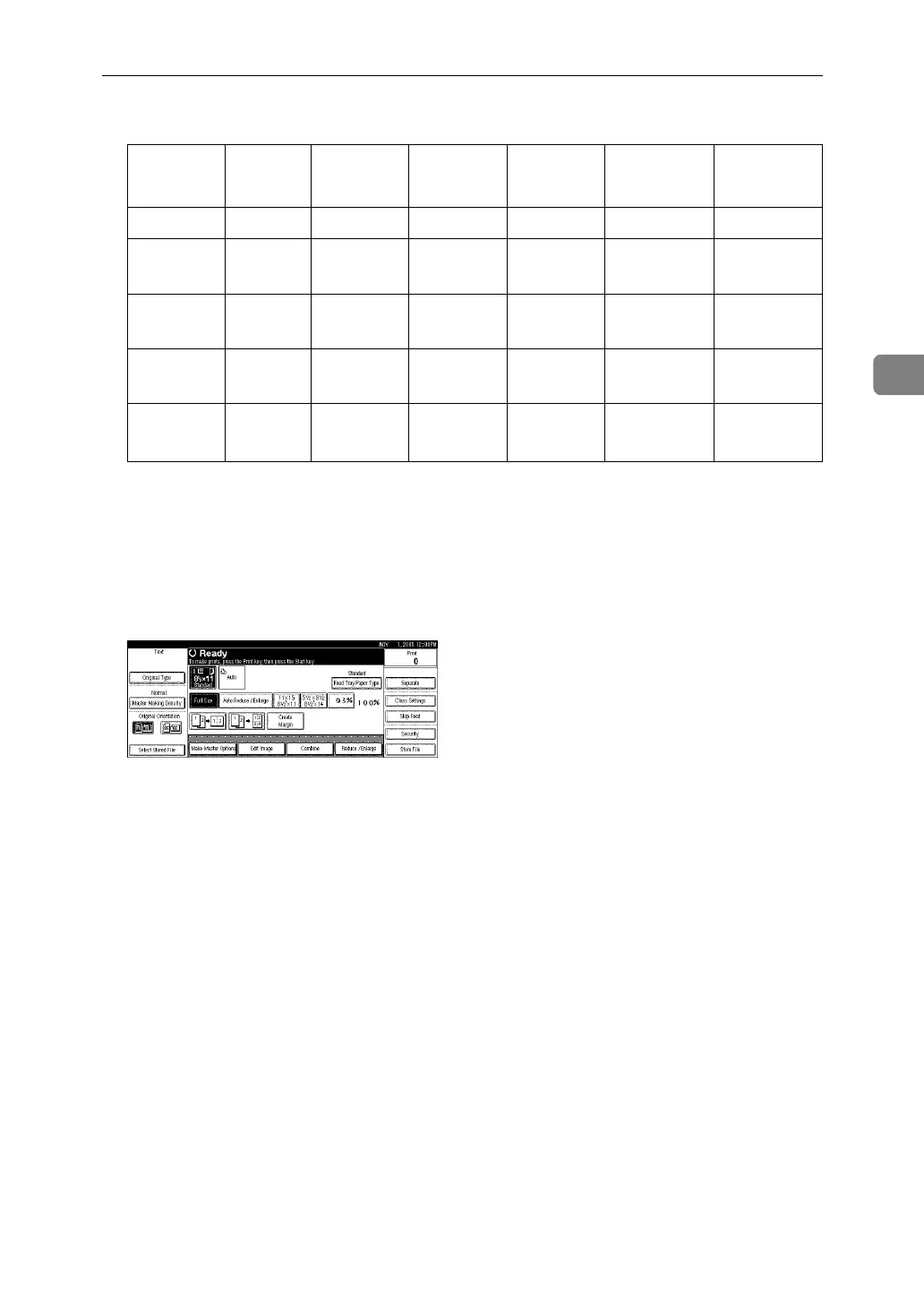
B Press [Auto Reduce / Enlarge].
C Press the {Start} key.
Original 11" ×
17"L
8
1
/
2
" ×
14"L
8
1
/
2
" ×
11"L
8
1
/
2
" ×
11"K
8
1
/
2
" ×
5
1
/
2
"L
*2
8
1
/
2
× 5
1
/
2
"
K
*2
Paper
11" × 17"L 100% 121% 129% -- 200% --
8
1
/
2
" ×
14"L
77% 100% -- -- 155% --
8
1
/
2
" ×
11"L
65% 77% 100%
100%
*1
129%
129%
*1
8
1
/
2
" ×
11"K
65%
*1
77%
*1
100%
*1
100%
129%
*1
129%
8
1
/
2
" ×
5
1
/
2
" L
50% 61% 65%
65%
*1
100%
100%
*1

Table of Contents

Related product manuals