59
3. Printing Functions
Printing Functions
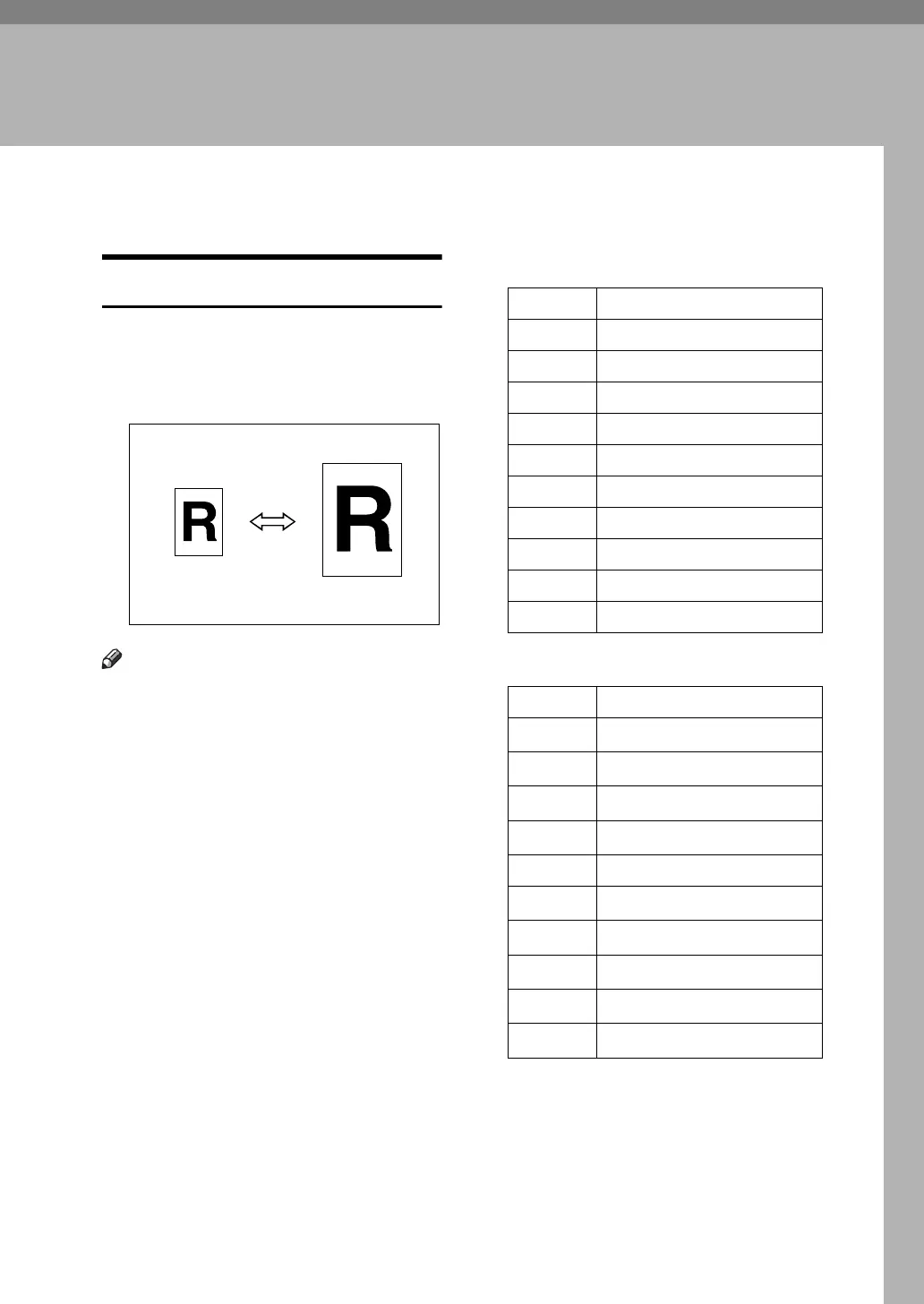
Preset Reduce/Enlarge
Use this function to reduce or enlarge
originals by a preset ratio. A total of 9
ratios are available (3 enlargement ra-
tios, 6 reduction ratios).
Note
❒ You can select a ratio regardless of
the size of an original or printing
paper. With some ratios, parts of
the image might not be printed or
margins will appear on prints.
❒ You can change the preset repro-
duction ratios with User Tools. See
p.160 “Reproduction Ratio”.
❒ Prints can be reduced or enlarged
as follows:
❖ Metric version
❖ Inch version
GRRATI0E
Ratio (%) Original → Print paper size
200 A5 → A3, B6 JIS → B4 JIS
141 A4 → A3, A5 → A4
122 A4 → B4 JIS, A5 → B5 JIS
115 B4 JIS → A3, B5 JIS → A4
93 —
87 A3 → B4 JIS, A4 → B5 JIS
82 B4 JIS → A4, B5 JIS → A5
71 A3 → A4, B4 JIS → B5 JIS,
61 A3 → B5 JIS, A4 → B6 JIS
50 A3 → A5, B4 JIS → B6 JIS
Ratio (%) Original → Print paper size
200
5
1
/
2
" × 8
1
/
2
" → 11" × 17"
155
5
1
/
2
" × 8
1
/
2
" → 8
1
/
2
" × 14"
129
8
1
/
2
" × 11" → 11" × 17"
121
8
1
/
2
" × 14" → 11" × 17"
93 —
85
F → 8
1
/
2
" × 11"
77
8
1
/
2
" × 14" → 8
1
/
2
" × 11"
74
11" × 15" → 8
1
/
2
" × 11"
65
11" × 17" → 8
1
/
2
" × 11"
50
11" × 17" → 5
1
/
2
" × 8
1
/
2
"





 To Next Page