ii
What You Can do with this Machine
Below is a quick summary of this ma-
chine's features and where to look for
more information.
❖ Basic Procedure
See p.46 “Basic Procedure”.
❖ Saving Energy
See p.48 “Saving Energy”.
❖ Printing onto Various Kinds of Paper
See p.49 “Printing onto Various
Kinds of Paper”.
❖ Image Rotation
See p.53 “Image Rotation”.
❖ Selecting Original Type
See p.54 “Selecting Original Type”.
❖ Master Making Density
See p.55 “Master Making Density”.
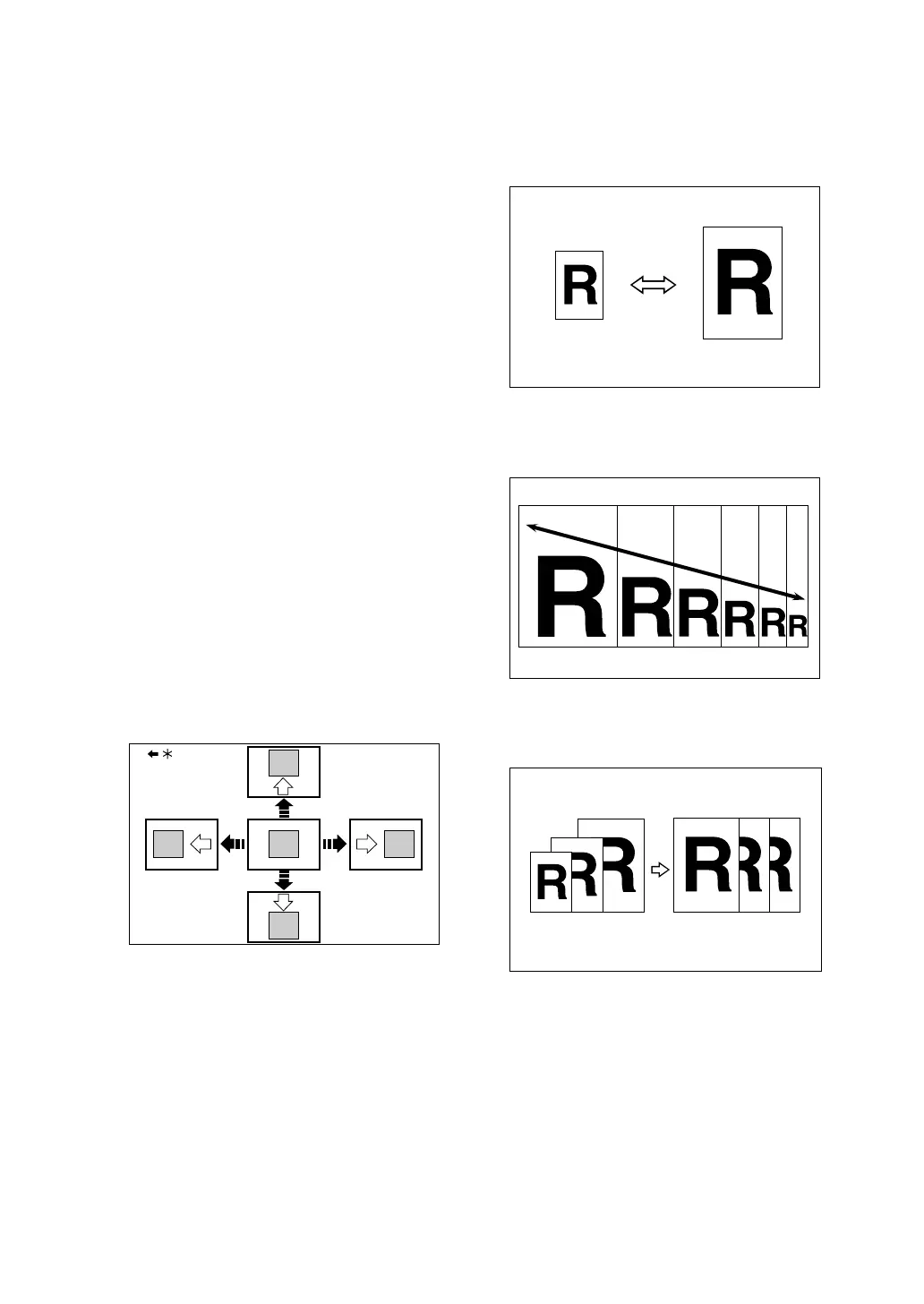
❖ Adjusting the Position of Printed Im-
ages
See p.56 “Adjusting the Position of
Printed Images”.
*Paper feed direction
❖ Changing the Printing Speed
See p.57 “Changing the Printing
Speed”.
❖ Preset Reduce/Enlarge
See p.59 “Preset Reduce/Enlarge”.
❖ Zoom
See p.60 “Zoom”.
❖ Auto Reduce/Enlarge
See p.62 “Auto Reduce/Enlarge”.
GRPOSI0E
GRRATI0E
GRZOOM0E












 To Next Page