12
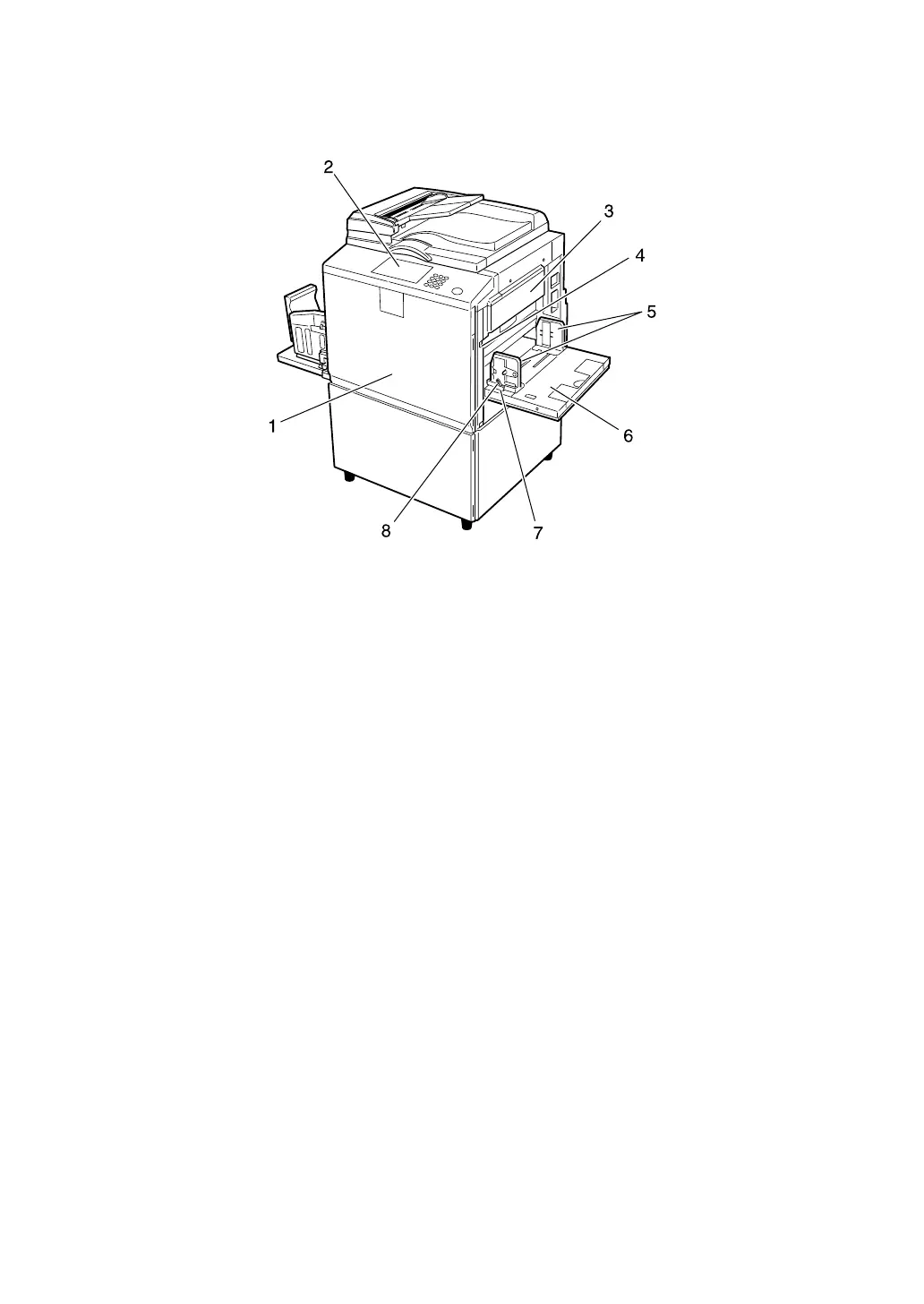
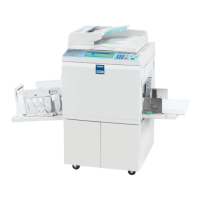
Guide To Components
1. Front door
Open to access the inside of the machine.
2. Control panel
See p.18 “Control Panel”.
3. Master making unit
Open this unit when installing the mas-
ter.
4. Paper feed tray down key
Press to lower the paper feed tray.
5. Paper feed side plates
Prevent paper skewing.
6. Paper feed tray
Load paper here.
7. Paper feed side plates knob
Use to move the side plates.
8. Paper feed side plates knob lock
lever
Locks the paper feed side plates.
AJK111S





 To Next Page