Placing Originals
45
2
Original Orientation
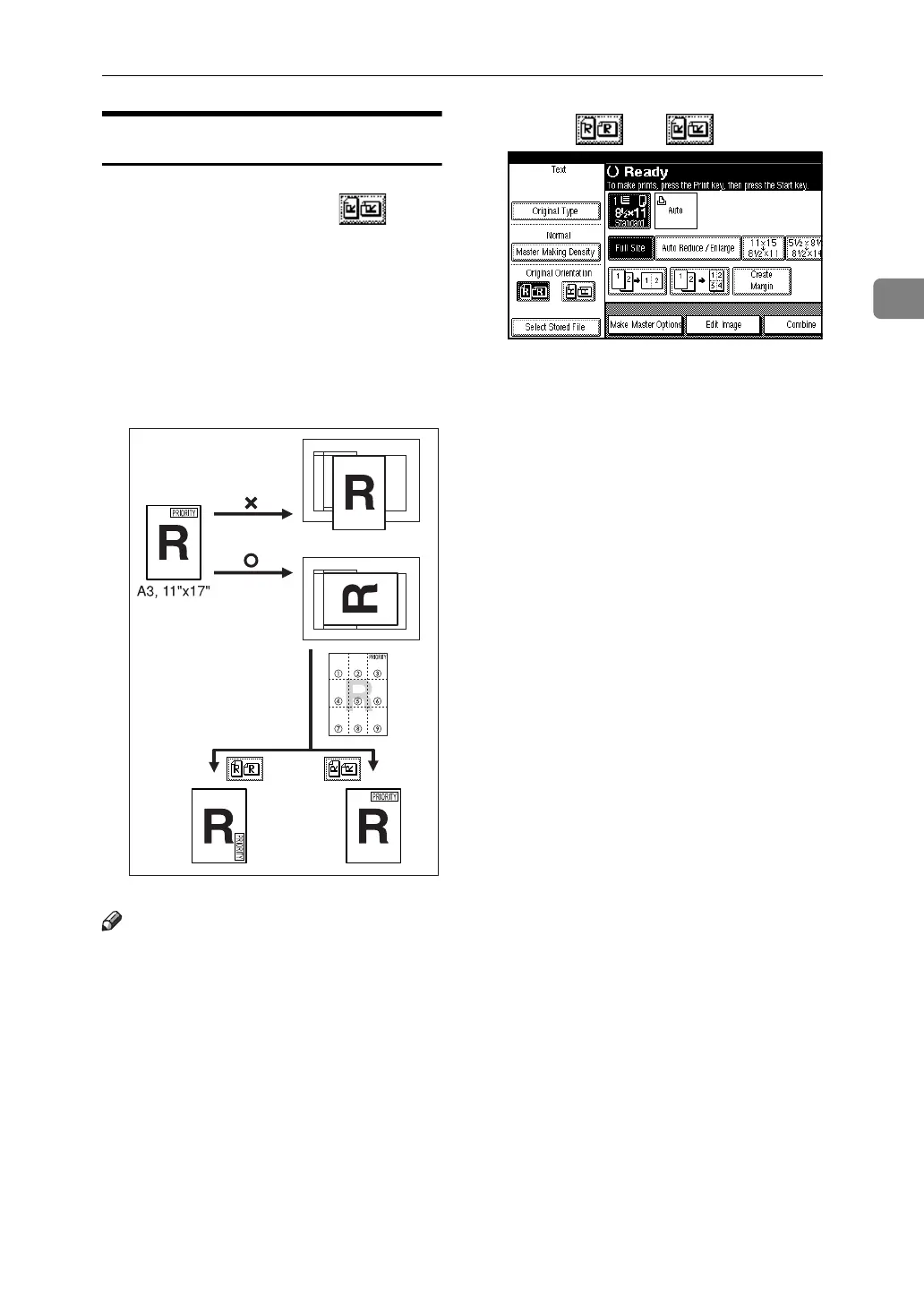
When printing A3K, B4 JISKor 11" ×
17"K size originals, select as the
Original Orientation. The machine
will then rotate the print image by
90°. This is useful for printing large
originals using the Combine, or
Stamp functions.
For example, to print A3Kor 11" ×
17"K originals with the Stamp func-
tion selected:
Note
❒ It is recommended that you use the
Original Orientation function with
the Auto Paper Select or Preset Re-
duce/Enlarge function.
A Select [] or []
AJK300S





 To Next Page