Making a Master and Prints
51
2
Making a Master and Prints
Using the default settings, you can
process masters and make prints in a
single operation. This is called "Auto
Cycle". You can also make masters
and prints in separate operations. See
the procedure below.
Note
❒ To create masters and make prints
in a single operation, see p.46 “Ba-
sic Procedure”.
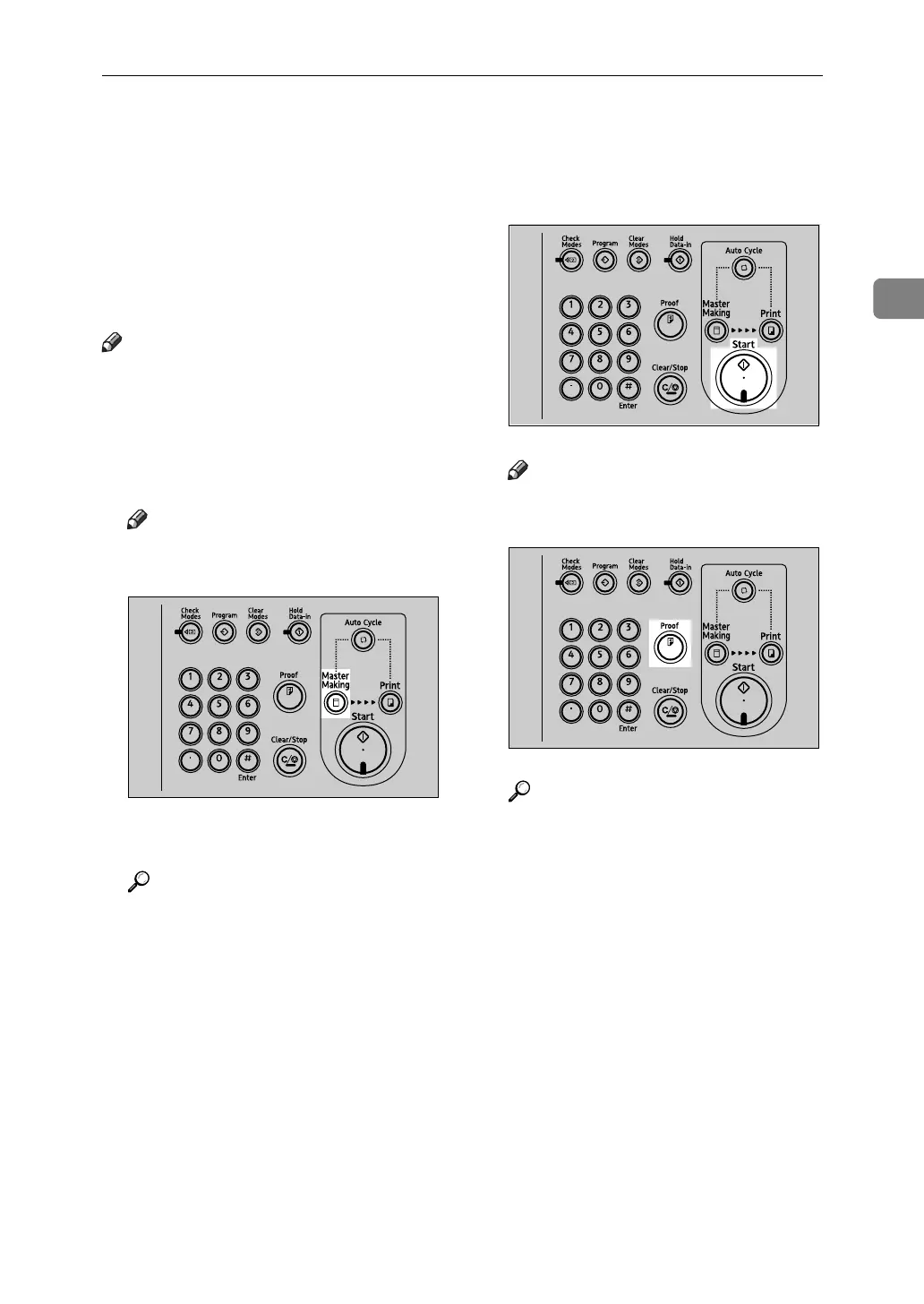
A Make sure the {Master Making}
mode select key is lit.
Note
❒ If it is not lit, press the {Master
Making} mode select key.
B Place your originals.
Reference
p.44 “Placing Originals”
C Press the {Start} key.
Note
❒ Press the {Proof} key to check
the image before making prints.
Reference
To change the image position,
see p.56 “Adjusting the Position
of Printed Images”.
D Make sure the {Print} mode select
key is lit.
AJK406S
AJK408S
AJK403S












 To Next Page