Basics
46
2
Basic Procedure
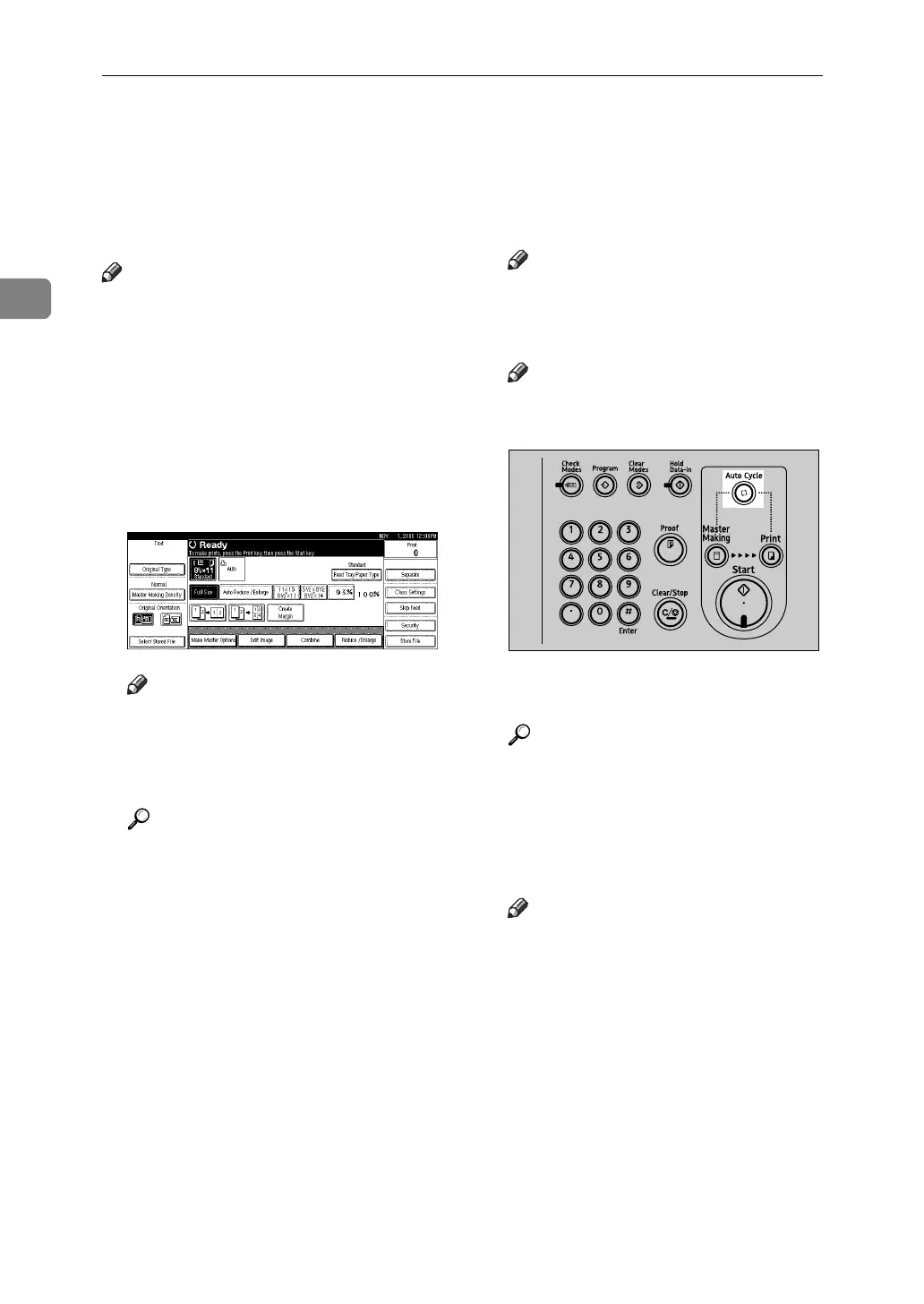
When Auto Cycle mode is on, you
can process masters and make prints
in a single operation.
Note
❒ The Auto Cycle mode is set to “on”
as default.
❒ For details about step-by-step mas-
ter and print making, see p.51
“Making a Master and Prints”.
A Make sure "d Ready" appears on
the display.
❖ Initial print display
Note
❒ If the machine has user codes
set, enter your user code using
the number keys, and then
press [#].
Reference
p.164 “User Code”
B Make sure no previous settings
remain.
Note
❒ If previous settings remain,
press the {Clear Modes} key be-
fore entering your settings.
Note
❒ Check the {Auto Cycle} mode se-
lect key is lit.
C Place the originals.
Reference
p.44 “Placing Originals”
D Make the necessary settings.
E Enter the required number of
prints using the number keys.
Note
❒ Set a print quantity between 1
(minimum) and 9999 (maxi-
mum).
AJK405S












 To Next Page