Printing Functions
74
3
A Place the originals.
B Press the [Separate] key.
C Press the {Start} key.
Note
❒ After the last page of each print set is fed out to the paper delivery tray, the
separator pulls the last sheet of each group in Separate mode. The next sep-
aration begins.
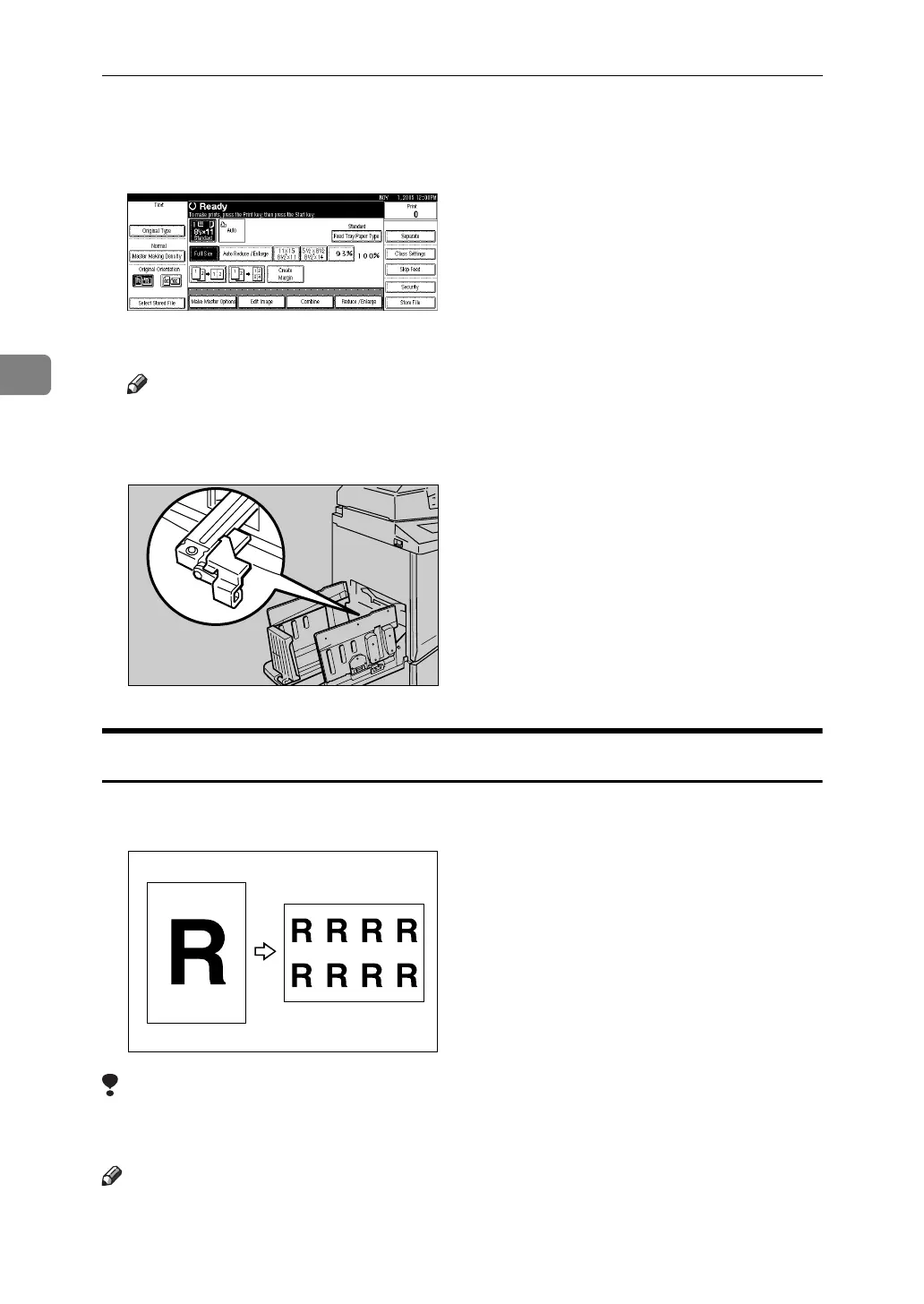
Image Repeat
Use this function to repeat the image on the same sheet of paper. You can select
to print 2, 4, 8 or 16 repeated images.
Limitation
❒ Part of the repeated image might not be printed depending on the paper sizes,
reproduction ratio and paper orientation.
Note
❒ You can print a separation line in between the repeated images. See p.161
“Combine/Image Repeat Separation Line”.
ACY039S












 To Next Page