Basics
52
2
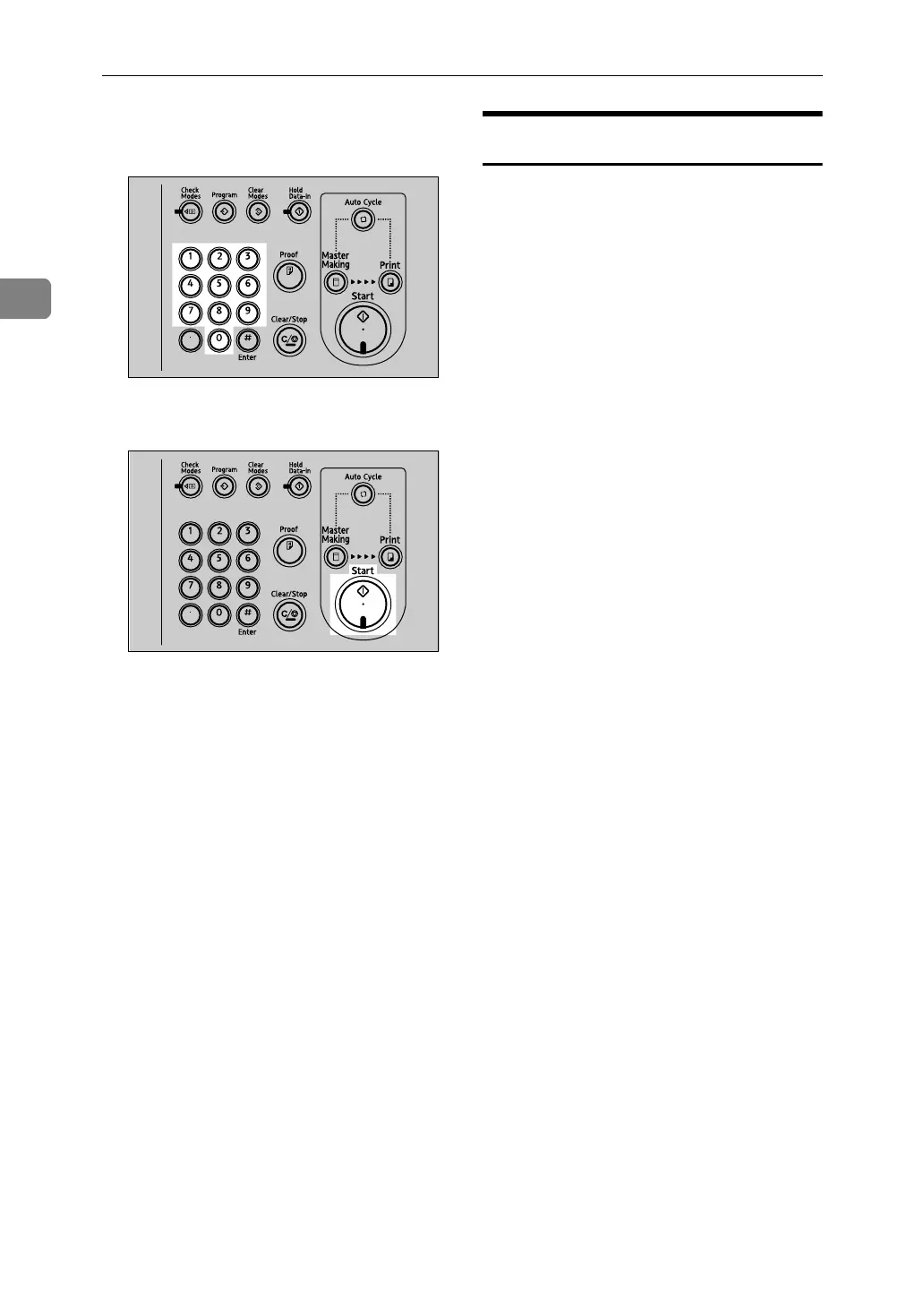
E Enter the required number of prints
using the number keys.
F Press the {Start} key.
When the print job finishes, press
the {Clear Modes} key. Previously
entered job settings are cleared.
Selecting Cycle Setting
When printing from a computer, one
of the four master making and print-
ing cycles listed below can be select-
ed. For details about Cycle Settings,
see Printer Reference.
•Auto Cycle
•Original Page Cycle
•Master Cycle
•Master/Print Cycle
AJK402S
AJK408S












 To Next Page