Basics
38
2
Loading Paper
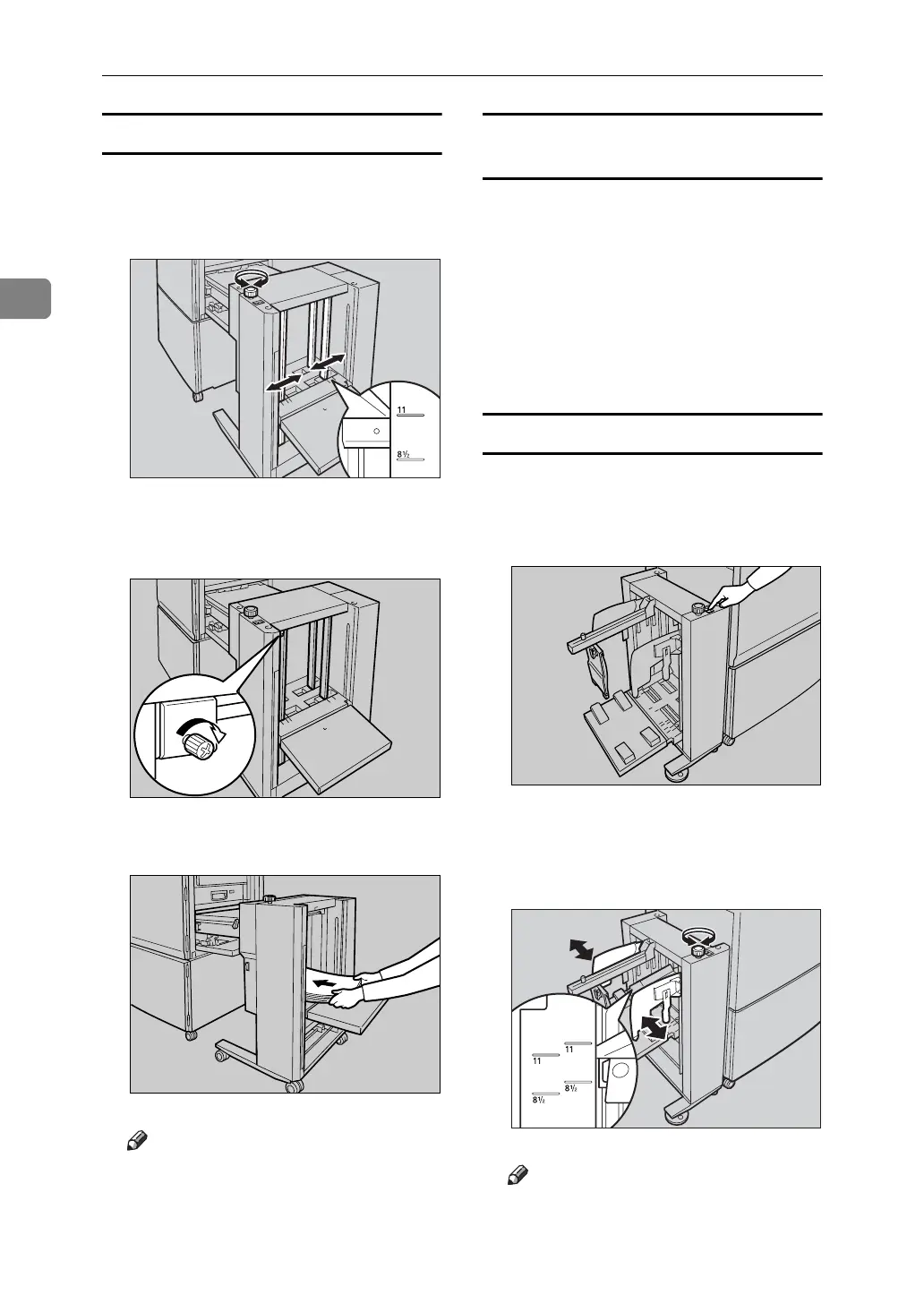
A Turn the side guide adjustment
knob to adjust the side guides to
the paper size.
B Tighten the screw to lock the side
guides.
C Load paper.
Note
❒ The leading edge of the paper
must touch the inside of the
LCIT.
Loading Paper Smaller than B6 JIS
(128 × 182 mm, 5.0" × 7.1" )
Paper smaller than B6 JIS must be
loaded directly onto the paper feed
tray of the machine. The LCIT must
be detached.
A Detach the LCIT.
B Load paper onto the paper feed
tray.
Setting up the LCOT
A Press the up button to lift the out-
put tray.
The output tray goes up.
B Turn the side guide adjustment
knob to adjust the side guides to
the paper size.
Note
❒ Align the inside of the side guides
with the appropriate mark on the
output tray.
ABQ041S
AJK166S
ABQ016S
AJK160S
ABQ042S












 To Next Page