Basics
40
2
Printing on Sizes Smaller than A4 or
8
1
/
2
" × 11"KL Paper
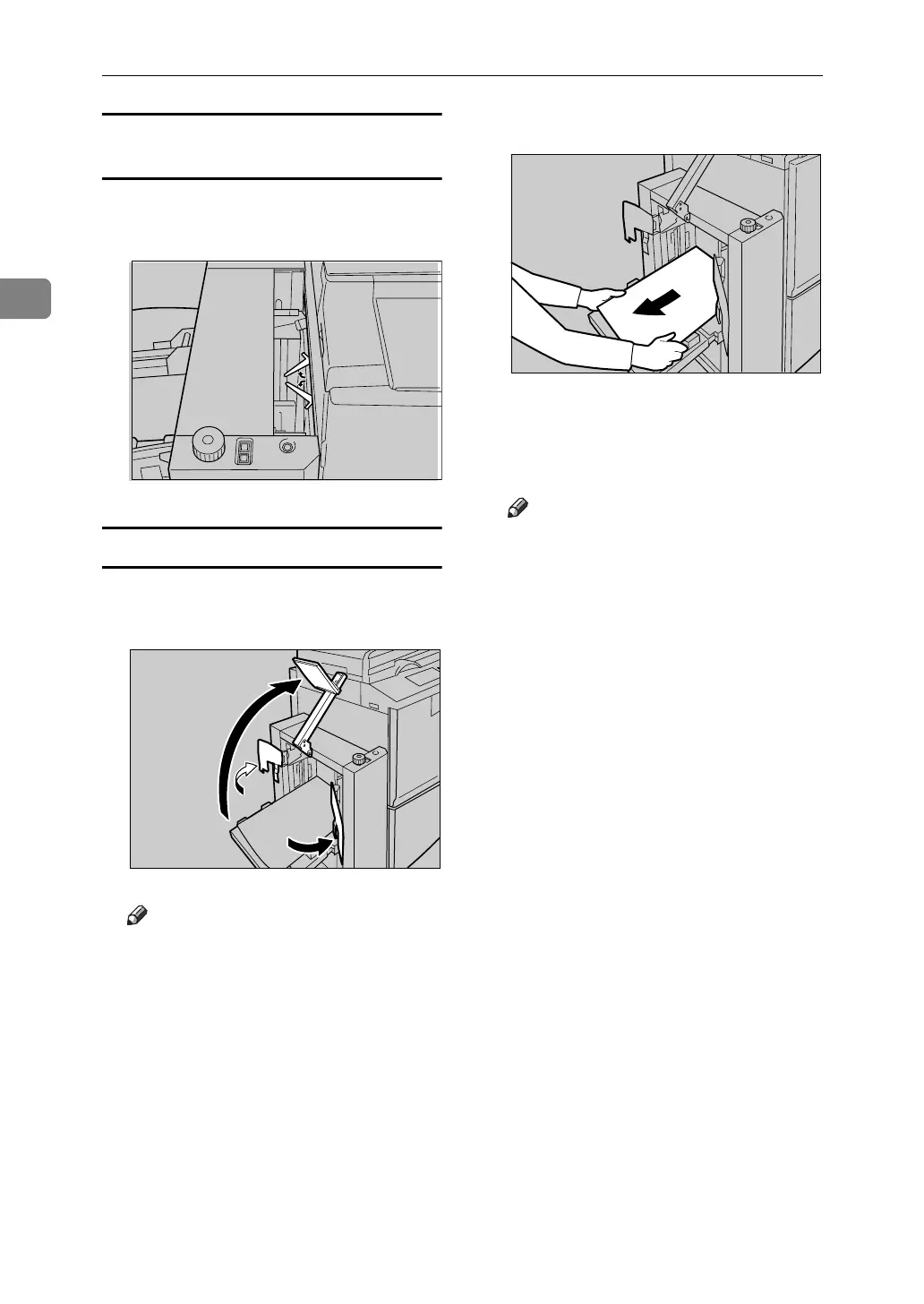
A Swing out the guides as shown in
the illustration.
Removing Prints
A Move the side guides outward,
and then lift the end plate arm.
Note
❒ Lift the end plate arm complete-
ly before releasing it.
B Remove prints.
C Move the side guides and end plate
arm back to their original posi-
tions.
Note
❒ Lower the end plate arm com-
pletely before releasing it.
AJK311S
AJK164S
ABQ027S












 To Next Page