Printing Functions
81
3
Image Overlay
A Place the original.
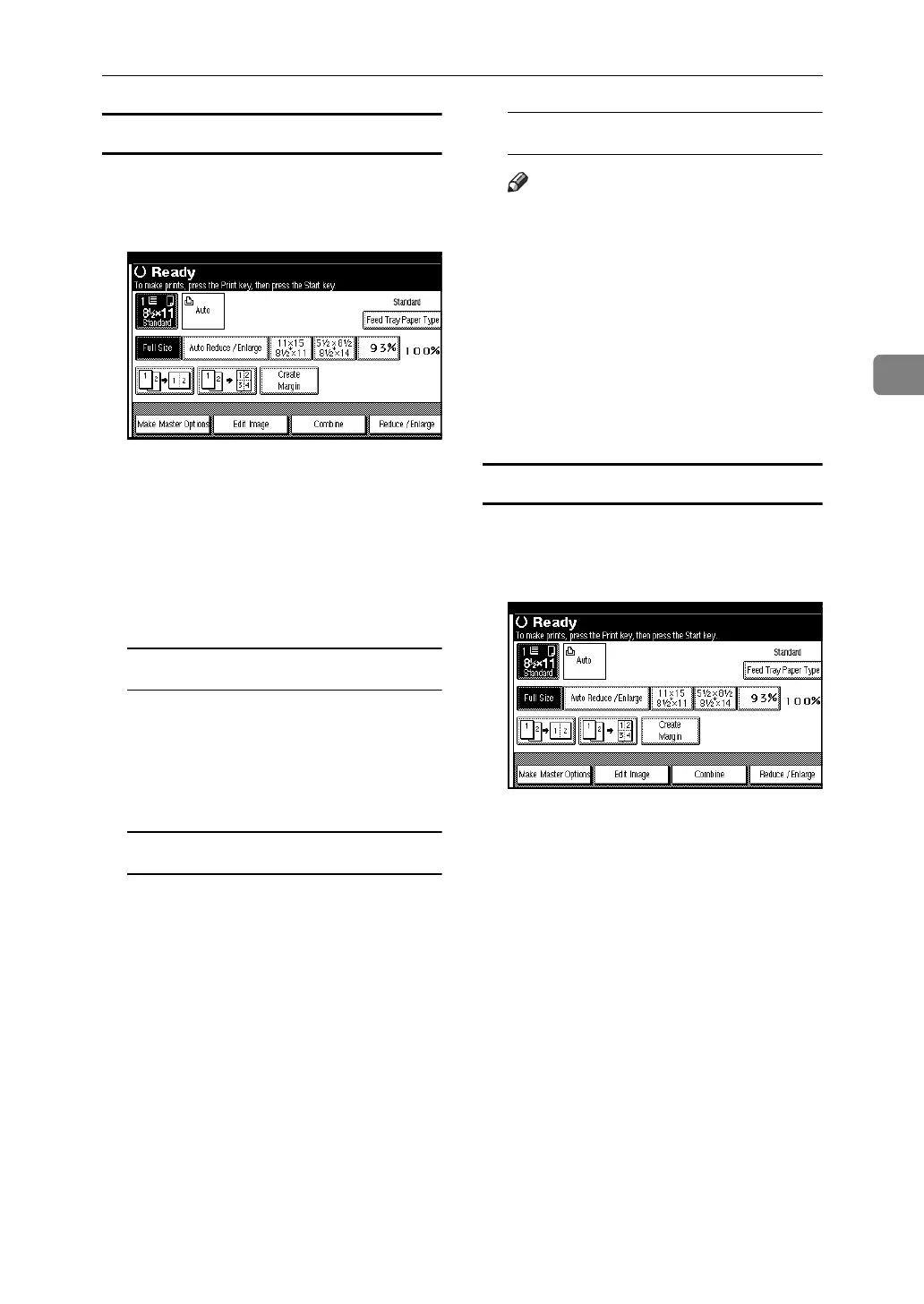
B Press [Edit Image].
C Press [Overlay].
D Press [Image Overlay].
E Select the original overlay 1 type.
You can select the online data,
scanner or stored file.
Select online data
A Press [Online Data].
B Press [OK] twice.
C Start printing with your com-
puter.
Select scanner
A Press [Scanner].
B Press [OK] twice.
C Place the original, and then
press the {Start} key.
Select stored file
Note
❒ This function can be used only
when the optional HDD board
is installed.
A Press [Stored File].
B Press the stored file name you
want to select, and then press
[OK].
C Press [OK] twice.
D Press the {Start} key.
Format Overlay (Scan + Scan)
A Place the first original.
B Press [Edit Image].
C Press [Overlay].
D Press [Format Overlay (Scan + Scan)],
and then press [OK].
E Press the {Start} key.
Master making starts.
F Place the second original, and then
press the {Start} key.












 To Next Page